Cargando el producto…

Precio de origen
$ 1.458.137
$ 1.530.149
+ flete e impuestos
Compra protegida
Puerta a puerta
Gestión aduanera
Tu compra, acompañada de principio a fin
Todo esto está en los Términos y Condiciones. Leerlos
¿Es una compra grande? Repasala con una persona.
Te contamos cómo queda el costo total —flete, impuestos y aranceles— y cuánto tarda, antes de que pongas la tarjeta.
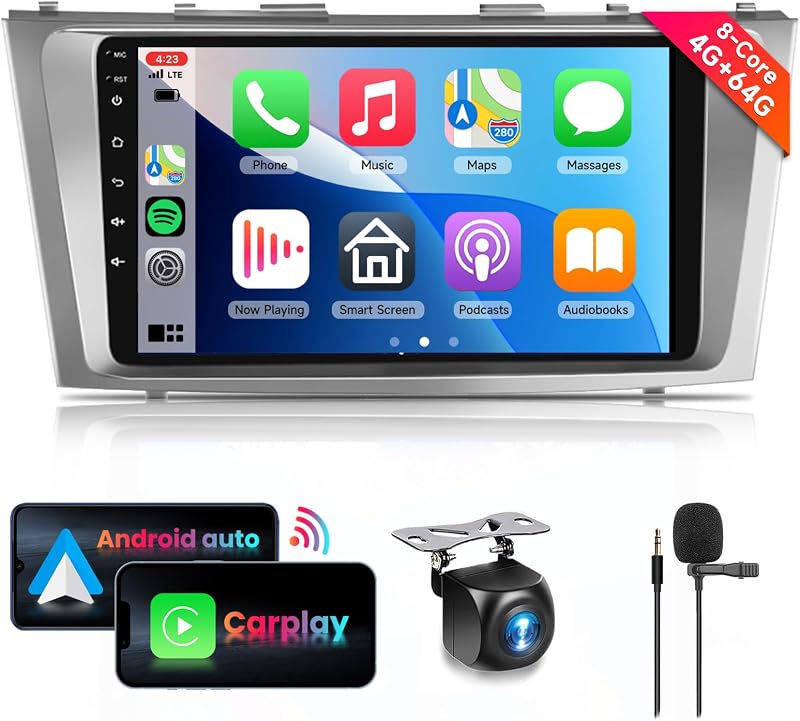
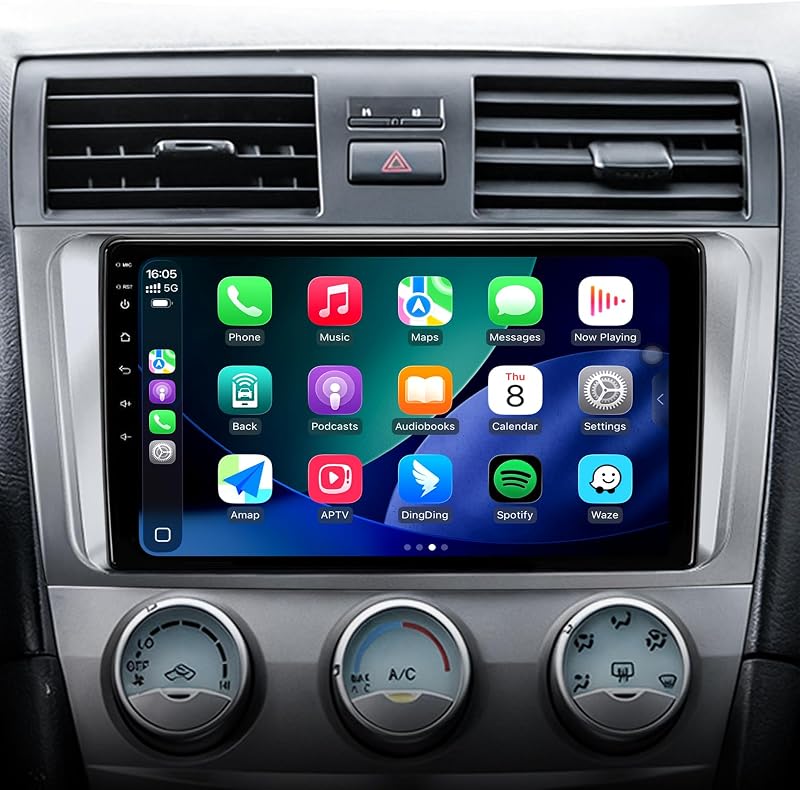
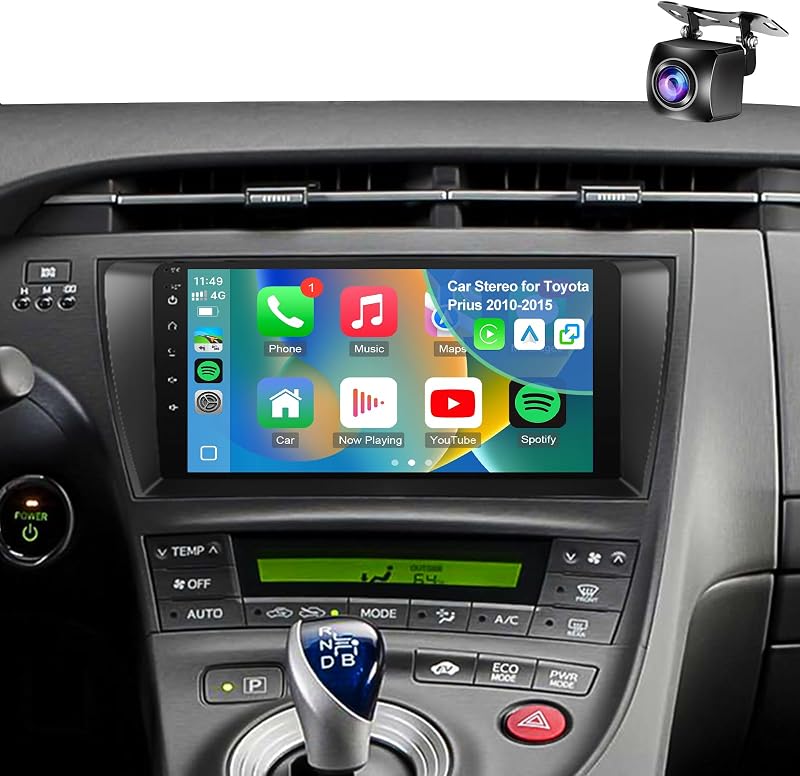
Escribinos por WhatsAppDescripción del producto Radio mejorada para Toyota Prius 2010 2011 2012 2013 2014 2015 El año estéreo es solo para referencia. Verifique todos los detalles antes de comprar. Para radio Toyota: radio Toyota Prius 2010 2011 2012 2013 2014 2015 [Nota: no es compatible con Prius C (2012-2019) o Prius V (2012-2017). ¡¡¡No lo compre!!!] Página anterior La música y la navegación permanecen listas con los accesorios Toyota Prius. Los mapas y las aplicaciones se cargan más rápido con Toyota Prius pantalla carplay para carro. Manténgase en ruta fácilmente con el estéreo Toyota Prius 2010-2015. Utilice dos funciones fácilmente con el estéreo del automóvil Prius con bluetooth. La mejor sintonización de audio proviene de la radio Toyota Prius 2010-2015. Página siguiente 1 Carplay inalámbrico 2 5G WIFI 3 GPS 4 Radio FM 5 EQ/DSP Android 15.0 4G RAM+64G ROM Android 15 de 4 núcleos y 64G ROM garantiza una multitarea eficiente y un rendimiento fluido del sistema. CarPlay con cable y Android Auto La sencilla integración de un teléfono inteligente coloca tus mapas y música en el tablero para un control intuitivo y más seguro. Cámara de visión trasera HD La imagen trasera clara ayuda a mejorar la seguridad al estacionar y dar marcha atrás. GPS incorporado Admite navegación gratuita con mapas confiables en línea y fuera de línea. Conectividad 5GWifi más rápida El rápido 5GWiFi proporciona velocidades estables para navegación, aplicaciones y transmisión. Los controles Bluetooth en el volante permiten que las llamadas y la música sean fáciles de administrar de forma segura. Radio FM + RDS DSP HiFi 36EQ mejora la escucha de FM mientras que RDS muestra actualizaciones en vivo. Puertos USB traseros dobles Cargue dispositivos mientras accede a medios desde otro puerto USB. Ajuste de sonido DSP EQ Cargue múltiples dispositivos y acceda a medios fácilmente con doble USB. Pantalla dividida y pantalla HD de 9 pulgadas La pantalla IPS admite visualización de aplicaciones duales con imágenes vívidas. Compatible con controles de rueda Funciona perfectamente con los botones de rueda existentes para mantener los controles más utilizados al alcance de la mano. Instalación Plug & Play La instalación simple mantiene intacto el cableado de fábrica. Ajuste del vehículo Radio para automóvil optimizada para Toyota Prius radio 2010 2011 2012 2013 2014 2015 Sistema Android 15 Estéreo para automóvil CPU 1.8Ghz 8239 ROM 64G Página anterior Conduzca enfocado usando la actualización de radio toyota prius. El emparejamiento sencillo comienza con los accesorios del Prius 2010-2015. La mejor visibilidad proviene de la radio Android para Toyota Prius. La multitarea se vuelve más fácil con la radio con pantalla carplay para el automóvil Prius. Sin cableado complejo con el estéreo del automóvil Prius con bluetooth. Página siguiente 1 Control del volante 2 Función Bluetooth 3 Cámara de marcha atrás 4 Pantalla dividida 5 Plug & Play P: ¿Qué causa la inestabilidad del Bluetooth o fallas de conexión? R: 1. Confirme que el cable de inversión (amplificador de señal) esté conectado; 2. Utilice el menú Bluetooth del estéreo para encontrar su teléfono; 3. Utilice "0000" para emparejar con "Car-BT" y elimine el historial anterior del dispositivo si se producen errores. P: ¿Cómo puedo administrar la conectividad de CarPlay? R: 1. Inicie CarPlay emparejando Bluetooth con Zlink; 2. Desactive la "Conexión en segundo plano" para detener la sincronización automática; 3. Utilice Configuración de iPhone > General > CarPlay > Zlink para administración. P: ¿Cómo puedo reflejar la pantalla de mi teléfono de forma inalámbrica? R: iOS: abra Zlink5, habilite el punto de acceso del iPhone, conéctese a Wi-Fi y seleccione zj-airplay; Android: abra Zlink5, instale la aplicación, sincronice Bluetooth y encienda el punto de acceso. P: ¿Por qué se corta la conexión Wi-Fi? R: Wi-Fi se desactiva cuando CarPlay está en uso; deshabilite la Conexión en segundo plano para evitar que el sistema se reconecte automáticamente. P: ¿Qué debo hacer si la cámara trasera no tiene imagen? R: 1. Verifique el gatillo de marcha atrás y el cableado; 2. Ajuste el formato de la cámara en Configuración de fábrica (8888) en Configuración de parámetros de cámara y protocolo. P: ¿Cómo se eliminan las líneas guía de respaldo? R: Acceda a la configuración de fábrica (8888), ingrese a la configuración de parámetros de protocolo y desactive las opciones de seguimiento inverso y línea auxiliar. P: ¿Por qué no se enciende la pantalla de la radio? R: 1. Marque la casilla CANBUS; 2. Intente reiniciar a través del orificio RST y verifique el fusible en la parte posterior. P: ¿Cómo soluciono una pantalla táctil congelada o que no responde? R: Realice una recalibración de la pantalla utilizando el gesto de cinco dedos como se muestra en el tutorial. P: ¿Por qué no sale audio de la unidad? R: 1. Inspeccione los cables de los altavoces en busca de polaridad o errores de conexión; 2. Asegúrese de que la caja CANBUS esté colocada correctamente. P: ¿Por qué no funcionan los botones del volante? R: 1. Inspeccione los cables de protocolo y SWC para verificar que estén conectados correctamente; 2. Elija el protocolo específico del vehículo en la configuración.
Agregás al carrito
Sumás este y otros productos que querés traer.
Cotizás el envío
Calculamos flete aéreo y aranceles a Argentina.
Confirmás y pagás
Online con tarjeta, o por transferencia, con el total final a la vista.
Lo recibís en casa
Seguimiento en tiempo real. El despacho lo hacemos nosotros.
Lo que suele llevarse para tu cámara · un solo envío para todo
Los mejor puntuados del mismo tipo de producto
Mismo tipo de producto y precio parecido

![[Versión anterior] Tarjeta de memoria SanDisk Ultra microSDXC UHS-I de 256 GB con adaptador - 100 MB/s, C10, U1, Full HD, A1, tarjeta micro SD - SDSQUAR-256G-GN6MA](https://m.media-amazon.com/images/I/61mDTjSOe8L._AC_SL800_.jpg)

![PEHAEL para iPhone 17 Protector de pantalla de privacidad+Protector de lente de cámara | Paquete de 3+3, marco de instalación, kits de limpieza, antiespía privado, antiarañazos, vidrio templado 9H, compatible con estuches, [6,3 pulgadas]](https://m.media-amazon.com/images/I/61UXu7cBl7L._AC_SL800_.jpg)






![[4+64G] para Toyota Camry 2006-2011 (con JBL) Android 15 estéreo de auto, pantalla táctil Incell de 9 pulgadas Radio CarPlay/Android Auto GPS WiFi Bluetooth FM/RDS+ AHD cámara de respaldo](https://m.media-amazon.com/images/I/718GFyJJ5ML._AC_SL800_.jpg)
![[8Core 64GB] Estéreo de auto Android para Toyota Tacoma JBL 2005-2015 | Radio Tacoma con pantalla táctil de 9 pulgadas con Carplay Android Auto Bluetooth WiFi GPS AM FM - Cámara incluida](https://m.media-amazon.com/images/I/718DJ1etZvL._AC_SL800_.jpg)