Cargando el producto…

Precio de origen
$ 19.561
$ 39.161
+ flete e impuestos
Compra protegida
Puerta a puerta
Gestión aduanera
Tu compra, acompañada de principio a fin
Todo esto está en los Términos y Condiciones. Leerlos
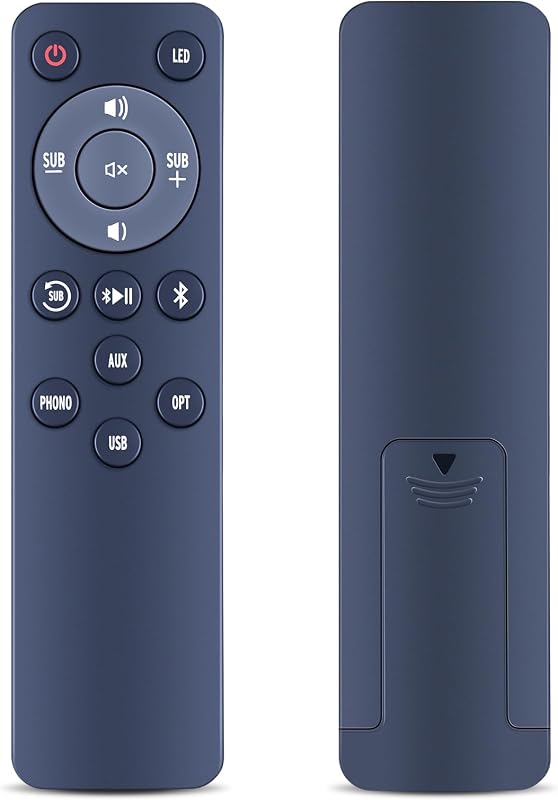
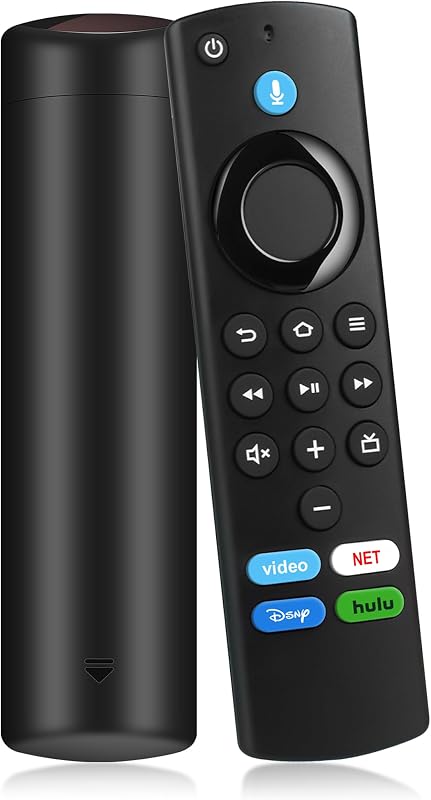
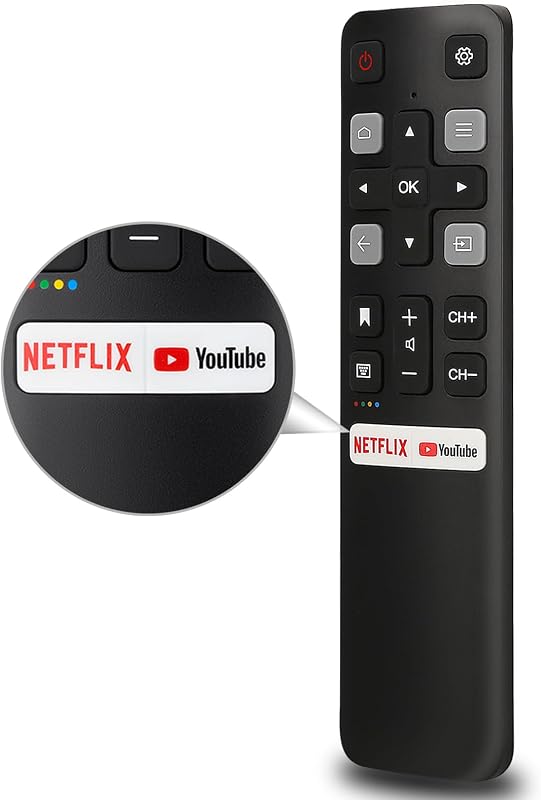
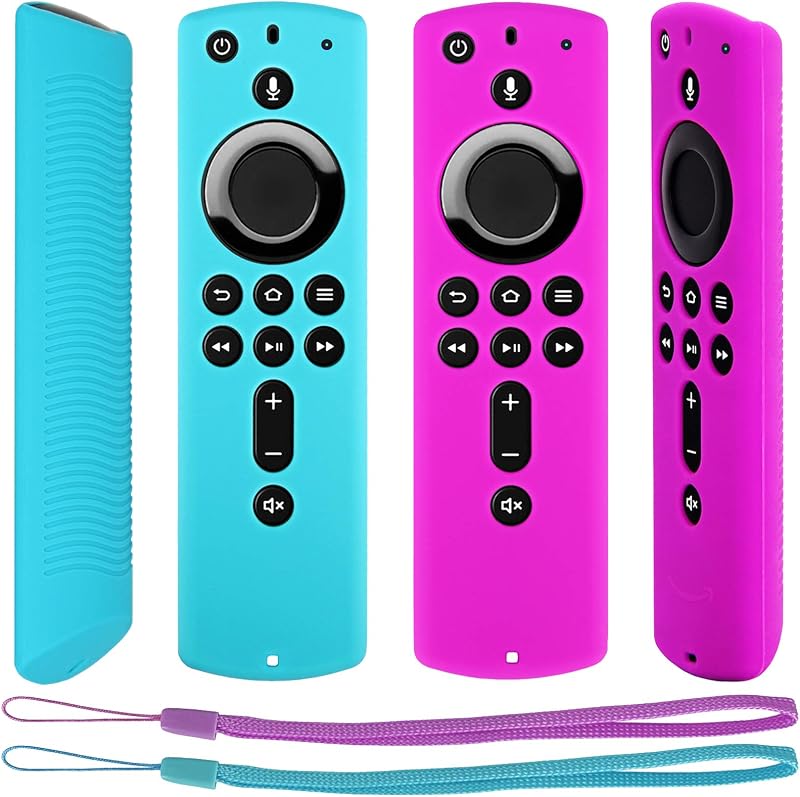
Descripción del producto Seleccione Compatible TV Remote Controller Remote for Fire TV Stick Añadir al carrito Remote for Amazon Fire TV Añadir al carrito Remote for Samsung TVs Añadir al carrito Remote for LG Smart TV Añadir al carrito Remote for Google TV Añadir al carrito Remote for Samsung TV Añadir al carrito Remote for LG TVs Añadir al carrito Opiniones de clientes 4,7 de 5 estrellas 6 4,1 de 5 estrellas 19 — — 3,5 de 5 estrellas 3 5,0 de 5 estrellas 1 — Precio $ 9,98 $ 9,98 $ 9,98 $ 9,98 $ 9,98 $ 16,98 $ 16,98 $ 9,98 $ 9,98 $ 9,98 $ 9,98 $ 9,98 $ 9,98 $ 9,98 $ 9,98 $ 9,98 $ 9,98 $9,98 $9,98 $ 9,98 $9,98 $9,98 $9,98 $ 9,98 $ 9,98 $ 9,98 $9,98 $ 9,98 $9,98 $9,98 $ 9,98 $9 Then press and hold the Home button on the new remote for 10s. Select the new remote’s name on the screen, and confirm the pairing with your old remote. Why can’t this remote control my TV’s power, mute and volume? The power, volume and mute buttons control your TV via IR signal, which requires setup on your streaming device: Go to Settings → Equipment Control → Management Equipment → TV Select Change TV and follow the on-screen prompts to complete setup The remote is not responding properly, how do I reset and re-pair it? 1.Unplug your streaming device from power 2.Press and hold the left, menu, and back buttons on the remote for 12 s 3.then remove the batteries from the remote 4.Reinsert the device and battery, and then pair again
Agregás al carrito
Sumás este y otros productos que querés traer.
Cotizás el envío
Calculamos flete aéreo y aranceles a Argentina.
Confirmás y pagás
Online con tarjeta, o por transferencia, con el total final a la vista.
Lo recibís en casa
Seguimiento en tiempo real. El despacho lo hacemos nosotros.
Los mejor puntuados del mismo tipo de producto
Mismo tipo de producto y precio parecido