Cargando el producto…

Precio desde
$ 19.580
+ flete e impuestos
Color
Compra protegida
Puerta a puerta
Gestión aduanera
Tu compra, acompañada de principio a fin
Todo esto está en los Términos y Condiciones. Leerlos
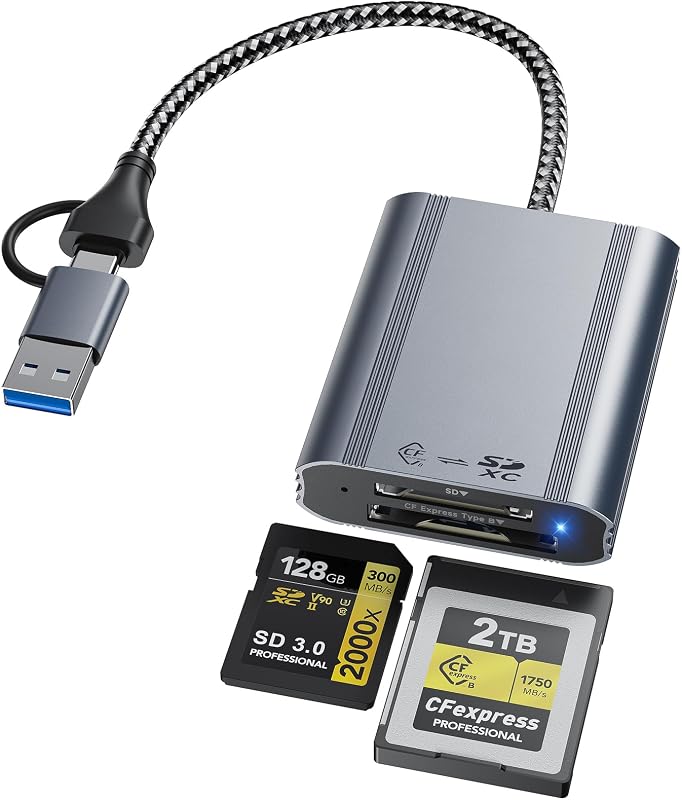
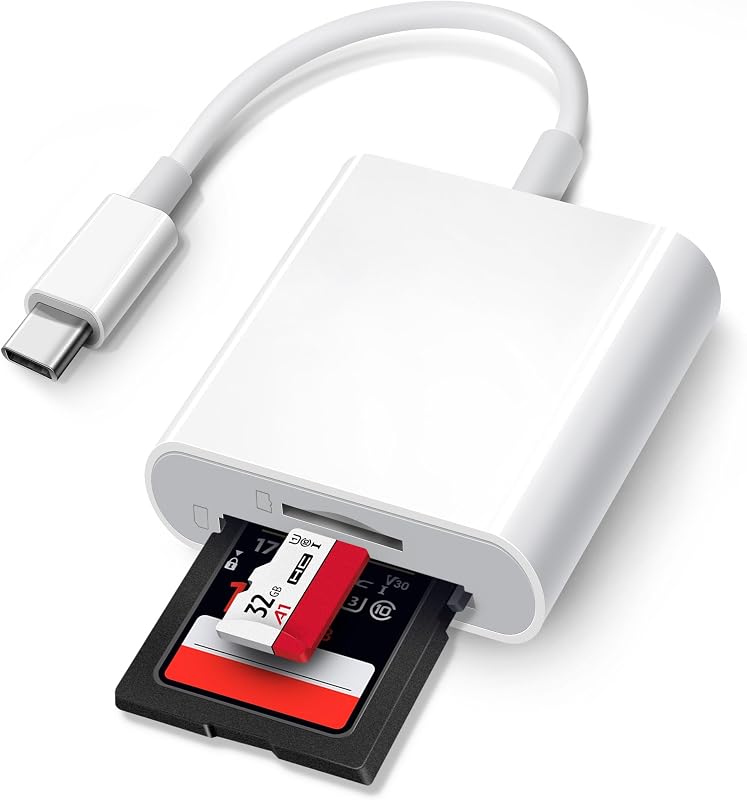
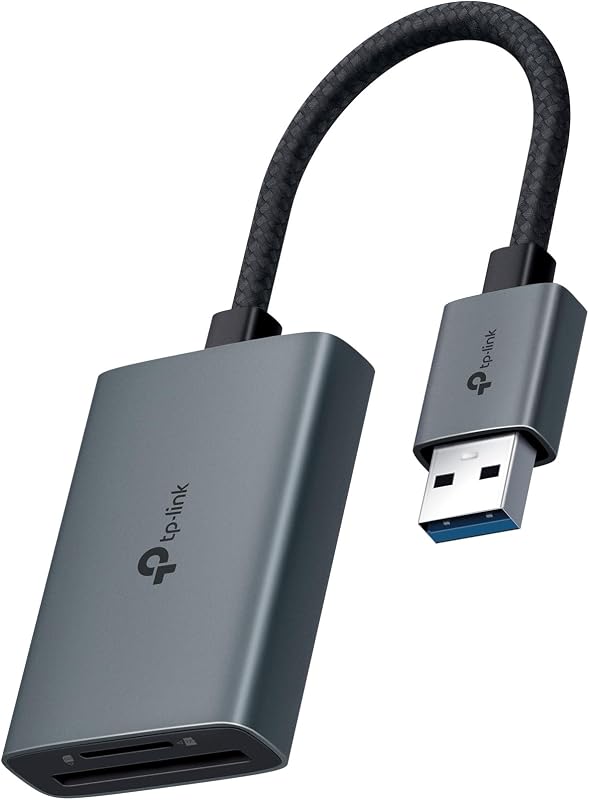
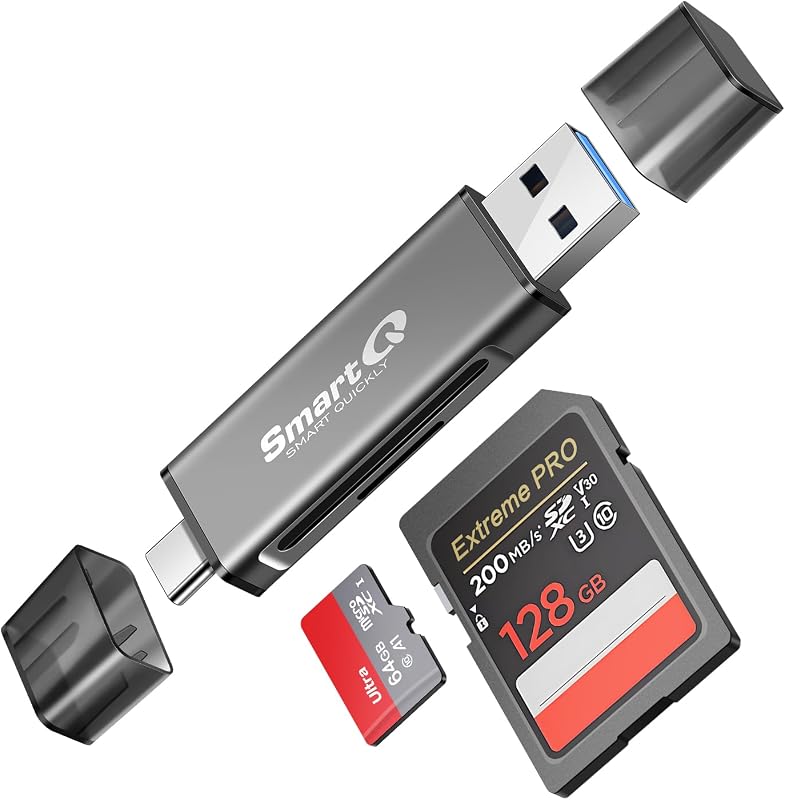
Descripción del producto Lector de tarjetas 4 en 1 para iPhone 15-16, Macbook y dispositivos inteligentes con puerto USB-C/USB Un lector de tarjetas para dos tipos de teléfonos inteligentes con diferentes puertos No importa qué teléfono inteligente esté utilizando, iPhone 15-16 o teléfono inteligente Android. Su teléfono inteligente USB-C puede utilizar este lector de tarjetas para leer tarjetas de memoria. Desde iPhone 15 hasta iPhone16, todos los iPad con puertos USB-C y todos los teléfonos inteligentes con puertos USB-C son compatibles con este lector de tarjetas. Solo asegúrese de usar este pequeño y lindo adaptador cuando use un teléfono inteligente con puerto USB-C o un iPhone o iPad. Adaptador USB a USB-C Es realmente útil cuando su lector de tarjetas tiene un conector USB-C y su computadora portátil está habilitada para USB. Además, cuando tiene una fuente de alimentación con toma USB, necesita conectarla con su cable USB-C a USB-C para cargar su teléfono. Es realmente conveniente, asegúrate de llevarlo contigo. Un lector de tarjetas compatible con iPhone 15-16 y MacBook Este es el lector de tarjetas que compraste para tu iPhone 15-16 pero tampoco tienes que comprar un producto nuevo cuando necesitas leer la tarjeta de memoria con tu MacBook. ¡Qué maravilloso! ¡Sí! Equipado con este pequeño adaptador, este producto puede funcionar con MacBook u otra computadora portátil que tenga puerto USB-C y puerto USB. Enjoy it! Great compatibility for read four different cards! Tired of buying different card readers for different cards? Compatible with four kinds of most popular cards, this card reader can help you to read different cards with only one card reader. SD card, TF card, CF card, MS card! Which cards do you have? Download photos from Memory Card to iPhone 15-16/iPad/iPad Pro for User with iOS 13 or later Two-way transfer for iOS user with iOS 13.0 or later Files App ( iOS 13 or later) Files app is an important app which can transfer files between your memory card to your iPhone & iPad. Data from your iPhone is “on my iPhone” and data of memory card is on “Untiled” (or "NONAME", which is the name of your memory card) You can view data and transfer the data between memory card and iPhone. Files app not only manager can videos and photos, but also manage music, PDF, word, or Excel, etc. 1. Insert a memory card into the reader. Turn on iPhone & iPad and attach the reader to the Lightning port. 2. On iPhone & iPad, open “Files” app. You can view the files in your memory card. You can view most files like jpg, MP3, word, excel, ppt and so on. If you can view the files but can’t open it, you may need to download a third-party app to read this file. 3. You can delete files or copy and paste files from memory card to your iPhone or iPad. Or coy files from iPhone or iPad to memory card. 4. If you can see the data, but not able to open it, you need to download a third-party App to open it. What can I do if I see nothing on my iPhone 15/16 Series? 1. If you don’t see anything, don’t worry. App won’t pop up automatically, please access “Files” App. Then you will see “On My iPhone” which is the data on your iPhone. If you connect a Cf card, or a SD card or a TF card or Ms Card to your iPhone through this adapter, “Untitled” or “NONAME” will be shown below “On My iPhone”. “Untitled” or “NONAME” are the default name of most memory card. If your memory card were named “ABC”, you will see “ABC” there. Just tap “ABC” you will see what’s inside your memory card. 2. When you get inside “ABC” folder, you have three choices at the bottom of the screen. “Recents”, “Shared” and “Browse”, make sure you choose “Browse”. Other two choice is not what’s in your memory card. 3. If there is no “Files” App, please download it from App Store. “Files” is an App in your iPhone, usually you don’t have to download it. 4. If you still see nothing, make sure the memory card is correctly inserted into the slot. You can check the video if you have no idea how to insert a memory card. The memory card must be Fat32 or exFat format. If NTFS, iPhone will not be able to recognize it. 5. You can view most files like jpg, MP3, word, excel, PDF, etc. directly and read them without any problem. However, if you can see some data there but can't open it, you need to download a third-party app to read this file. It is the same thing as what’s happening in your computer, if you don’t have a MP3 player, even you have a MP3 file in your computer, you click it and it will not able to be played. See More
Agregás al carrito
Sumás este y otros productos que querés traer.
Cotizás el envío
Calculamos flete aéreo y aranceles a Argentina.
Confirmás y pagás
Online con tarjeta, o por transferencia, con el total final a la vista.
Lo recibís en casa
Seguimiento en tiempo real. El despacho lo hacemos nosotros.
Los mejor puntuados del mismo tipo de producto
Mismo tipo de producto y precio parecido