Cargando el producto…

Precio de origen
$ 35.260
$ 47.020
+ flete e impuestos
Compra protegida
Puerta a puerta
Gestión aduanera
Tu compra, acompañada de principio a fin
Todo esto está en los Términos y Condiciones. Leerlos
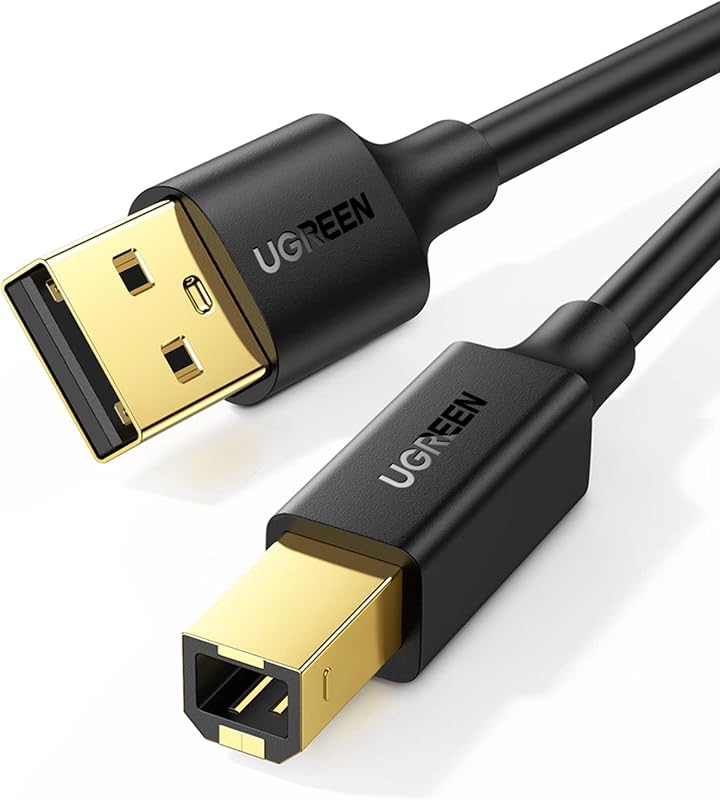
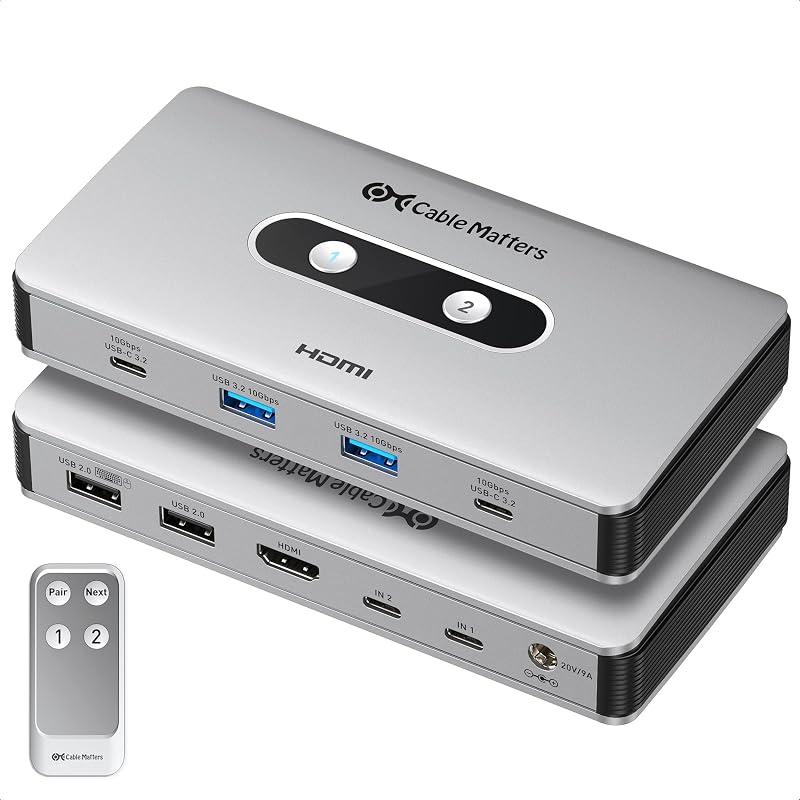
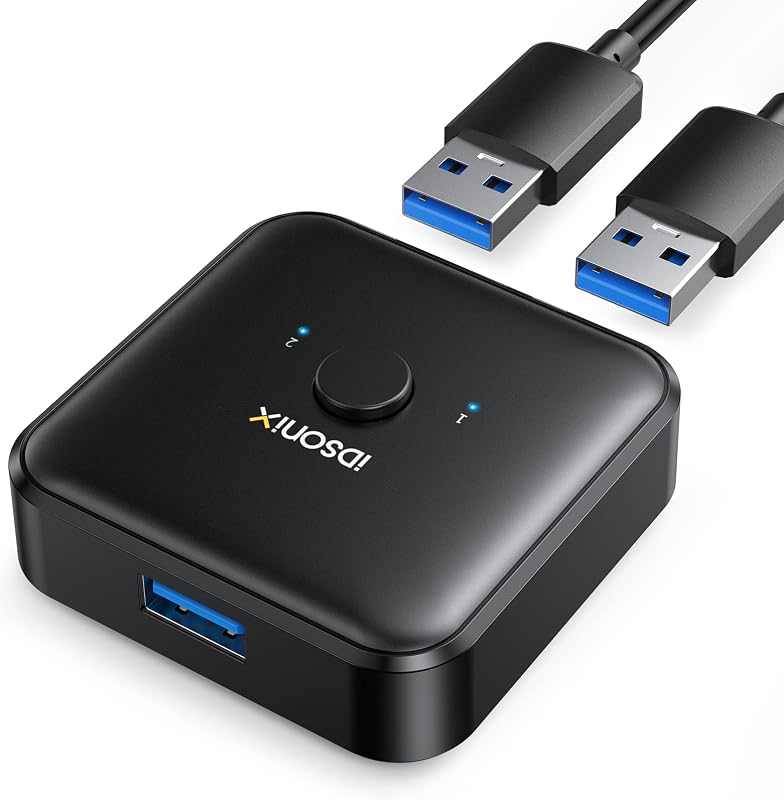
Product description Previous page Next page 1 Extra Power Supply 2 Stable Data Transfer Previous page Next page 1 Compact and Small 2 Touch Button Switch 3 LED Indicator 4 Package Content Need Attention For USB C device: If you want to work with USB C host devices, you'll need a USB C to A adapter, as it won't work directly with a USB C to A cable. Input Tip: It is a USB switch without an hdmi port and it does not support two computers sharing a single display. Please do not connect the device through a hub instead of directly connecting it to the USB port on the computer motherboard, as this may cause unstable signal transmission, the device may not be recognized or the connection may be interrupted. Output Tip: Not suggested to connect wireless devices to USB 3.0 switch due to 2.4Ghz co-channel interference (industry problem). If the wireless network is affected, please set your router from 2.4GHz to 5GHz. The product is designed for data transmission and does not support video transmission. Package Content: USB 2.0 Switch * 1 USB A to A Cable * 2 (5FT/1.5M) To ensure the stable operation of the device, please try to use the 1.5M USB A to USB A cable included in the package to connect the device. If third-party low-quality cable or too long cable may cause unstable signal transmission and lead to disconnection About Power Supply: Under normal circumstances, the device can be used normally without an additional power supply. However, when using high-power devices such as printers and mechanical keyboards, please connect the device to an additional power supply to ensure that the device will not fail to work properly due to insufficient power supply. The product charging port is a UBS C and the package does not include a USB-C charging cable and a power adapter. If power is required, please use a 5V 2 A power adapter to power the device. Other non-standard charging adapters may cause the device to not work properly even after being powered. About PC is sleeping: If the USB device is disconnected after the PC is awakened from sleep mode, it may be caused by the energy saving mode. Please turn off energy saving and try again. [Windows] 1. Control Panel > System and Security > Power Options > Select the "Change Plan Setting" option next to your current power plan > Select "Change advanced power settings"> "Power Options"> "Expand the USB Settings section and double-click USB selective suspend setting."> Select "disable". 2. Administrador de dispositivos > Controladores de bus serie universal > haga clic con el botón derecho en todos los concentradores que se hayan detectado > seleccione "Propiedades" > Administración de energía > deseleccione "Permitir que el ordenador apague este dispositivo para ahorrar energía." [Mac] Siga los pasos a continuación para deshabilitar el Mac en modo de suspensión automática para ver si el problema se puede resolver: Rendimiento del sistema > Batería > Deshabilitar "Evitar que el ordenador duerma automáticamente cuando la pantalla está apagada" y deshabilitar "Habilitar Power Nap mientras está conectado a una fuente de alimentación
Agregás al carrito
Sumás este y otros productos que querés traer.
Cotizás el envío
Calculamos flete aéreo y aranceles a Argentina.
Confirmás y pagás
Online con tarjeta, o por transferencia, con el total final a la vista.
Lo recibís en casa
Seguimiento en tiempo real. El despacho lo hacemos nosotros.
De la misma marca, empezando por lo más reseñado
Los mejor puntuados del mismo tipo de producto