Cargando el producto…

Precio de origen
$ 250.859
+ flete e impuestos
Compra protegida
Puerta a puerta
Gestión aduanera
Tu compra, acompañada de principio a fin
Todo esto está en los Términos y Condiciones. Leerlos
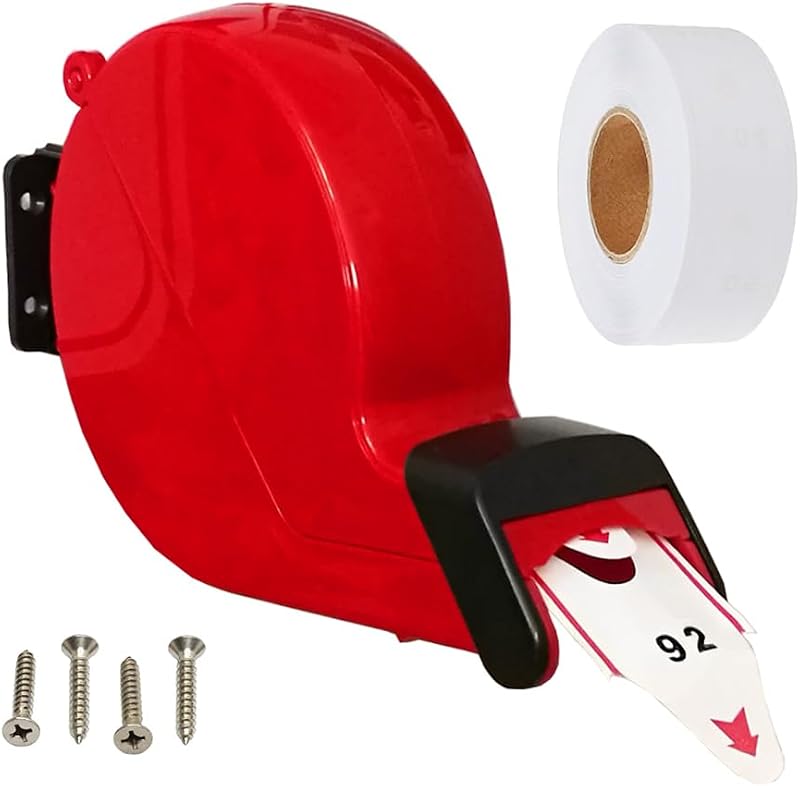
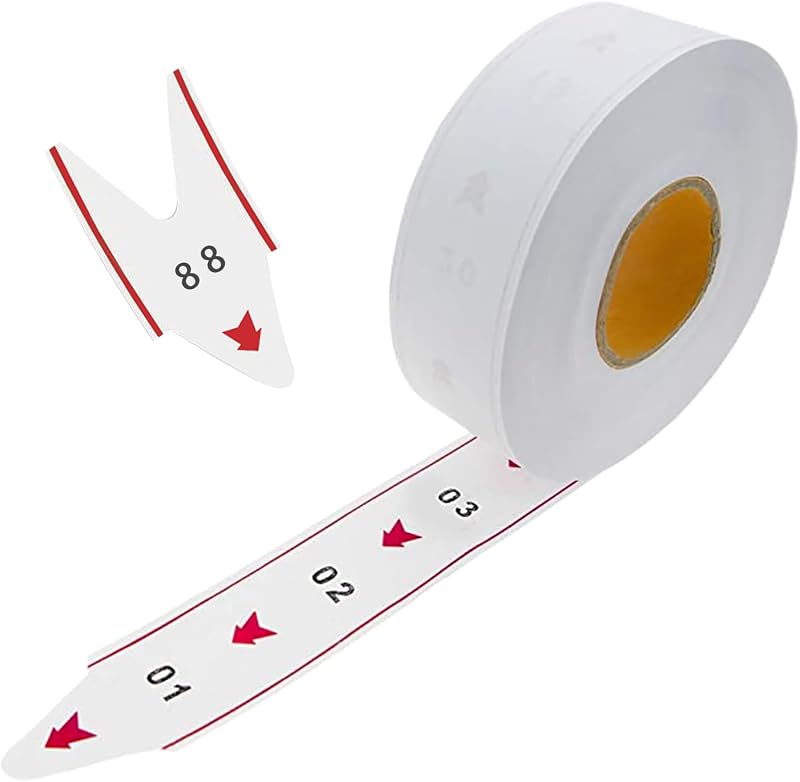
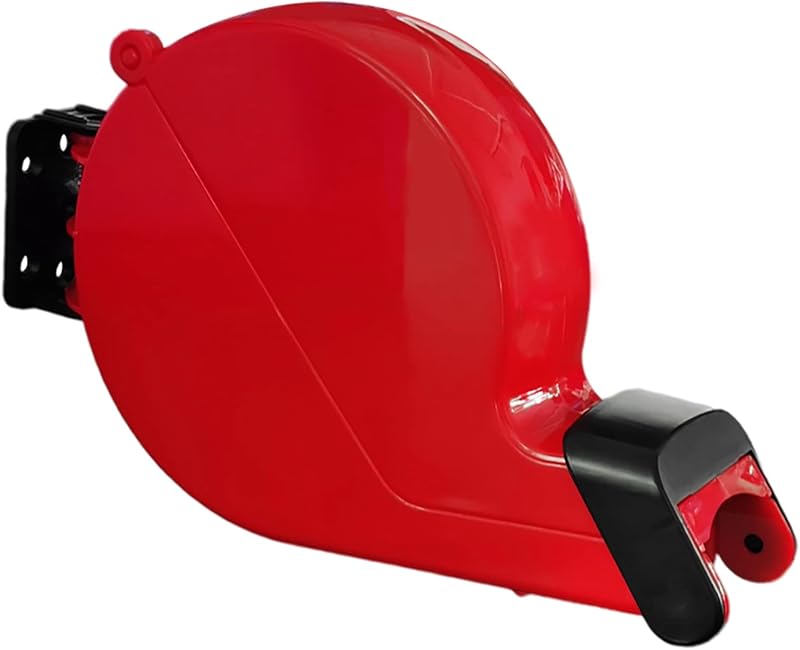
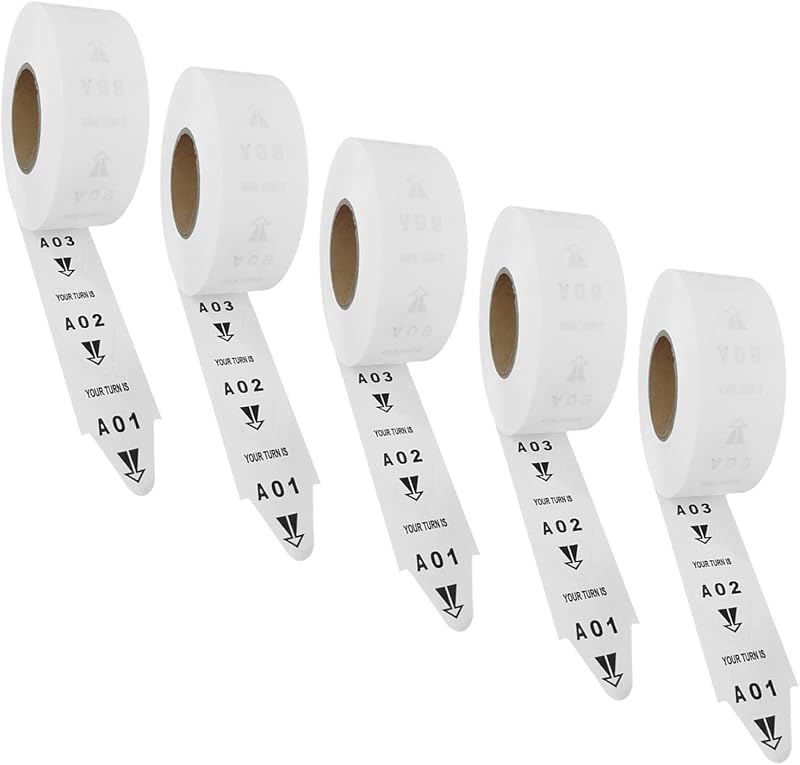
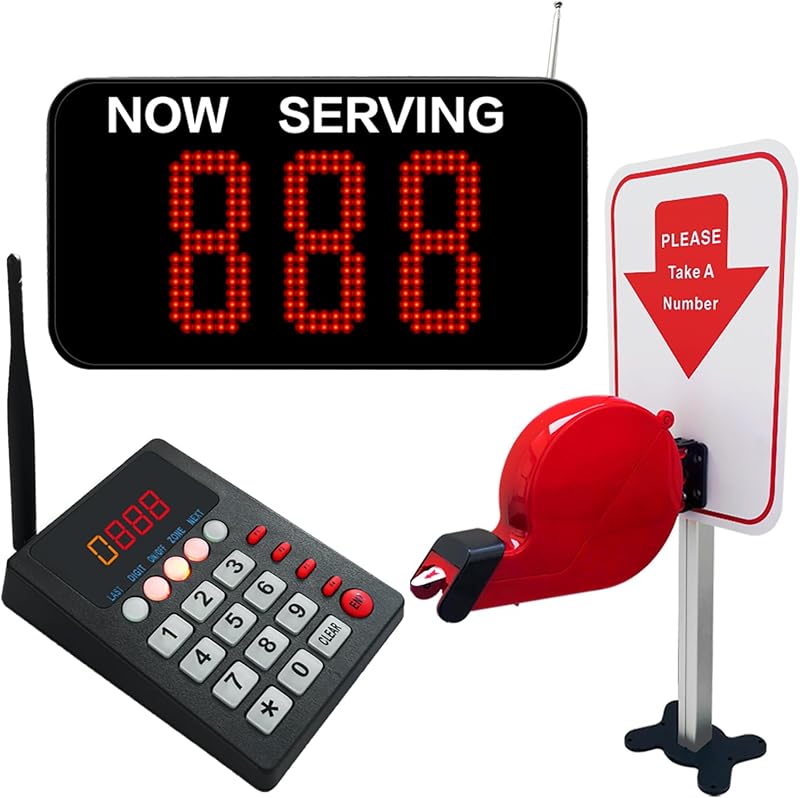
Descripción del producto ¡Deje que el sistema de gestión de colas KOQICALL facilite su experiencia de espera! Adecuado para muchas ocasiones de colas ¿No está seguro de cómo usarlo? No te preocupes, tomemos dos ejemplos 1. Ejemplo de aplicación de restaurante El cliente hace un pedido y espera con un → ticket numerado. La comida → está lista. Pulsa el botón SIGUIENTE para llamar. El → cliente ve u oye su número y va a recoger la comida. 2. Ejemplo de aplicación clínica El paciente va a la estación de enfermería para recibir Dos formas de instalación Abra el soporte en la parte posterior de la pantalla para colocarlo fácilmente sobre una mesa, como una barra, una ventana de servicio. Si desea colgar la pantalla en la pared, retire el soporte en la parte posterior y móntelo con los tornillos incluidos. Correspondencia uno a uno El comprador de boletos tiene el mismo rango de números de 000 a 999 que la pantalla, los números de los dos son uno a uno. Si establece el número de inicio y el número final de la pantalla de acuerdo con la necesidad real, TODOS 999+Q13+TP1 Añadir al carrito KOQICALL 999+Q23 Añadir al carrito KOQICALL D100+O1+TDS Añadir al carrito Opiniones de clientes 3.6 de 5 estrellas 6 4.0 de 5 estrellas 38 3.4 de 5 estrellas 2 3.8 de 5 estrellas 31 2.6 de 5 estrellas 2 3.8 de 5 estrellas 31 3.8 de 5 estrellas 9 Precio $ 129.79 $129.79 $99.59 $99.59 $152.99 $152.99 $119.59 $119.59 $189.99 $189.99 $202.99 $202.99 $ 149.35 $ 149.35 ✔ ✔ ✔ ✔ ✔ ✔ ✔ Capacidad inalámbrica 999 99 999 999 999 999 Material Plástico Plástico Plástico+ Plástico metálico Can a display be used with multiple NEXT call buttons? Yes, NEXT buttons and displays can be flexibly paired one-to-many, many-to-one, or even many-to-many to meet the quantity requirements of different queuing situations. I may not need 999 numbers, can I just call numbers in the 000-150 range? Yes, You can set the start and end numbers on the display to limit the range of queue numbers to be called. In this case, the ticket roll only needs to use queue numbers in the range 0-150. Do I need to replace the battery? The NEXT button and remote control will require replacement batteries, which normally last 8-10 months, and may be considered when the indicator light becomes weak. (NEXT button: 12V 23A; Remote control: 1.5V/AAA)
Agregás al carrito
Sumás este y otros productos que querés traer.
Cotizás el envío
Calculamos flete aéreo y aranceles a Argentina.
Confirmás y pagás
Online con tarjeta, o por transferencia, con el total final a la vista.
Lo recibís en casa
Seguimiento en tiempo real. El despacho lo hacemos nosotros.
De la misma marca, empezando por lo más reseñado