Cargando el producto…

Precio de origen
$ 29.944
+ flete y aranceles — se calculan al cotizar
Compra protegida
Puerta a puerta
Aduana incluida
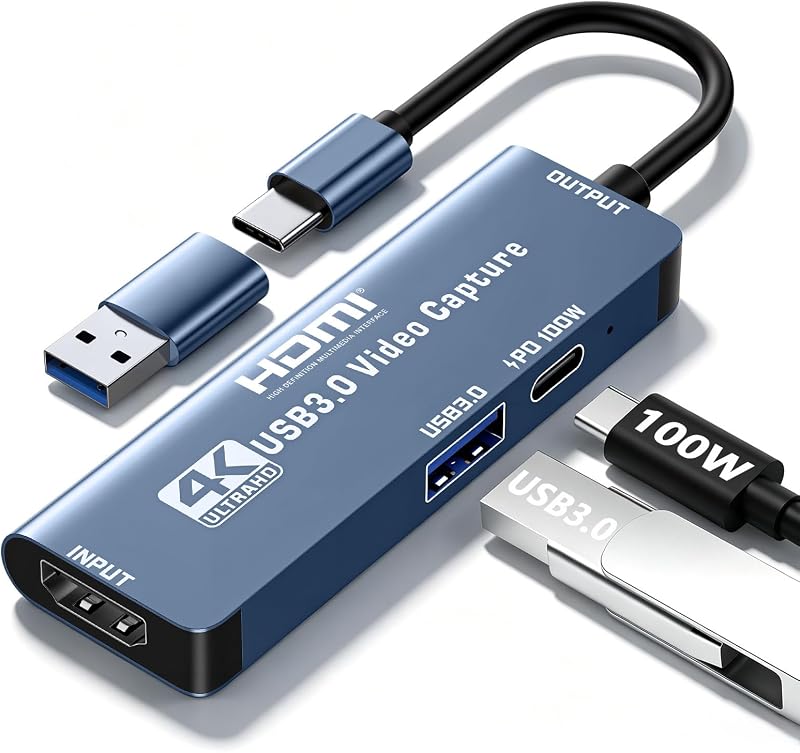
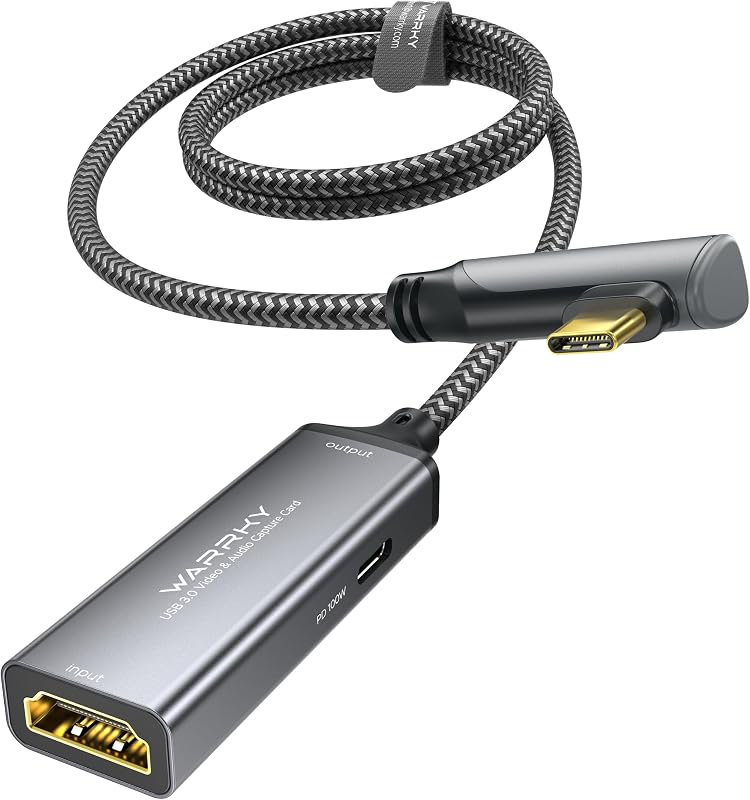
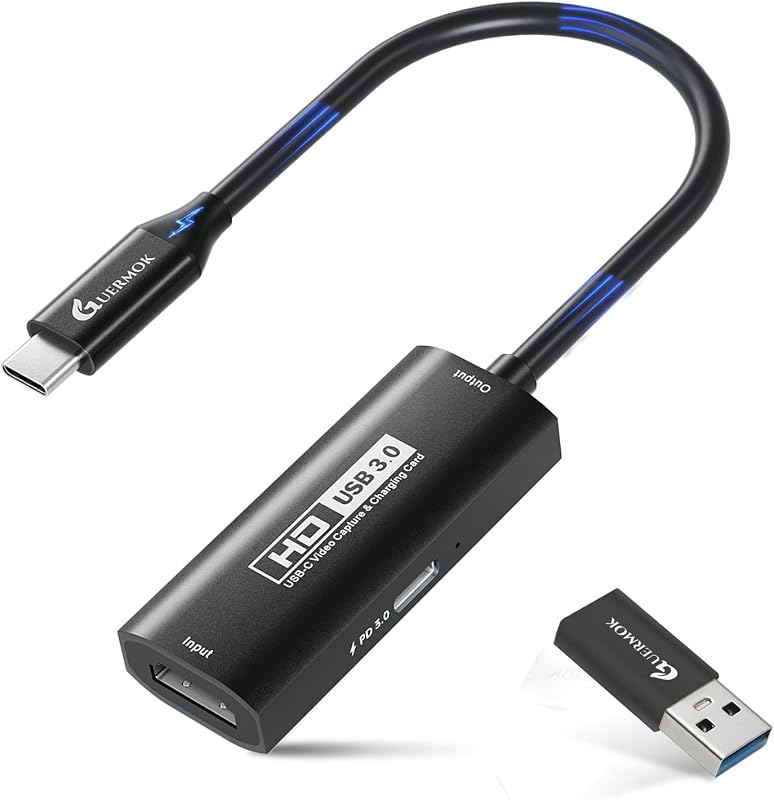
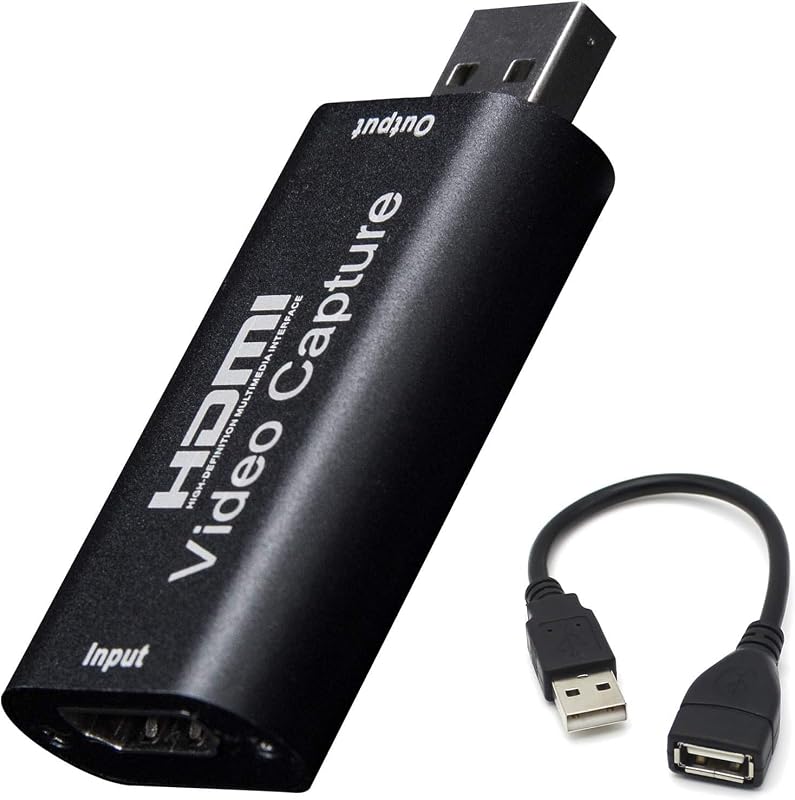
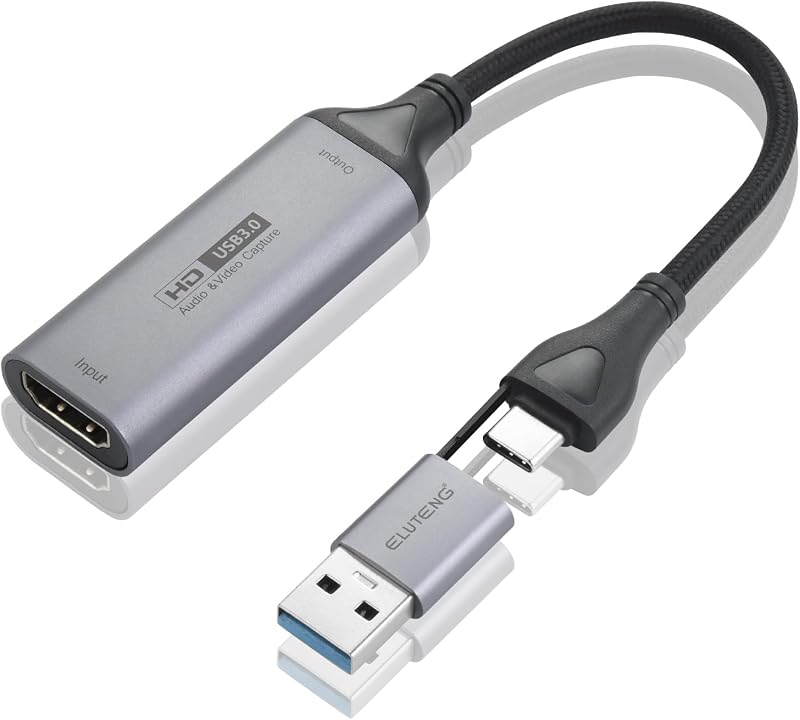
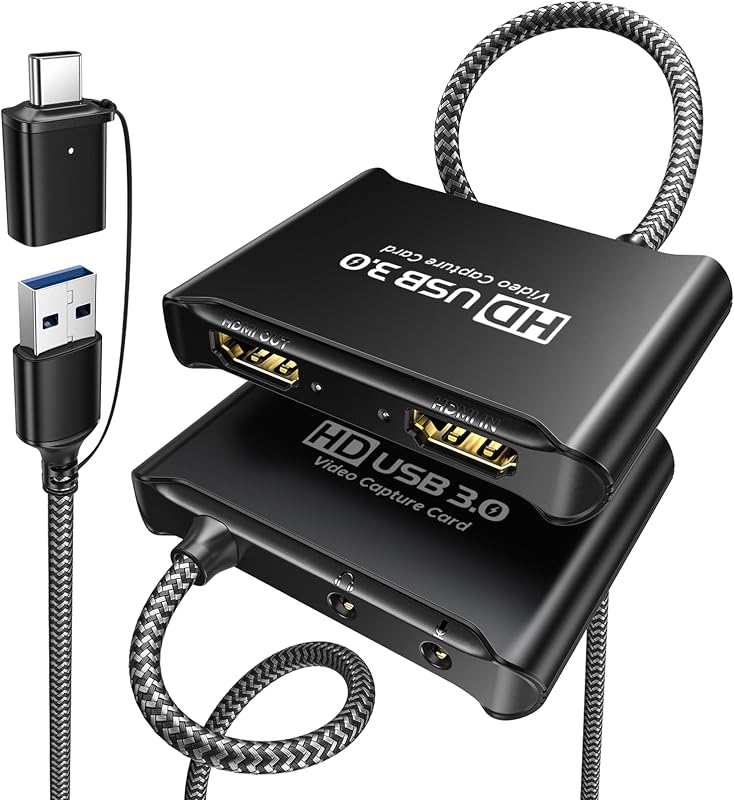
Product description Previous page Next page 1 Recording and loop output 2 YUY2 1080P 60PFS 3 USB 3.0 4 Smart Chip 5 Compatible Previous page Next page OBS Studio Setup 1. Open OBS, create a new source under Sources by clicking "+", select "Video Capture Device", name it, then set: Device: USB3.0 Video; Audio Output Mode: Capture Mode Only; Use custom audio device: Digital Audio Interface (USB 3.0 Audio) 2. In OBS settings → Audio: Disable all Global Audio Settings except Mic/Auxiliary Audio; Set Mic/Auxiliary Audio to Digital Audio Interface (USB 3.0 Audio) 3. Under the Audio tab: Right-click Mic/Auxiliary Audio → Advanced Audio Properties → Set Audio Monitoring to "Monitor Only (Mute Output)" 4. In PC settings → System → Sound: Set Input to Laptop Microphone; All Sound Devices → Input Devices → Digital Audio Interface. Ensure it is NOT set to default. All Sound Devices → Input Devices → Laptop Microphone. Ensure it IS set to default. 5. In Discord: If prompted to switch audio device, choose "don't switch"; User Settings > Voice & Video > Input > Laptop Microphone; User Settings > Voice & Video > Output > Laptop Speakers.
Agregás al carrito
Sumás este y otros productos que querés traer.
Cotizás el envío
Calculamos flete aéreo y aranceles a Argentina.
Confirmás y pagás
Un asesor te contacta con el link de pago.
Lo recibís en casa
Tracking en tiempo real. Aduana incluida.
De la misma marca, empezando por lo más reseñado
Los mejor puntuados del mismo tipo de producto
Mismo tipo de producto y precio parecido






![VIXLW Tarjeta de captura de video HDMI 4K, tarjeta Cam Link, adaptador de audio para juegos HDMI a USB 2.0, dispositivo de captura de grabación para transmisión, enseñanza, juegos, transmisión en vivo, videoconferencia [Windows]](https://m.media-amazon.com/images/I/61MP0DG3NPL._AC_SL800_.jpg)