Cargando el producto…

Precio de origen
$ 177.894
+ flete e impuestos
Compra protegida
Puerta a puerta
Gestión aduanera
Tu compra, acompañada de principio a fin
Todo esto está en los Términos y Condiciones. Leerlos
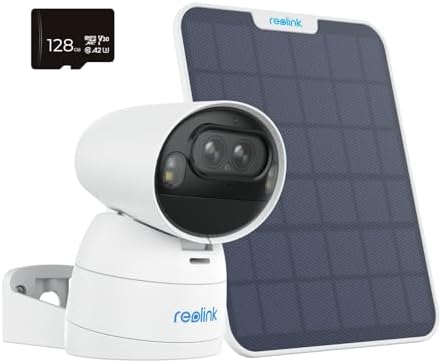
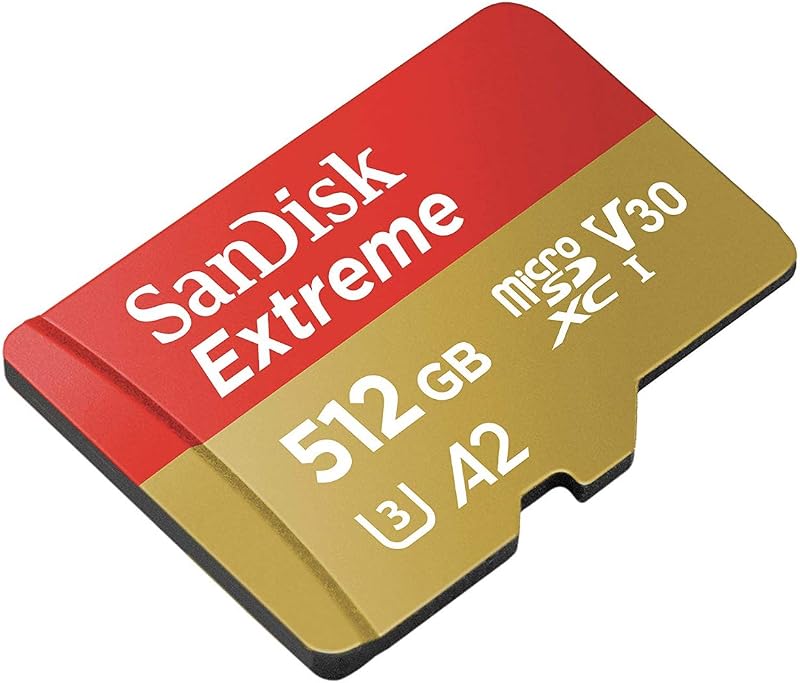
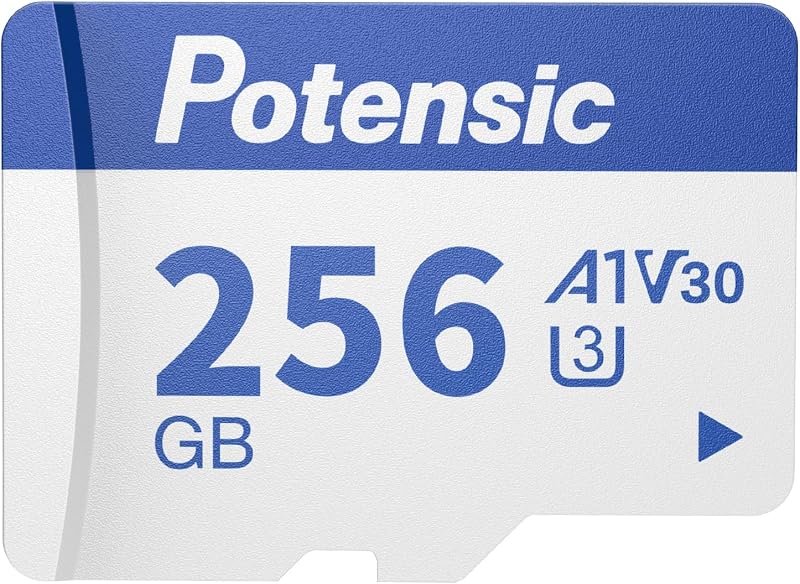
Descripción del producto Cómo instalar: Paso 1. Desatornille la tapa de la ranura para tarjeta microSD con un destornillador. Paso 2. Inserte la tarjeta SD en la ranura para tarjetas microSD con un clip o con la uña. Asegurándose de que no se salga. Paso 3. Atornille la cubierta firmemente. Aquí hay una imagen que muestra dónde está la ranura para tarjeta microSD: Formato FAT32 La capacidad restante se puede verificar en la aplicación Reolink. Usados con frecuencia juntos Tarjeta microSD de 256 GB Agregar al carrito Elite Floodlight WiFi Agregar al carrito Video Doorbell PoE Agregar al carrito Video Doorbell WiFi Agregar al carrito Reolink Lumus-2K Agregar al carrito TrackMix WiFi Agregar al carrito Duo 2 WiFi Agregar al carrito Reseñas de los clientes 4.6 de 5 estrellas 693 4.2 de 5 estrellas 442 4.4 de 5 estrellas 1,507 4.2 de 5 estrellas 3,357 4.2 de 5 estrellas 4,482 4.3 de 5 estrellas 1,324 4.2 de 5 estrellas 763 Precio $79.99$79.99 $249.99$249.99 $119.99$119.99 $135.99$135.99 $69.99$69.99 $209.99$209.99 $149.99$149.99 Resolución - 8MP (5120x1552) 5MP (2560x1920) 5MP (2560x1920) 4MP (2560x1440) 8MP (4608x1728) 8MP (4608x1728) Red - Wi-Fi 6+2,4/5 GHz Wi-Fi Ethernet 2,4/5 GHz Wi-Fi 2,4/5 GHz Wi-Fi de doble banda 2,4/5 GHz Wi-Fi de doble banda 2,4/5 GHz Wi-Fi de doble banda Visión nocturna en color - Reflector: 3000~6500K/3000lm - - Hasta 33 pies Visión nocturna en color Hasta 50 pies Visión nocturna en color Hasta 100 pies Color nocturno visión Conversación bidireccional - ✔ ✔ ✔ ✔ ✔ ✔ Resistente al agua - ✔ ✔ ✔ ✔ ✔ ✔ Cómo comprobar/formatear la tarjeta microSD del coche d en el dispositivo Reolink? Puede formatear la SD de su cámara a través de la aplicación Reolink/navegador web/cliente Reolink (nuevo cliente). Notas: Verificar o formatear la tarjeta micro SD no está disponible para cámaras que están conectadas directamente a los puertos de Reolink PoE NVR. ¿Error al formatear la tarjeta SD en el dispositivo Reolink? 1. Verifique y asegúrese de que la tarjeta SD cumpla con las especificaciones requeridas. 2. Asegúrese de que el firmware de la cámara esté actualizado. 3.Asegúrese de que la cámara esté apagada. 4. Formatee la tarjeta SD en FAT32 usando una PC, luego vuelva a insertarla en la cámara para ver si funciona. ¿No se puede detectar la tarjeta SD en el dispositivo Reolink? 1. Verifique que la tarjeta SD esté instalada correctamente y orientada correctamente. 2. Asegúrese de que la tarjeta SD cumpla con las especificaciones requeridas. 3. Formatee la tarjeta SD y vuelva a insertarla. Si el problema persiste, no dude en comunicarse con nuestro soporte. ¿Cómo elegir la tarjeta microSD para el timbre Reolink? La tarjeta microSD Reolink es compatible con Reolink Video Doorbell PoE/Reolink Video Doorbell WiFi/Reolink Doorbell Battery. Tenga en cuenta: el timbre Reolink admite hasta 256 GB de almacenamiento en tarjeta microSD. ¿Qué hacer si la tarjeta SD está rota? Para garantizar el rendimiento de la tarjeta SD, evite la exposición a altas temperaturas, humedad o ambientes polvorientos. Inserte y retire la tarjeta con cuidado, evite doblarla para causar daños físicos. Cualquier problema de calidad, comuníquese con el soporte de Reolink.
Agregás al carrito
Sumás este y otros productos que querés traer.
Cotizás el envío
Calculamos flete aéreo y aranceles a Argentina.
Confirmás y pagás
Online con tarjeta, o por transferencia, con el total final a la vista.
Lo recibís en casa
Seguimiento en tiempo real. El despacho lo hacemos nosotros.
Lo que suele llevarse para tu cámara · un solo envío para todo
De la misma marca, empezando por lo más reseñado
Los mejor puntuados del mismo tipo de producto
Mismo tipo de producto y precio parecido

![[Versión anterior] Tarjeta de memoria SanDisk Ultra microSDXC UHS-I de 256 GB con adaptador - 100 MB/s, C10, U1, Full HD, A1, tarjeta micro SD - SDSQUAR-256G-GN6MA](https://m.media-amazon.com/images/I/61mDTjSOe8L._AC_SL800_.jpg)

![PEHAEL para iPhone 17 Protector de pantalla de privacidad+Protector de lente de cámara | Paquete de 3+3, marco de instalación, kits de limpieza, antiespía privado, antiarañazos, vidrio templado 9H, compatible con estuches, [6,3 pulgadas]](https://m.media-amazon.com/images/I/61UXu7cBl7L._AC_SL800_.jpg)