Cargando el producto…

Precio desde
$ 105.820
+ flete e impuestos
Versión
Compra protegida
Puerta a puerta
Gestión aduanera
Tu compra, acompañada de principio a fin
Todo esto está en los Términos y Condiciones. Leerlos
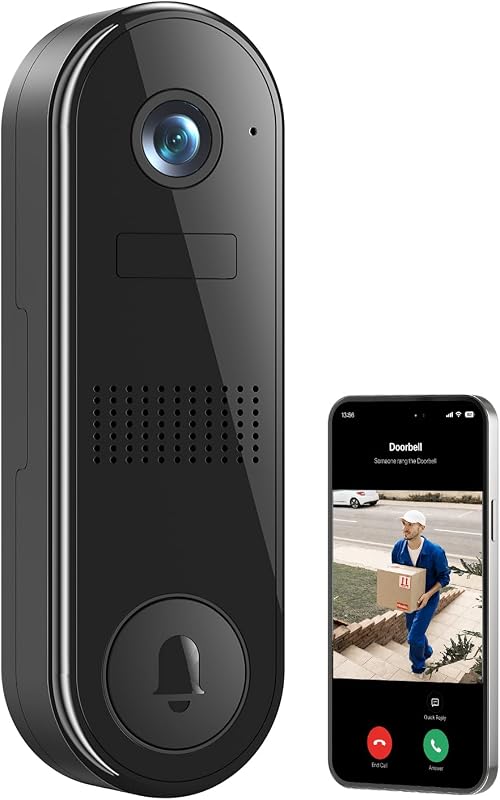
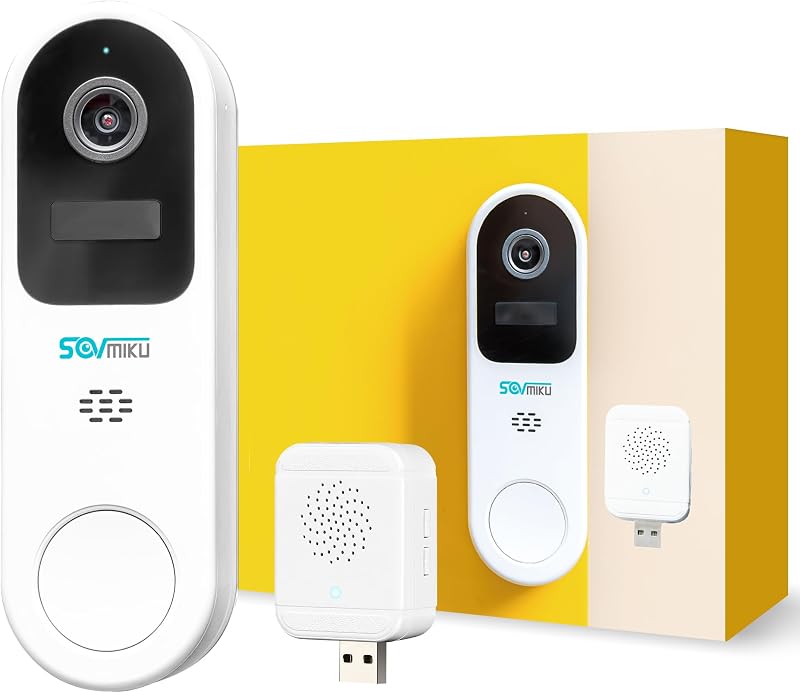
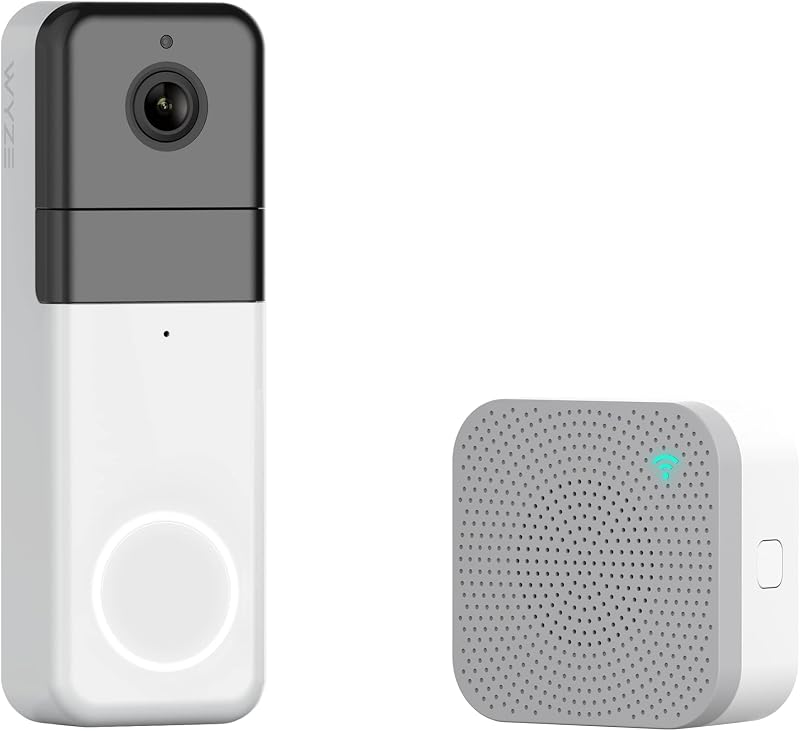
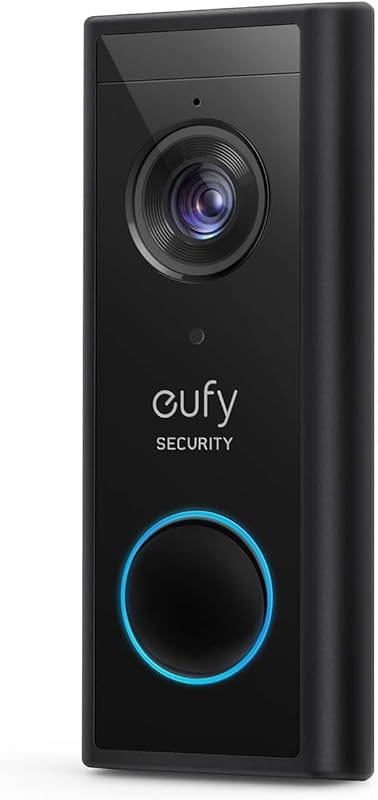
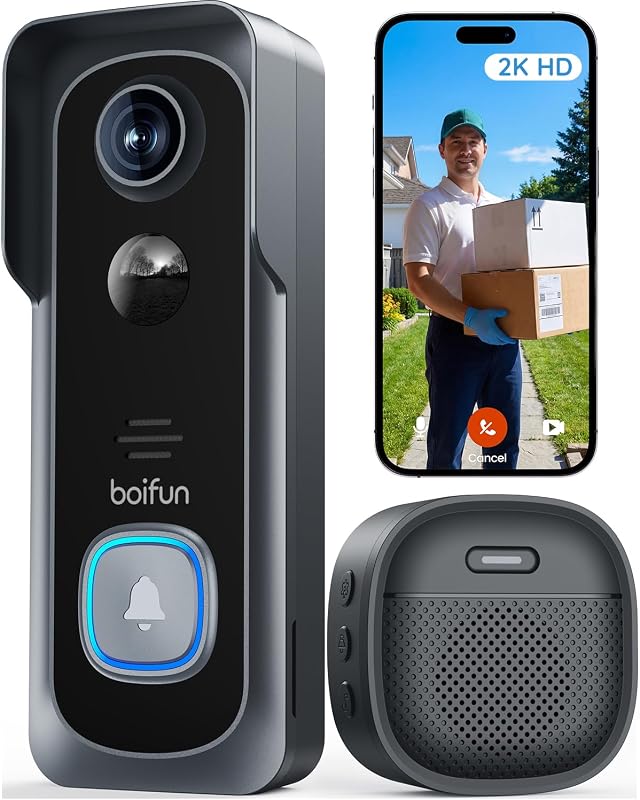
Descripción del producto Easy Communication Walkie-Talkie Style Two-Way Intercom Simple "Push-to-Talk" logic: mantenga presionado el botón para hablar y suelte para escuchar, lo que lo hace intuitivo para niños y personas mayores. Página anterior Captura de fotos incorporada No se necesita tarjeta SD Captura y almacena automáticamente hasta 50 fotos con sobrescritura de bucle inteligente para una seguridad instantánea. Instrucciones de uso de Walkie-Talkie Style Speak: MANTENGA pulsado el botón "Llamar" para hablar. Escucha: SUELTA el botón para escucharte No se requiere teléfono inteligente. Responder con un solo clic en una pantalla IPS de 4.3"facilita la seguridad de niños y adultos mayores. La instalación sin herramientas de 10 minutos es perfecta para apartamentos. Rango de señal de la guía de instalación:10–100 pies (3–30 m) cuando esté obstruido por paredes o puertas de metalPruebe la señal en la ubicación de instalación deseada antes del montaje finalColoque el monitor interior cerca de una ventana o en una pared más cercana al timbre para una recepción óptimaNo instale el timbre en el cen Vidéo d'installation de la sonnette El video muestra el producto en uso. El video lo guía a través de la configuración del producto. El video compara varios productos. El video muestra el producto que se está desempaquetando. El reproductor de video se está cargando. Haga clic para reproducir el videoReproducirMuteHora actual 0:00/Duración 2:04Cargado: 2.42% 0:00 Tipo de transmisión LIVESeek to live, currently behind liveLIVERmaining Time -2:04 1xReproducción RateChaptersChaptersDescripcionesdescripciones desactivadas, selectedCaptionsCaptions desactivadas, selectedAudio Tr Sin tarjeta, solo se admite la captura de fotos (la memoria incorporada puede almacenar entre 40 y 50 imágenes con sobrescritura de bucle). Ajustes del menú ¿Cómo ajustar el volumen? Monitor: cuando esté encendido, pulse los botones "+" o "–" para ajustar el volumen. Timbre: El volumen es fijo. Si es demasiado alto, puede cubrir el altavoz con cinta transparente. Modo de intercomunicación bidireccional con audioguía: funciona como un walkie-talkie tradicional (pulsar para hablar).Cómo hablar: MANTENGA pulsado el botón de llamada para hablar
Agregás al carrito
Sumás este y otros productos que querés traer.
Cotizás el envío
Calculamos flete aéreo y aranceles a Argentina.
Confirmás y pagás
Online con tarjeta, o por transferencia, con el total final a la vista.
Lo recibís en casa
Seguimiento en tiempo real. El despacho lo hacemos nosotros.
Lo que suele llevarse para tu cámara · un solo envío para todo
Los mejor puntuados del mismo tipo de producto
Mismo tipo de producto y precio parecido


![PEHAEL para iPhone 17 Protector de pantalla de privacidad+Protector de lente de cámara | Paquete de 3+3, marco de instalación, kits de limpieza, antiespía privado, antiarañazos, vidrio templado 9H, compatible con estuches, [6,3 pulgadas]](https://m.media-amazon.com/images/I/61UXu7cBl7L._AC_SL800_.jpg)