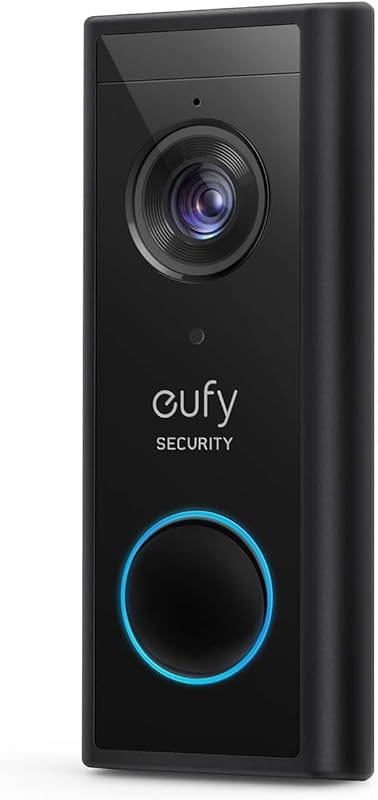
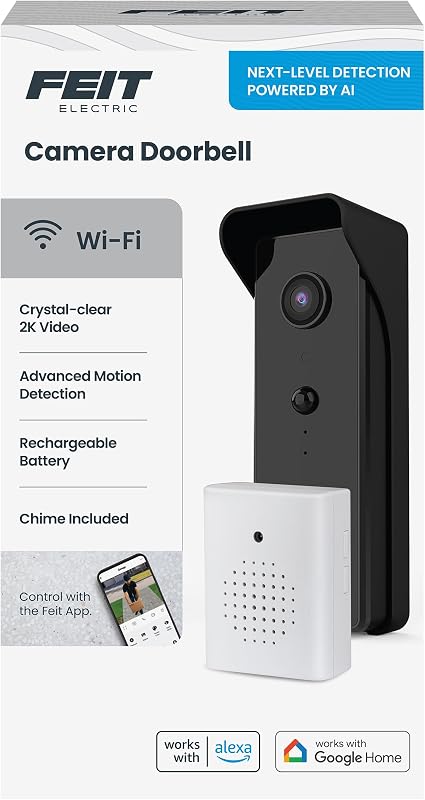
Cargando el producto…

Precio de origen
$ 117.580
+ flete e impuestos
Compra protegida
Puerta a puerta
Gestión aduanera
Tu compra, acompañada de principio a fin
Todo esto está en los Términos y Condiciones. Leerlos
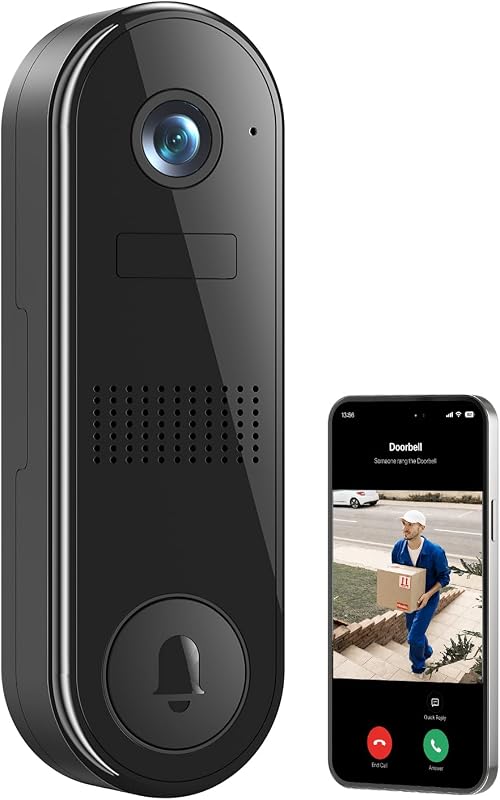
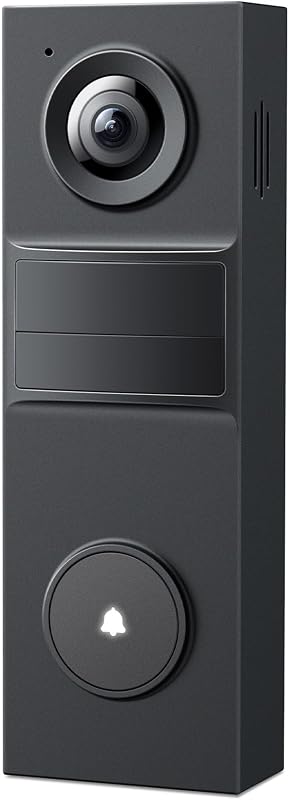
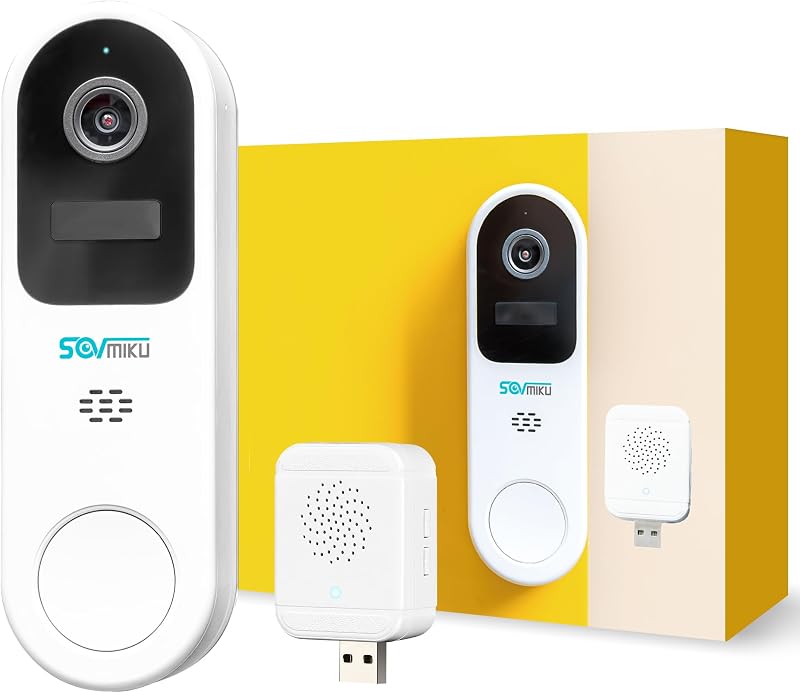
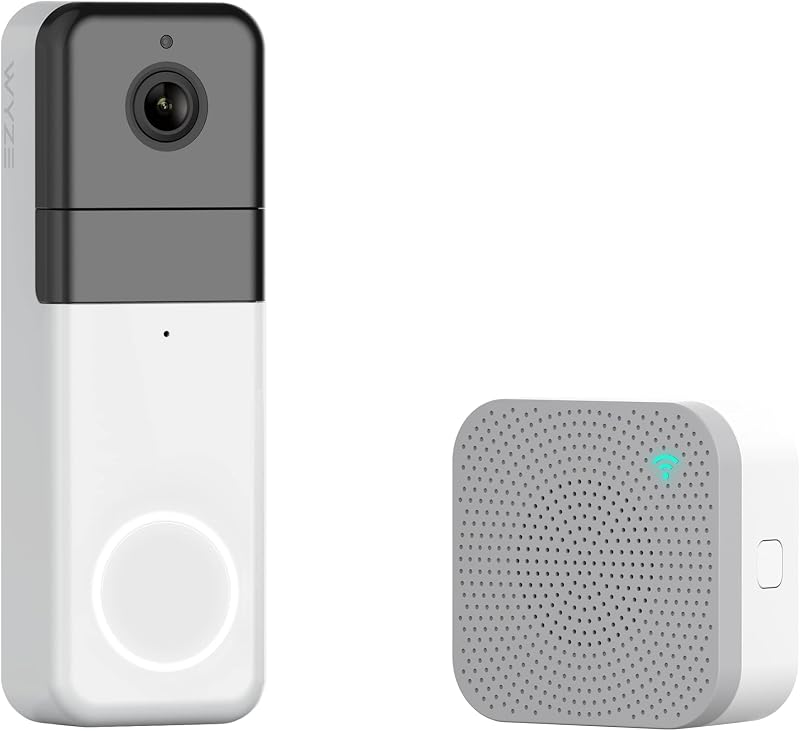
Descripción del producto Easy Communication Walkie-Talkie Style Two-Way Intercom Simple "Push-to-Talk" logic: mantenga presionado el botón para hablar y suelte para escuchar, lo que lo hace intuitivo para niños y personas mayores. Página anterior Captura de fotos incorporada No se necesita tarjeta SD Captura y almacena automáticamente hasta 50 fotos con sobrescritura de bucle inteligente para una seguridad instantánea. Instrucciones de uso de Walkie-Talkie Style Speak: MANTENGA pulsado el botón "Llamar" para hablar. Escucha: SUELTA el botón para escucharte No smartphone required. One-click answering on a 4.3” IPS screen makes it easy for kids and seniors to stay safe. 10-minute tool-free installation is perfect for apartments. Installation Guide Signal Range:10–100 ft (3–30 m) when obstructed by walls or metal doorsTest the signal at your desired installation location before final mountingPlace the indoor monitor near a window or on a wall closest to the doorbell for optimal receptionDo not install the doorbell on or in the center of a heavy metal doorAvoid placing microwave ovens or high-power Wi-Fi routers between the doorbell and monitor The video showcases the product in use.The video guides you through product setup.The video compares multiple products.The video shows the product being unpacked. Vidéo d'installation de la sonnette The video showcases the product in use.The video guides you through product setup.The video compares multiple products.The video shows the product being unpacked. Doorbell Pairing & Charging Guide Doorbell and Monitor Guide Please charge before use Charge the monitor and doorbell batteries.Turn on the monitor using the side power button,pair them by holding the M key on the monitor while long-pressing the doorbell's matching button.Enter the menu via the M key to view recorded photos, set the ringtone, change the system language, adjust the monitor volume, and set the display time. FAQ Can the Monitor Be Used Wirelessly? No, it is not designed for long-term wireless use. The built-in 400mAh battery is only for time memory and temporary power outages. Can It Record Videos? Yes, only when a TF card is inserted (supports 8GB–32GB, FAT32 format). Videos will be automatically recorded when the doorbell is pressed. Without a card, only photo capture is supported (the built-in memory can store about 40–50 images with loop overwrite). Menu settings How to Adjust the Volume? Monitor: When powered on, press the “+” or “–” buttons to adjust the volume. Doorbell: The volume is fixed. If it is too loud, you can cover the speaker with transparent tape. Two-Way Audio Guide Intercom Mode: Functions like a traditional walkie-talkie (Push-to-Talk).How to Talk: Press and HOLD the call button to speak; RELEASE it to listen.Start/End: Press the button once to connect after a ring, and press again to end the conversation.Distance Tip: Keep the monitor at least 3 meters (10ft) away from the doorbell to avoid audio feedback/echo. The video showcases the product in use.The video guides you through product setup.The video compares multiple products.The video shows the product being unpacked. Interphone vidéo bidirectionnel
Agregás al carrito
Sumás este y otros productos que querés traer.
Cotizás el envío
Calculamos flete aéreo y aranceles a Argentina.
Confirmás y pagás
Online con tarjeta, o por transferencia, con el total final a la vista.
Lo recibís en casa
Seguimiento en tiempo real. El despacho lo hacemos nosotros.
Lo que suele llevarse para tu cámara · un solo envío para todo
Los mejor puntuados del mismo tipo de producto
Mismo tipo de producto y precio parecido


![PEHAEL para iPhone 17 Protector de pantalla de privacidad+Protector de lente de cámara | Paquete de 3+3, marco de instalación, kits de limpieza, antiespía privado, antiarañazos, vidrio templado 9H, compatible con estuches, [6,3 pulgadas]](https://m.media-amazon.com/images/I/61UXu7cBl7L._AC_SL800_.jpg)