Cargando el producto…
Precio de origen
$ 313.579
+ flete e impuestos
Compra protegida
Puerta a puerta
Gestión aduanera
Tu compra, acompañada de principio a fin
Todo esto está en los Términos y Condiciones. Leerlos
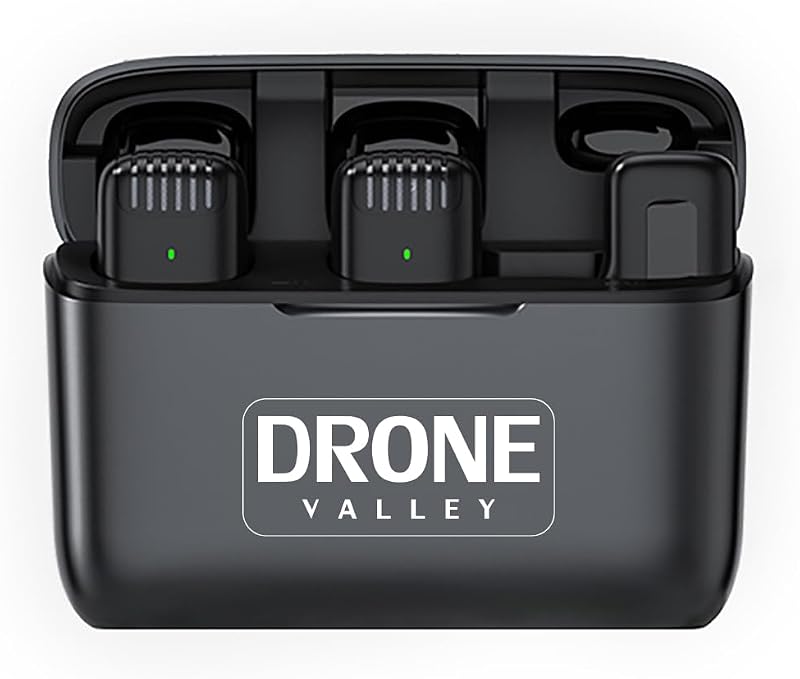
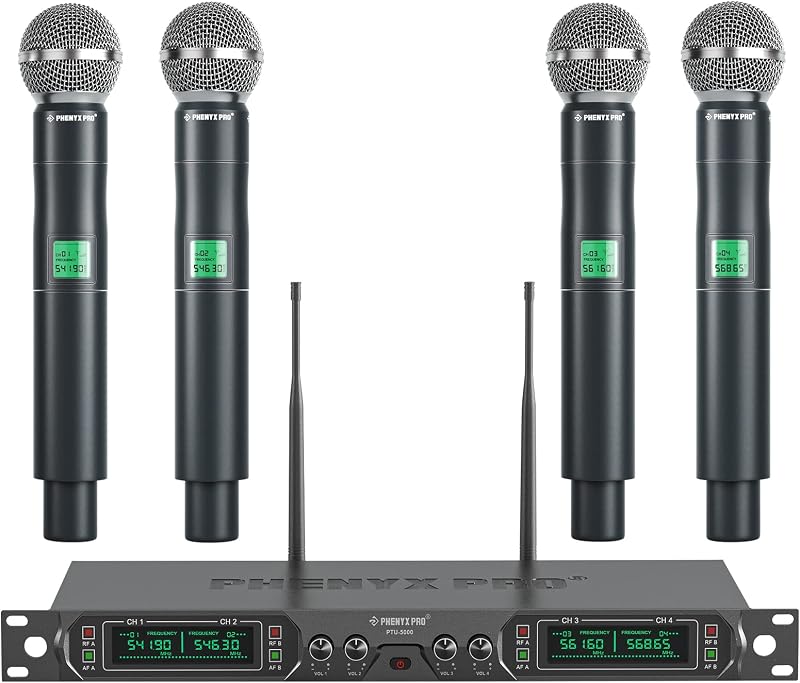
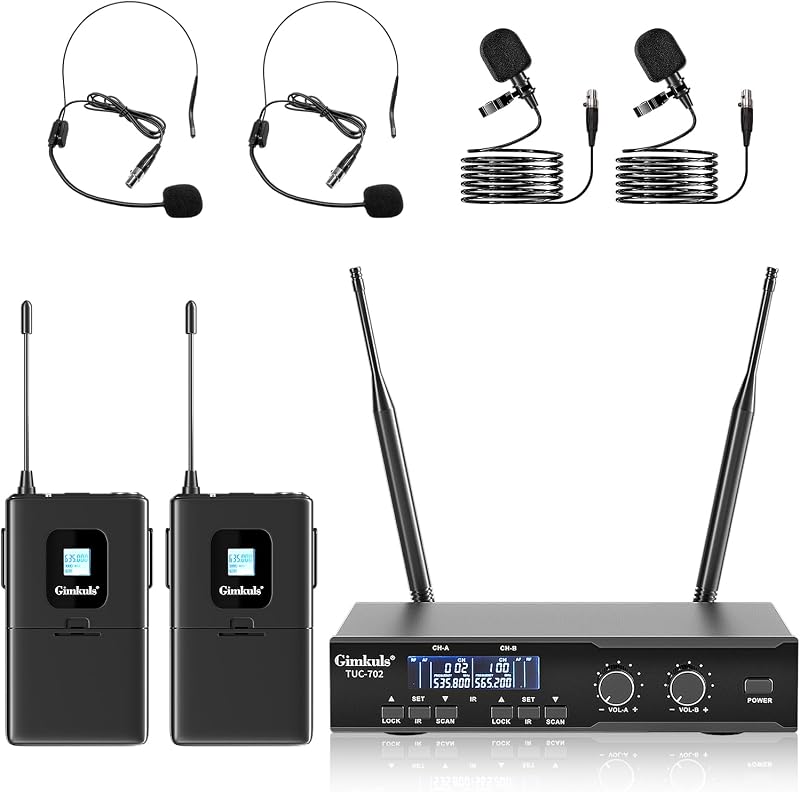
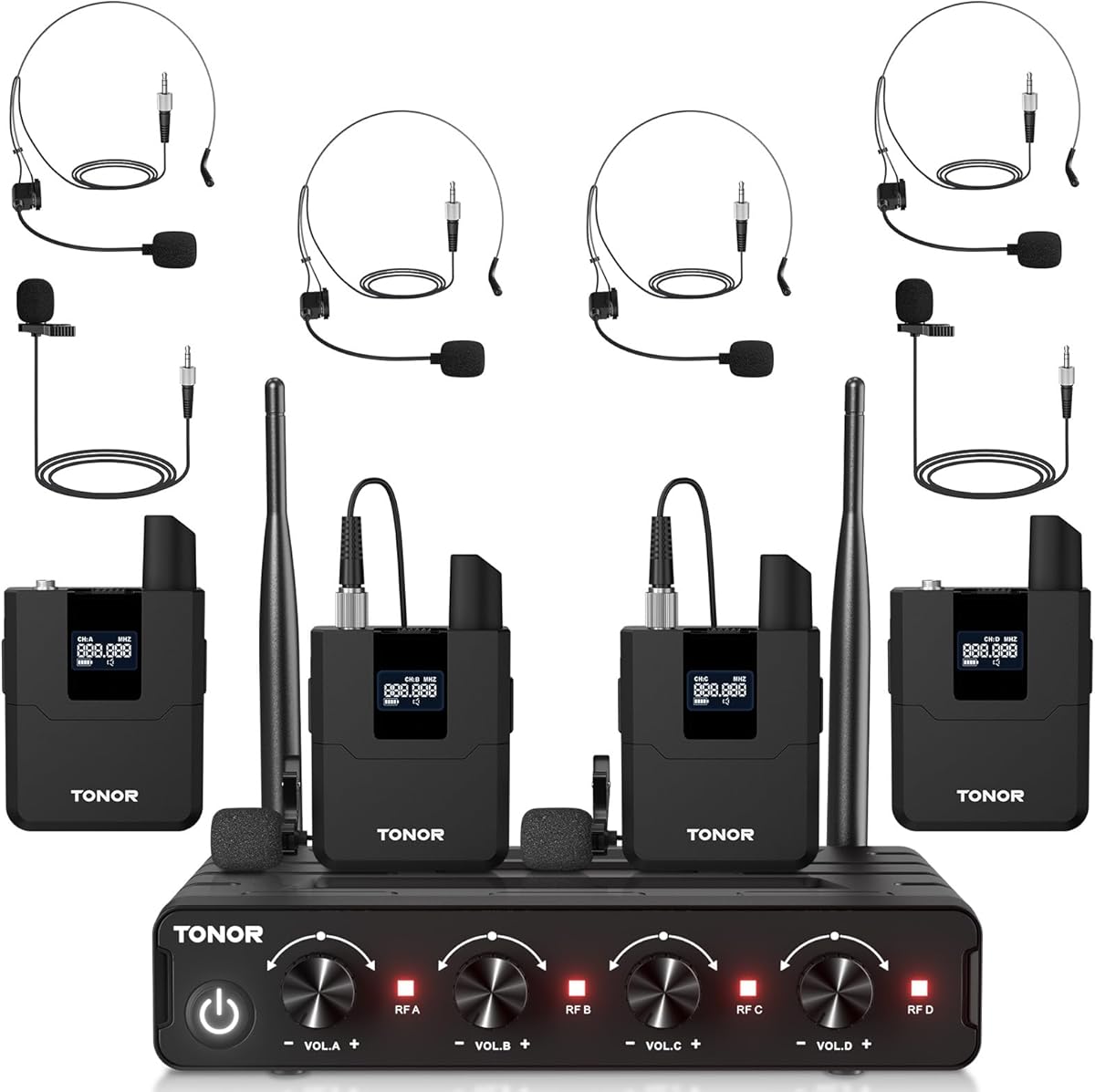
Descripción del producto El video muestra el producto en uso. El video lo guía a través de la configuración del producto. El video compara varios productos. El video muestra el producto desembalándolo. aplus content video Página anterior Excelente calidad de sonido Este micrófono proporciona una excelente calidad de sonido al minimizar eficazmente el ruido de fondo. Página siguiente 1 Frecuencias ajustables 2 Largo alcance inalámbrico 3 Excelente calidad de sonido 4 Ajuste de volumen Página anterior Interruptor de memoria Reanuda el último canal configurado después de la desconexión/reconexión del cable de alimentación. Página siguiente 1 Interruptor de memoria 2 Receptor UHF 3 Amplia compatibilidad Bodypack versátil con múltiples funciones Botón MUTE/VOL/SET Haga clic en el botón SET para cambiar la frecuencia. Presione el botón MUTE/VOL para silenciar el sonido o ajustar el volumen. Conector XLR El petaca incluye un conector XLR para una conexión fácil y de alta calidad de auriculares y micrófonos de solapa. Botón de encendido Deslice el botón para encender o apagar el petaca. La luz LED cambia a verde para encender y a roja para silenciar. Compartimiento de baterías Operado por 2 baterías AA, este micrófono garantiza un uso prolongado sin la molestia de cargarlo. (Las pilas no están incluidas). Página anterior Página siguiente ¿El micrófono no funciona? Guía rápida de reemparejamiento para arreglar los pasos para emparejar 1. Encienda el bodypack para verificar que todos estén en el orden A, B, C o D. Si el orden es incorrecto, primero apague el bodypack para restablecer el orden del incorrecto. 2. Mantenga presionado el botón "SET" durante 5 segundos para ingresar al modo de emparejamiento. Y reinicie el receptor. 3. Haga clic en el botón "SET" para finalizar el emparejamiento. Cuando la luz roja del receptor está encendida, el emparejamiento se realiza correctamente. 4. Si hay más de un micrófono con problemas, repita de 1 a 4 pasos para que los demás terminen de emparejarse. El video muestra el producto en uso. El video lo guía a través de la configuración del producto. El video compara varios productos. El video muestra el producto desembalándolo. aplus content video ¿Cómo conectar el receptor y los dispositivos de audio? Soporte de conexión multidispositivo 1. Utilice el cable de audio de 6,35 mm (incluido) para conectar el puerto MIX del receptor y la máquina de karaoke, mezclador u otros dispositivos de audio. 2. Levante las antenas del receptor y conecte el cable de alimentación. 3. Compruebe si el transmisor está conectado al receptor correctamente después de encender el dispositivo. El video muestra el producto en uso. El video lo guía a través de la configuración del producto. El video compara varios productos. El video muestra el producto desembalándolo. aplus content video ¿Cómo cambiar entre el micrófono A/B o el Bodypack C/D? Operación de configuración múltiple 1. Apague el bodypack, mantenga presionado el botón SET y luego encienda el bodypack. 2. Espere unos 10 segundos para cambiar entre el bodypack A y B o C y D. 3. Suelte el botón de configuración después de que la pantalla LCD muestre el cambio. El video muestra el producto en uso. El video lo guía a través de la configuración del producto. El video compara varios productos. El video muestra el producto desembalándolo. aplus content video ¿Cómo ajustar la frecuencia y el volumen? Ajuste de frecuencia y volumen 1. Presione brevemente el botón "SET" para cambiar la frecuencia. 2. Haga clic en el botón "MUTE/VOL" para activar o silenciar el sonido. Manténgalo presionado durante 3 segundos y la pantalla LCD parpadeará. Luego haga clic en el botón "MUTE/VOL" y en el botón "SET" para aumentar/disminuir el volumen (de 0 a 40 niveles). 3. También puedes ajustar el volumen girando la perilla de volumen del receptor. El video muestra el producto en uso. El video lo guía a través de la configuración del producto. El video compara varios productos. El video muestra el producto desembalándolo. aplus content video Compare estos micrófonos TW364 Agregar al carrito TW844 Agregar al carrito TW822 Agregar al carrito TW842 Agregar al carrito TW362 Agregar al carrito Reseñas de clientes 4.1 de 5 estrellas 119 4.4 de 5 estrellas 2,349 4.4 de 5 estrellas 2,349 4.4 de 5 estrellas 2,349 4.3 de 5 estrellas 216 Precio $159.99$159.99 $158.09$158.09 $125.99$125.99 $179.99$179.99 $139.99$139.99 Material ABS Metal ABS Metal ABS Diseño de frecuencia Frecuencia ajustable Frecuencia ajustable Frecuencia ajustable Frecuencia ajustable Frecuencia ajustable Número de canales 40 40 30 40 40 Distancia de cobertura 200 pies 295 pies 200 pies 295 pies 200 pies Respuesta de frecuencia 40 hz-18 khz 40 hz-18 khz 40 hz-18 khz 40 hz-18 khz 40 hz-18 khz Silencio √Bodypack √Bodypack √Bodypack √Bodypack, × Micrófono de mano √ Bodypack, × Método de salida de micrófono portátil Salida de 6,35 mm + Salida XLR Salida de 6,35 mm + Salida XLR Salida de 6,35 mm + Salida XLR Salida de 6,35 mm + Salida XLR Salida de 6,35 mm + Salida XLR
Agregás al carrito
Sumás este y otros productos que querés traer.
Cotizás el envío
Calculamos flete aéreo y aranceles a Argentina.
Confirmás y pagás
Online con tarjeta, o por transferencia, con el total final a la vista.
Lo recibís en casa
Seguimiento en tiempo real. El despacho lo hacemos nosotros.
Lo que suele llevarse para tu celular · un solo envío para todo
De la misma marca, empezando por lo más reseñado
Los mejor puntuados del mismo tipo de producto
Mismo tipo de producto y precio parecido