Cargando el producto…

Precio de origen
$ 36.388
+ flete y aranceles — se calculan al cotizar
Compra protegida
Puerta a puerta
Aduana incluida
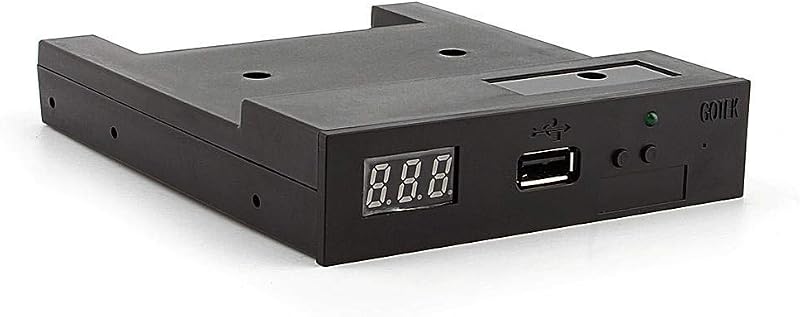
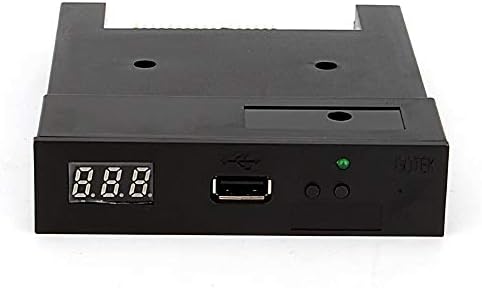
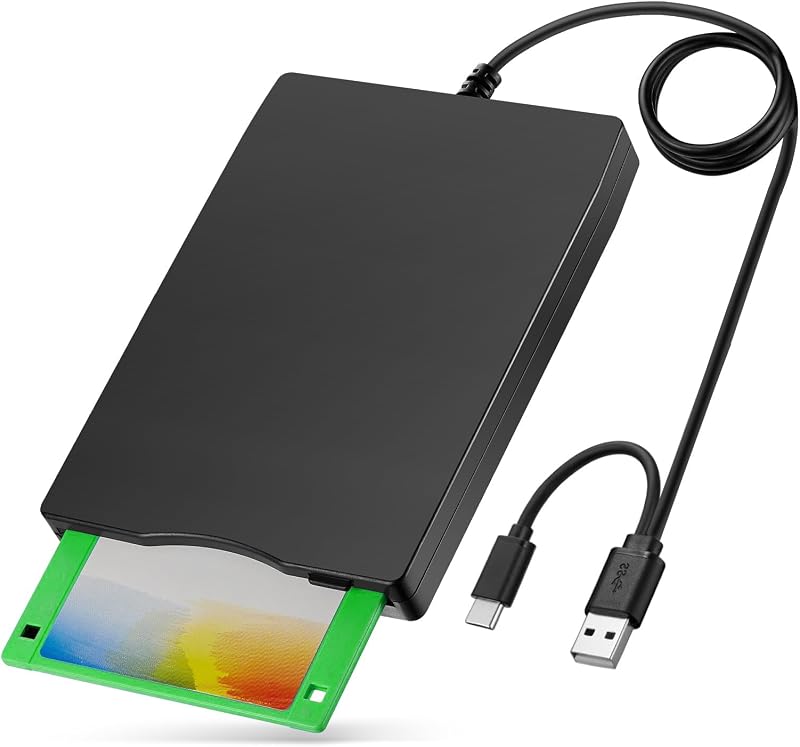
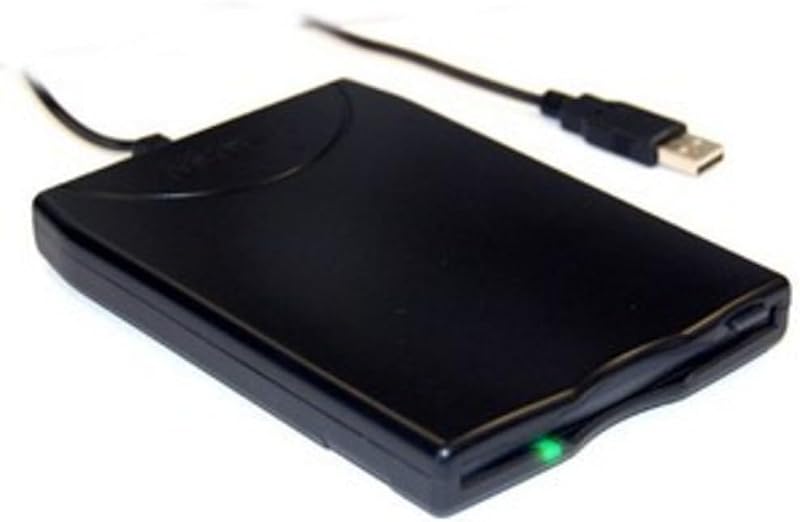
Experience seamless compatibility with this versatile USB 2.0 external floppy disk drive, designed to work across multiple operating systems including Windows 11/10/8. This 1.44MB FDD features a dual interface and comes equipped with thoughtful design elements for reliable performance. The built-in interference preventer effectively shields against external high-frequency noise, ensuring stable data transfer. The anti-skipping rubber base keeps the drive firmly in place during operation, preventing unnecessary movement that could disrupt read/write processes. Perfect for accessing legacy data or working with older systems that require floppy disk compatibility, this external drive offers plug-and-play convenience through its USB connection. The sleek black housing and compact design make it an unobtrusive addition to any workspace, while its portable nature allows for easy transport when needed. Whether you're retrieving archived files or maintaining compatibility with legacy systems, this floppy drive provides a reliable bridge between modern computers and 3.5-inch floppy disks. Here are some typical reasons for this error: 1.Unsupported file system. If you have formatted the external hard disk to be only readable on Windows, your Mac may not be able to access it. 2.Corrupted file system. A Mac cannot read your disk, which may be because the storage device’s file system is corrupted. Viruses affect. If your disk was attached by computer viruses and malware, that may lead to the disk not being recognized. 3.Corrupted disk. Bad errors or other physical damages can cause disks to become unreadable on computers. Uninitialized disk. 4.MacOS system bugs. Outdated OS or recent bugs can cause this error. 5.Broken cables or ports. If the USB-C or Thunderbolt cables are broken, your Mac may be unable to access the disk successfully. --- 1.First Aid for Mac is a built-in disk error diagnosis tool. This disk repair utility can help Mac users quickly solve unexpected disk errors and diagnose problems on internal hard disks and external hard drives, USB flash drives, or SD cards. Here’s how to apply First Aid in Disk Utility to repair the inserted unreadable disk. Step 1. The easiest way to access Disk Utility on a Mac is to open Spotlight. Press the Command and Space keys together, select Disk Utility, and press Enter. Step 2. Select the problematic disk and choose First Aid, then click Run in the pop-up window. It can fix common errors on SanDisk, Samsung, WD, and Seagate hard disks. --- 2.An out-of-date disk driver on a Mac can cause potential issues, such as inaccessibility, inability to write data on the disk, or other disk error codes. You can update the driver individually on Windows, but you cannot do the same on Mac. You should update macOS to fix the disk drive and the unreadable problem. Here’s how to update macOS on a Mac: Step 1. Click the Apple menu and choose System Settings. Step 2. In the window that pops up, scroll down and choose Software Update. Step 3. Your Mac will begin finding available updates. When prompted, click Restart now to update your Mac.
Agregás al carrito
Sumás este y otros productos que querés traer.
Cotizás el envío
Calculamos flete aéreo y aranceles a Argentina.
Confirmás y pagás
Un asesor te contacta con el link de pago.
Lo recibís en casa
Tracking en tiempo real. Aduana incluida.
Los mejor puntuados del mismo tipo de producto
Mismo tipo de producto y precio parecido