Cargando el producto…

Precio de origen
$ 58.780
+ flete e impuestos
Compra protegida
Puerta a puerta
Gestión aduanera
Tu compra, acompañada de principio a fin
Todo esto está en los Términos y Condiciones. Leerlos
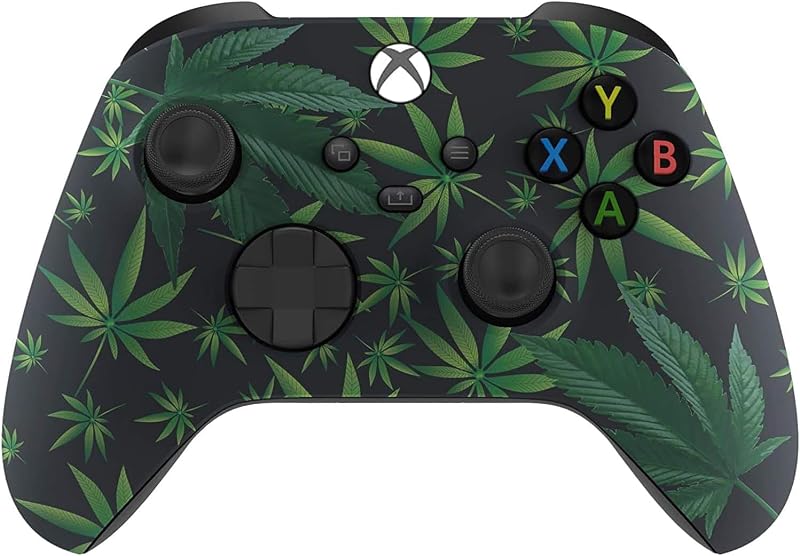
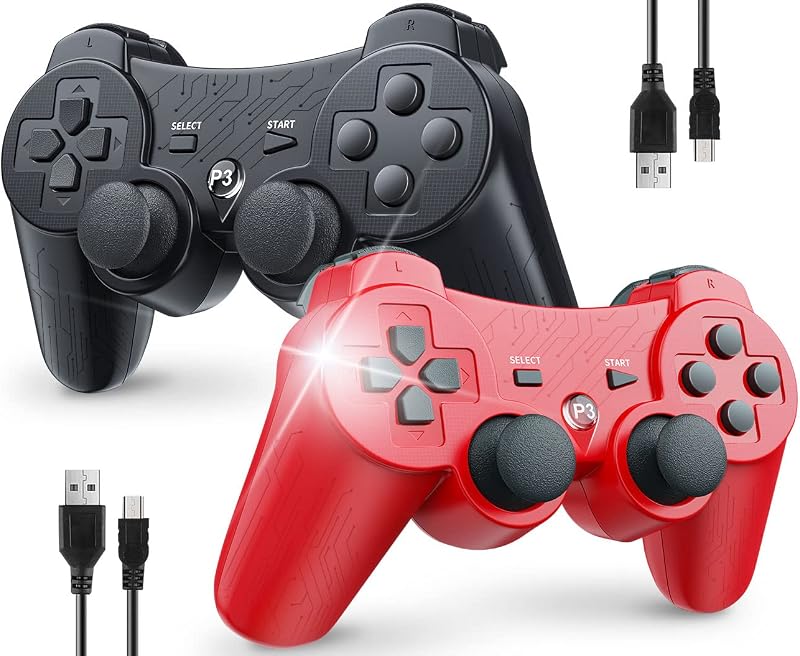
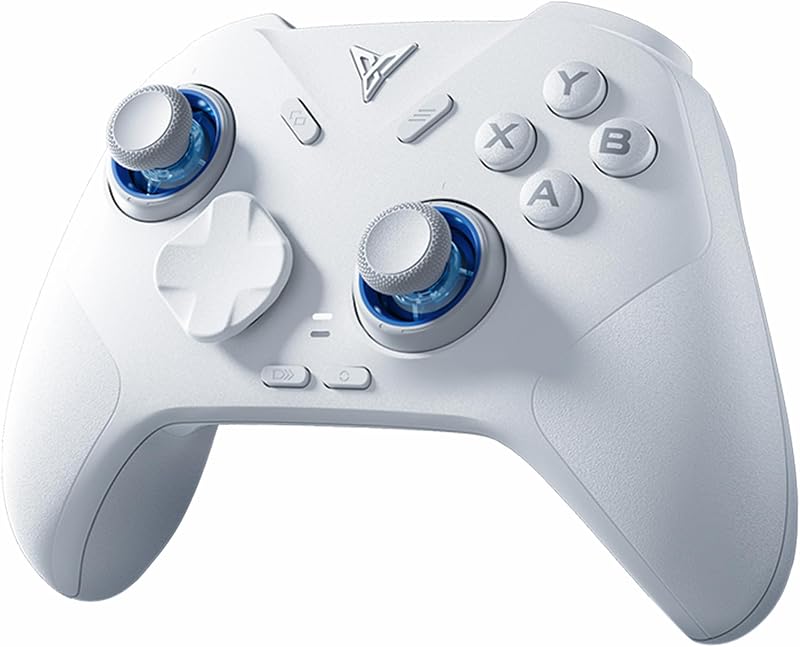
Descripción del producto Baigeda Baigeda es un equipo de juego profesional centrado en el diseño y desarrollo de una amplia gama de equipos y accesorios de juego. Buscando constantemente las tecnologías más avanzadas, nuestro equipo de expertos evalúa e integra las innovaciones de mejor rendimiento con los dispositivos Baigeda para mejorar su experiencia de juego. ¡Deshágase de la restricción de cable y disfrute de una experiencia de juego cómoda que nunca tuvo!No solo te hará disfrutar al máximo de los juegos c no tiene la función de despertar al host. Diseñado específicamente para emuladores de juegos retro, no es compatible con juegos a gran escala, juegos en línea o juegos en la nube. Ejecuta juegos de emuladores en dispositivos de hardware compatibles con emuladores como Emuelec,Batocera, Lakka, RetroArch, Steam y RetroPie. Si no funciona, restablecelo por método: coloca una aguja en el mini orificio en la parte posterior del controlador y presiona el botón de reinicio. Problemas de uso: si sus controladores se conectan correctamente(LE Conectar a dispositivos compatibles/dispositivos Android (función OTG de soporte): Teléfono/tableta/almohadilla Android (funciona con adaptador OTG, no incluido): enchufe el adaptador OTG en el host en primer lugar, luego pruebe la conexión inicial. Otros dispositivos, no se requiere adaptador, pruebe la conexión inicial directamente. Conexión inicial: enchufe el receptor USB, presione el botón de INICIO del controlador (flash LED del controlador), la conexión exitosa es LED del controlador (LED 1: primario, LED 2: secundario) de parpadeo a El paquete incluye: 1* Use Manual1* Receptor USB1* Cable de carga USB tipo C1 * Controladores emuladores inalámbricos dobles USB de Baigeda Potente compatibilidad de hardware Diseñado específicamente para emuladores de juegos retro (Emuelec, Batocera, Lakka, RetroArch, Steam, RetroPie), solo admite juegos dentro del emulador. Soporta dispositivos de hardware: no solo para PC portátiles/de escritorio (Windows 11/10/8/7/XP, Requiere: Programa de asignación de botones), Raspberry Pi(4/3/2/1/Zero), Game Stick(M8/10/15/16), Retro Game
Agregás al carrito
Sumás este y otros productos que querés traer.
Cotizás el envío
Calculamos flete aéreo y aranceles a Argentina.
Confirmás y pagás
Online con tarjeta, o por transferencia, con el total final a la vista.
Lo recibís en casa
Seguimiento en tiempo real. El despacho lo hacemos nosotros.
Lo que suele llevarse para tu pantalla · un solo envío para todo
Los mejor puntuados del mismo tipo de producto
Mismo tipo de producto y precio parecido