
Cargando el producto…

Precio de origen
$ 33.300
+ flete e impuestos
Compra protegida
Puerta a puerta
Gestión aduanera
Tu compra, acompañada de principio a fin
Todo esto está en los Términos y Condiciones. Leerlos
Descripción del producto Micro usb a hdmi Cable Weton MHL actualizado que le proporcionará un sonido más estable y claro: Entrada de puertos USB-C/Micro USB Compatible con puerto de pantalla VESA USB tipo C Modo alternativo Salida de vídeo HDMI HD 1080p Admite resolución de hasta 3840*2160 @ 30 Hz. Compatible con versiones anteriores con frecuencia de actualización rápida Real HD 1080p a 60 Hz, sin retrasos ni distorsiones. Función Bluetooth 5.0 para sincronización de audio. Reproducirá sonido directamente desde el televisor/proyector sin ningún problema. Si su televisor tiene parlantes incorporados, puede dejarlo en paz. Puerto de carga USB 3.0 USB-A se conecta al adaptador de corriente (5 V/2 A) y el cable no se puede usar solo como cable de carga. Actualización OTA de firmware Consejos: si desea transferir audio directamente desde el televisor/proyector, abra su Bluetooth y busque "MiraBT-xxxxxxxx". Adaptador de teléfono a TV Adaptador USB C/Micro USB a HDMI de Android 1. Solo funciona con la mayoría de los teléfonos/tabletas Android 4.4 o superior con dispositivos con puertos tipo C o Micro USB, no para PC. Admite la transmisión de vídeo y voz al mismo tiempo. De lo contrario, conecte la función bluetooth.2. El cable de alimentación USB debe conectarse a una toma de corriente; no se recomienda alimentarlo directamente desde el televisor. Dado que la corriente del televisor suele ser inferior a 2 A, recomendamos utilizar un adaptador para suministrar energía (5 V/2 A) para teléfonos Android. Si el voltaje es menor, el video puede tener un retraso. 3. Permita permiso para abrir la APLICACIÓN por primera vez, y debe aceptar el permiso de Bluetooth para la conexión de audio. 4. El cable MHL es compatible con la mayoría de los teléfonos y tabletas Android (interfaz tipo c/micro usb), como Sam*sung/Motorola/LG/Sony/TCL/Oneplus/Huawei/Xiaomi, etc. Aviso: No todos los dispositivos Android 4.4 admiten espejo USB.5.NO funciona para: S*amsung S3-S8, Fi*re Tablet o la última serie PAD Pro y Ma*cbook con un puerto USB-C.6. Este adaptador HDMI de teléfono a TV funciona con televisores, proyectores y monitores con un puerto de entrada HDMI, pero no funciona con un puerto de salida HDMI. AVISO: NO funciona con todas las aplicaciones pagas. El cable NO es compatible con aplicaciones pagas como Netflix, A*ma*zon prime videos, Hulu, Comcast tv, Xfinity, Vudu, DIRECTV BT Sport, Sky Go, Zoom Meetings, Disney+, etc. No funciona en aplicaciones que tienen protección de derechos de autor de video "HDCP". Admite duplicación de pantalla desde la mayoría de las aplicaciones gratuitas, como YouTube, FaceTime, Skype, Reddit, Tiktok. , Twitter, Meta, Safari, FaceBook, Instagram, WhatsApp, imágenes, Archivos, Excel, Powerpoint, Juegos, etc. Adaptador de cable MHL a HDMI Cómo utilizar Los pasos más importantes de la conexión: 1. Primero cambie el televisor al canal HD, conecte el cable USB al cargador USB al menos 5 V/2 A (Nota: el puerto USB de algunos televisores antiguos puede causar una fuente de alimentación insuficiente) 2. Conecte el cable HDMI al puerto de entrada HDMI del televisor, verá una pantalla azul, luego escanee el código QR en la pantalla azul para descargar una aplicación "Miraplug". (Esta aplicación no necesita pagar por su uso y solo requiere permiso para el espejo de la pantalla, no se preocupe porque su privacidad estará bien protegida). 3. Abra la aplicación, luego conecte el cable con su teléfono/tableta, aparecerá un mensaje "Usar USB A", NO ES NECESARIO hacer clic en ninguna de las opciones. Simplemente ignórelo. 4. Unos segundos más tarde aparecerá el mensaje "MiraPlug requiere permiso para activar Bluetooth", haga clic en "Permitir". Luego "Comenzar ahora" según el recordatorio del sistema. 5. Elija "MiraBT-XXX como objetivo, el sonido también saldrá del televisor, ahora puede iniciar la duplicación. (este paso permite que el volumen salga del televisor) Cable MHL de 6,6 pies P: ¿Por qué la pantalla no muestra nada? A1: Verifique la fuente de alimentación y asegúrese de que la fuente de señal de TV esté seleccionada correctamente. A2: Verifique si los cables están conectados correctamente para evitar la desconexión causada por una mala conexión. P: ¿Por qué no puedo encontrar el SSID en Google Home? R: Verifique que esté abierto el anclaje a red Wi-Fi y USB. Si ya los abrió y aún no tiene el SSID, reinicie el Wi-Fi del teléfono. P: ¿Por qué reproducir vídeo solo suena sin imagen? R:Compruebe que el reproductor que está utilizando requiera autorización de derechos de autor. P: ¿No hay sonido, solo las imágenes pero no hay sonido? R1: Asegúrese de haber hecho clic en el signo de volumen, haber permitido activar Bluetooth y haber elegido "MiraBT-XXX" como objetivo. R2: Asegúrese de que el televisor tenga incorporado un altavoz; de lo contrario, deberá conectar un altavoz a través de Bluetooth. P: ¿Por qué está atascado, almacenado en búfer o desconectado? R1: Verifique que la fuente de alimentación sea de 5 V/2 A, que el cable de datos esté firmemente conectado al teléfono móvil y que esté utilizando Wi-Fi de alta calidad. R2: Debido a problemas de permisos, este cable no puede funcionar en la aplicación paga. Pruebe con YouTube. Ver más
Agregás al carrito
Sumás este y otros productos que querés traer.
Cotizás el envío
Calculamos flete aéreo y aranceles a Argentina.
Confirmás y pagás
Online con tarjeta, o por transferencia, con el total final a la vista.
Lo recibís en casa
Seguimiento en tiempo real. El despacho lo hacemos nosotros.
Lo que suele llevarse para tu celular · un solo envío para todo
Los mejor puntuados del mismo tipo de producto
Mismo tipo de producto y precio parecido





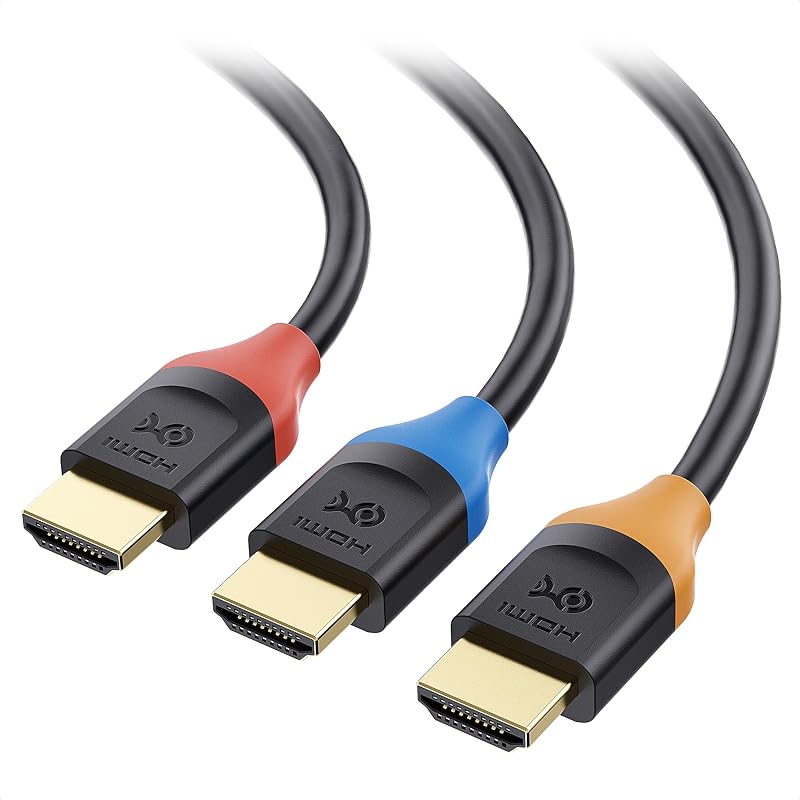
![Cable Matters [Certificado HDMI de ultra alta velocidad] Cable HDMI 8K de 3 paquetes, 3.3 pies | 8K a 60 Hz, 4K a 240 Hz, 48 Gbps, 1 m, HDR, compatible con PS5, Xbox Series X/S, GPU RTX/RX, Apple TV](https://m.media-amazon.com/images/I/717B-mJfiAL._AC_SL800_.jpg)


