Cargando el producto…

Precio desde
$ 29.380
+ flete e impuestos
Color
Compra protegida
Puerta a puerta
Gestión aduanera
Tu compra, acompañada de principio a fin
Todo esto está en los Términos y Condiciones. Leerlos
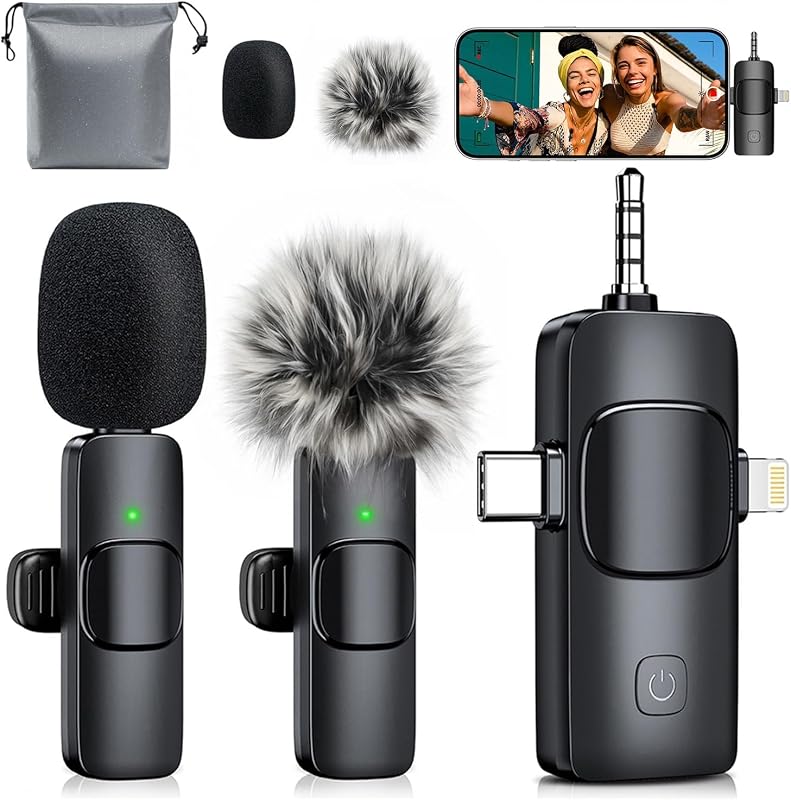
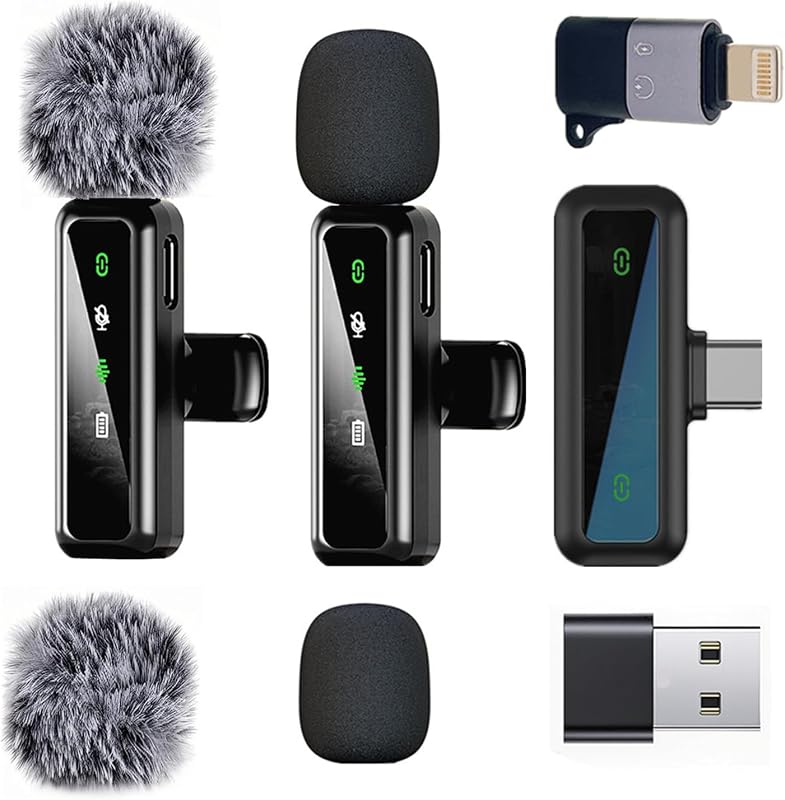
Descripción del producto Aisizon Wireless lavalire Microphone, Wireless Clip on Microphones, Hi-Fi Aud... Aisizon Wireless Lavalier Microphone for iPhone15, Wireless Clip Mic, Wireles... Aisizon Wireless Clip Mic, Wireless Lavalier Microphones, Lapel Clip-on Micro... Aisizon Wireless Mics, Wireless Clip on Microphones, Lapel Microphone A2d One... Wireless Lavalier Microphone with Noise Cancellation, HI-FI Audio, Wireless L... Wireless Lavalier Microphone with Noise Cancellation, H datos ✓ ✓ HI-FI Audio sin datos sin datos sin datos sin datos ✓ ✓ 2.4G transmisión sin datos sin datos sin datos sin datos ✓ ✓ Más modelos, más adecuados para usted. Micrófono Lavalier inalámbrico Aisizon A5d con cancelación de ruido, AUDIO DE ALTA FIDELIDAD, micrófono de solapa inalámbrico para iPhone 15/Pro/iPad, Android, para Tiktok, YouTube, grabación de video, transmisión en vivo. ¿Cómo usar el micrófono inalámbrico en un ordenador/portátil con el adaptador USB para videoconferencias con zoom? Tecla: Configurar el micrófono inalámbrico Aisizon como y ¿Cómo utilizar el adaptador Lightning a USB? De acuerdo con el protocolo de cada sistema, asegúrese de conectar este adaptador al puerto Lightning en el receptor del micrófono primero y luego conecte el puerto USB. Paquete incluido: · 1 receptor · 1 adaptador Lightning a USB · 1 cable de datos USB · 1 manual de usuario ¿Cómo hacer que el micrófono funcione mejor? 1. Después de usarlo, mantenga presionado el botón de encendido para apagar la alimentación, de lo contrario el micrófono continuará funcionando
Agregás al carrito
Sumás este y otros productos que querés traer.
Cotizás el envío
Calculamos flete aéreo y aranceles a Argentina.
Confirmás y pagás
Online con tarjeta, o por transferencia, con el total final a la vista.
Lo recibís en casa
Seguimiento en tiempo real. El despacho lo hacemos nosotros.
Los mejor puntuados del mismo tipo de producto
Mismo tipo de producto y precio parecido