Cargando el producto…

Precio desde
$ 265.304
+ flete e impuestos
Color
Compra protegida
Puerta a puerta
Gestión aduanera
Tu compra, acompañada de principio a fin
Todo esto está en los Términos y Condiciones. Leerlos
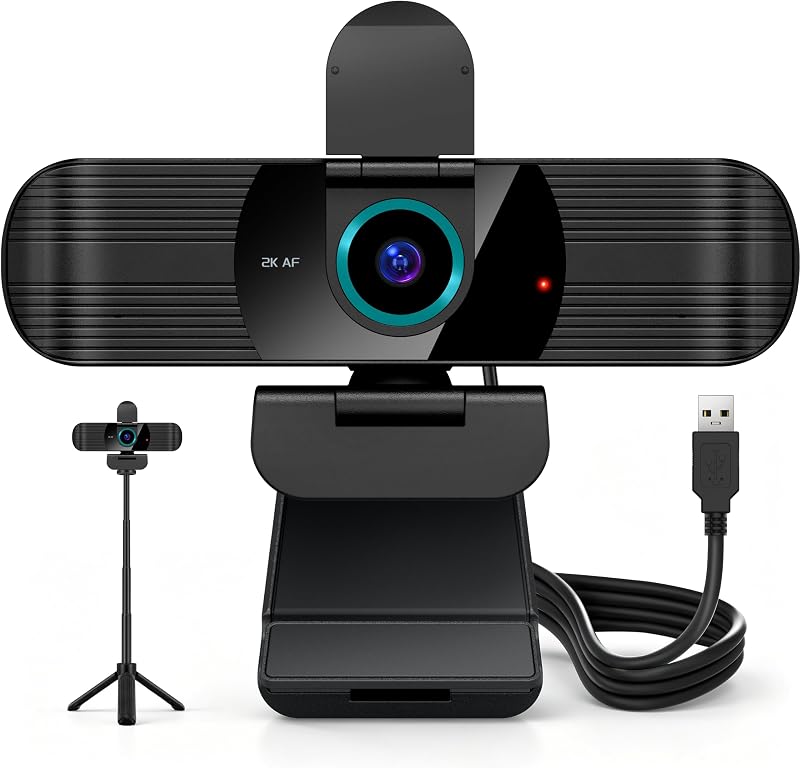
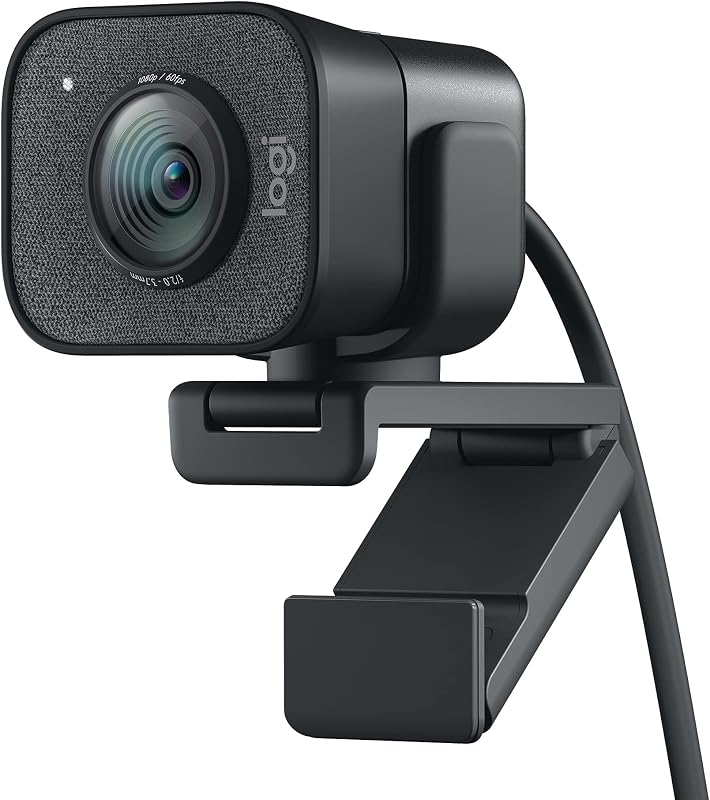
Product description Wireless Streaming Camera, 1080P HD Webcam, USB Plug and Play Webcam with Tripod The video showcases the product in use.The video guides you through product setup.The video compares multiple products.The video shows the product being unpacked.Video Player is loading.Click to play videoPlayMuteCurrent Time 0:00/Duration 0:46Loaded: 6.53%0:00Stream Type LIVESeek to live, currently behind liveLIVERemaining Time -0:46 1xPlayback RateChaptersChaptersDescriptionsdescriptions off, selectedCaptionsCaptions off, selectedEnglish (Automated)Audio Trackdefault, selectedFullscreenThis is a modal window. Wireless Streaming Camera, 1080P HD Webcam USB Video Class Webcam / UVC Protocol:Data transmission is more secure, using a point-to-point data transmission method. Type-C USB Receiver link to PC/Mac/Laptop/MacBook/Smart Conference TV Manual Focus, without Zoom function. The best pixel effect and clear picture is achieved when the distance between the person and the camera is 50 to 60 centimeters. Gsou Wireless Webcam (USB Video Class Webcam) with Multiple Install Ways Possible Issues You May Encounter What is the optimal distance range between the person and the camera for best pixel effect and clear image? When the distance between the person and the camera is 50 to 60 centimeters. Under normally circumstance how long does it take to charge the camera if the battery is completed depleted? Fully charge the item need about 4-5 Hours(1.5-2.0A, DC 5V output ), and webcam should last up to 9 hours playtime. Why the microphone is not work? First, apply the shooting application to the microphone of W31 and see if the microphone can be used Second, Try using the built-in recording tool of WIN10, or other System. Option 3: Check path: Settings - Sound - Turn up the W31 microphone sound When it has been used about 4 hours and red light flickers or goes out then back on, what happened? It means the battery is depleted and you need to charge the camera. The product will not charge, and why nothing will make the light a solid red (as it has in the past)? The low voltage indicator light on the front side of the lens, and the charging indicator light on the back of the charging port. If the charging indicator light flashes, it means the battery has not been activated
Agregás al carrito
Sumás este y otros productos que querés traer.
Cotizás el envío
Calculamos flete aéreo y aranceles a Argentina.
Confirmás y pagás
Online con tarjeta, o por transferencia, con el total final a la vista.
Lo recibís en casa
Seguimiento en tiempo real. El despacho lo hacemos nosotros.
Lo que suele llevarse para tu notebook · un solo envío para todo
Los mejor puntuados del mismo tipo de producto
Mismo tipo de producto y precio parecido