Cargando el producto…

Precio de origen
$ 19.580
+ flete e impuestos
Compra protegida
Puerta a puerta
Gestión aduanera
Tu compra, acompañada de principio a fin
Todo esto está en los Términos y Condiciones. Leerlos
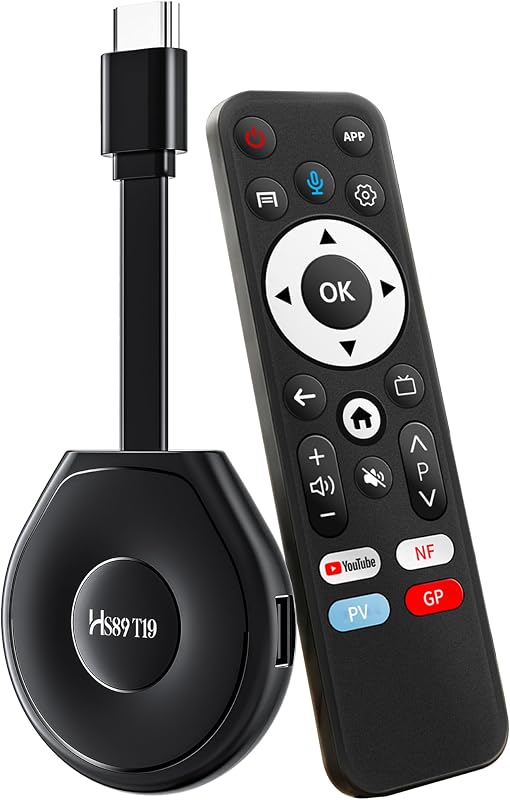
Product description Wireless WiFi Display Dongle Adapter for Mobile Screen Mirroring Device to TV Projector Receiver, Business Education Office Supplies Plug dongle into HDMI port on TV and switch TV to the HDMI input source. Plug USB cable into an external USB power adapter(power adapter is not include) and plug micro USB into dongle Your Phone/Pad screen will be shown on your TV through dongle. Set up on your Phone/Pad/Mac Set up on your Phone/Pad/Mac Step 1. Press the button on dongle to switch to Air Play mode. You will find the dongle on your TV screen. Step 2. Connect dongle in WiFi Setting on Phone/Pad. Step 2. Go to browser and input 192.168.203.1 to come to the setting menu Note: In setting menu, you can click "Internet" connect your home WiFi. You can also set up the language, Dongle password and resolution in setting page. Step 3. Swipe up on your Phone/Pad and tap on Screen Mirroring, then select dongle as target. Step 4. Your Phone/Pad screen will be shown on your TV through dongle. Set up on your Android device Step 1. Press the button on the dongle to switch to Android mode Step 2. Turn on your Android screen mirroring menu and then connect dongle to start mirror. To access the setting menu of dongle: 1. Connect dongle in WiFi Setting on your device 2. Go to a browser and input 192.168.203.1, you can set all setting of dongle here. Note: Not compatible with the apps that have protocol protection, such as Netflix/ Amazon Video/ HBO go/ Hulu Plus sky go/DIRECTV etc. Package: 1 x Wireless Wi-Fi Display Dongle Receiver 1 x WiFi USB Cable 1 x English User Manual
Agregás al carrito
Sumás este y otros productos que querés traer.
Cotizás el envío
Calculamos flete aéreo y aranceles a Argentina.
Confirmás y pagás
Online con tarjeta, o por transferencia, con el total final a la vista.
Lo recibís en casa
Seguimiento en tiempo real. El despacho lo hacemos nosotros.
Los mejor puntuados del mismo tipo de producto