Cargando el producto…

Precio de origen
$ 117.580
$ 176.380
+ flete e impuestos
Compra protegida
Puerta a puerta
Gestión aduanera
Tu compra, acompañada de principio a fin
Todo esto está en los Términos y Condiciones. Leerlos
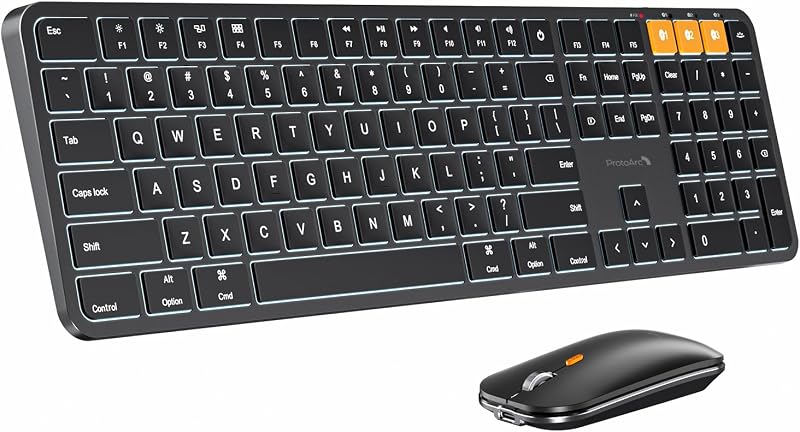
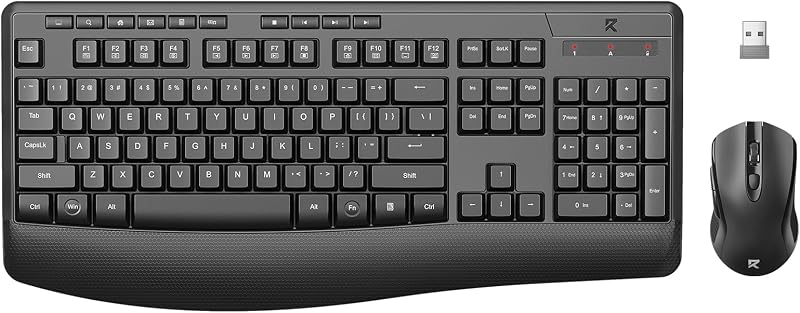
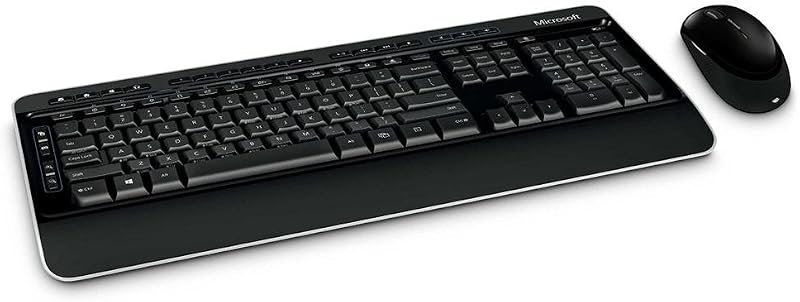
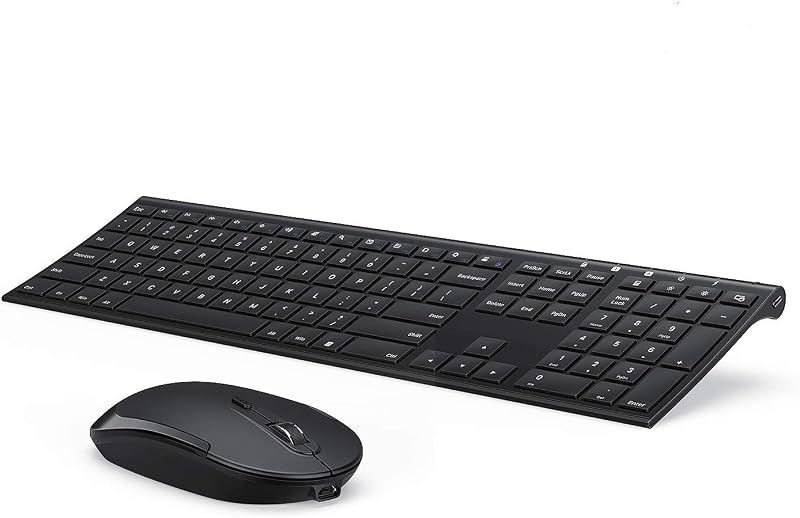
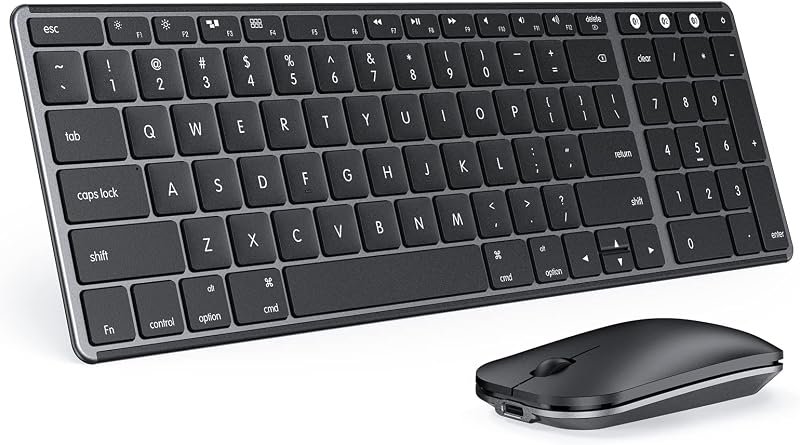
Product description Backlit Aluminum Bluetooth Keyboard and Mouse The video showcases the product in use.The video guides you through product setup.The video compares multiple products.The video shows the product being unpacked. ProtoArc KM110-A Aluminum Backlit Mac Combo If you’re a mac user and looking for an aluminum keyboard that combines backlight, durability, aesthetics, and performance, ProtoArc KM110-A backlit bluetooth keyboard mouse for Mac is a fantastic choice. Meet the KM110-A bluetooth keyboard mouse for iPad designed to supercharge your productivity The Smarter Choice for Mac Professionals Previous page Next page ProtoArc KM110-A keyboard and mouse is increasingly becoming an essential tool for mac users looking to improve both their workflow and well-being during those after-dark shifts. Bluetooth keyboard mouse is perfect for work, general tasks, and everyday use. However, gaming is not recommended Full-size with Numeric Keypad for Maximum Productivity Previous page Next page If you work from home, or use spreadsheets a lot, then the Full-size with numeric keypad is the best option. A familiar, full-size layout improves accuracy during high-speed typing and reduces the likelihood of pressing the wrong key Seamlessly Switch between three Devices Previous page Certified Sustainability, Trusted Excellence Next page No cable or dongle needed: Unlike other wireless keyboards, ProtoArc bluetooth models connect directly to a device that supports bluetooth connection, freeing up a USB port. Don't work on Windows: KM110-A keyboard is designed for macOS. The media keys and function keys don't work on Windows ProtoArc Backlit Mac Models KM110-A Aluminum Combo Buying Options KM100-A Full-Size Combo Buying Options K110-A Aluminum Keyboard Buying Options K100-A Full-Size Keyboard Buying Options K90-A Compact Keyboard Buying Options KM90-A Small Combo Add to Cart Customer Reviews 4.1 out of 5 stars 127 4.4 out of 5 stars 1,927 4.4 out of 5 stars 242 4.5 out of 5 stars 149 4.4 out of 5 stars 408 4.5 out of 5 stars 153 Price $59.99$59.99 $47.99$47.99 $52.99$52.99 $42.99$42.99 $34.99$34.99 $59.99$59.99 Version Flagship Model Mid-Range Model Flagship Model Mid-Range Model Entry Level Entry Level Connection Type 3 * Bluetooth 5.1 3 * Bluetooth 5.1 3 * Bluetooth 5.1 3 * Bluetooth 5.1 3 * Bluetooth 5.1 3 * Bluetooth 5.1 Operating System Mac OS X 10.12 and above Mac OS X 10.12 and above Mac OS X 10.12 and above Mac OS X 10.12 and above Mac OS X 10.12 and above Mac OS X 10.12 and above Compatible Devices MacBook Pro/Air, iMac, iPad MacBook Pro/Air, iMac, iPad MacBook Pro/Air, iMac, iPad MacBook Pro/Air, iMac, iPad MacBook Pro/Air, iMac, iPad MacBook Pro/Air, iMac, iPad Layout Full Size layout, with numpad Full Size layout, with numpad Full Size layout, with numpad Full Size layout, with numpad Compact layout, no numpad Compact layout, no numpad Keyboard Dimensions L x W 16.7"L x 4.4"W 16.7"L x 4.7"W 16.7"L x 4.4"W 16.7"L x 4.8"W 11.2"L x 4.7"W 11.2"L x 4.7"W Number of Keys 110 109 110 109 78 78 Keyboard Backlighting Color Single Color Single Color Single Color Single Color Single Color Single Color Backlight ✔ ✔ ✔ ✔ ✔ ✔ Ergonomic Titing Feet ✘ ✘ ✔ ✘ ✘ ✘ Numeric Keypad ✔ ✔ ✔ ✔ ✘ ✘ Windows Compatible ✘ ✘ ✘ ✘ ✘ ✘ The keyboard/mouse cannot connect to your device 1.Ensure that the keyboard/mouse is fully charged. 2.Confirm that the keyboard/mouse is in the correct mode. 3.Delete the keyboard/mouse's Bluetooth pairing from your device's Bluetooth listing. 4.Repair the keyboard/mouse with your device. Some keyboard keys do not work / Keyboard keys have typing delay / Keyboard keys repeat typing: 1. Ensure that the keyboard is fully charged. 2. Delete the keyboard's Bluetooth connection from your computer's Bluetooth connection history. After deleting the Bluetooth connection, restart your computer. 3. Re-pair the keyboard with your computer Is KM110-A Bluetooth Keyboard compatible with Windows PCs? No. This keyboard and mouse set is designed exclusively for macOS 10.12 and above, iPadOS, and iOS. Device manufactured before 2013 or running macOS versions below 10.12 are not supported. It does not support Windows, Android, or Linux On macOS, why do the keyboard keys 7, 8, 9, U, I, O, J, K, or the number keys (0-9) on the keypad, stop responding? Because the "Mouse Keys" feature is enabled, to disable this feature on MacBook, iMac, and Mac Mini, follow these steps: ○ Go to Settings > Accessibility > Pointer Control > Mouse Keys. ○ Toggle the Mouse Keys switch to the off position. After the device restart that required login, the keyboard and mouse wouldn't reconnect? The reason is FileVault On Mac. To disable FileVault: 1. Go to System Settings/System Preferences 2. Click Privacy & Security 3. Click FileVault 4. Click the lock icon in the bottom left and enter your password. 5. Click Turn Off Encryption How to Use Multimedia or F1-F12 function? The Bluetooth keyboard comes preconfigured with multimedia functions. The F1-F12
Agregás al carrito
Sumás este y otros productos que querés traer.
Cotizás el envío
Calculamos flete aéreo y aranceles a Argentina.
Confirmás y pagás
Online con tarjeta, o por transferencia, con el total final a la vista.
Lo recibís en casa
Seguimiento en tiempo real. El despacho lo hacemos nosotros.
Lo que suele llevarse para tu notebook · un solo envío para todo
De la misma marca, empezando por lo más reseñado
Los mejor puntuados del mismo tipo de producto
Mismo tipo de producto y precio parecido