Cargando el producto…
Precio desde
$ 33.300
+ flete e impuestos
Color
Compra protegida
Puerta a puerta
Gestión aduanera
Tu compra, acompañada de principio a fin
Todo esto está en los Términos y Condiciones. Leerlos
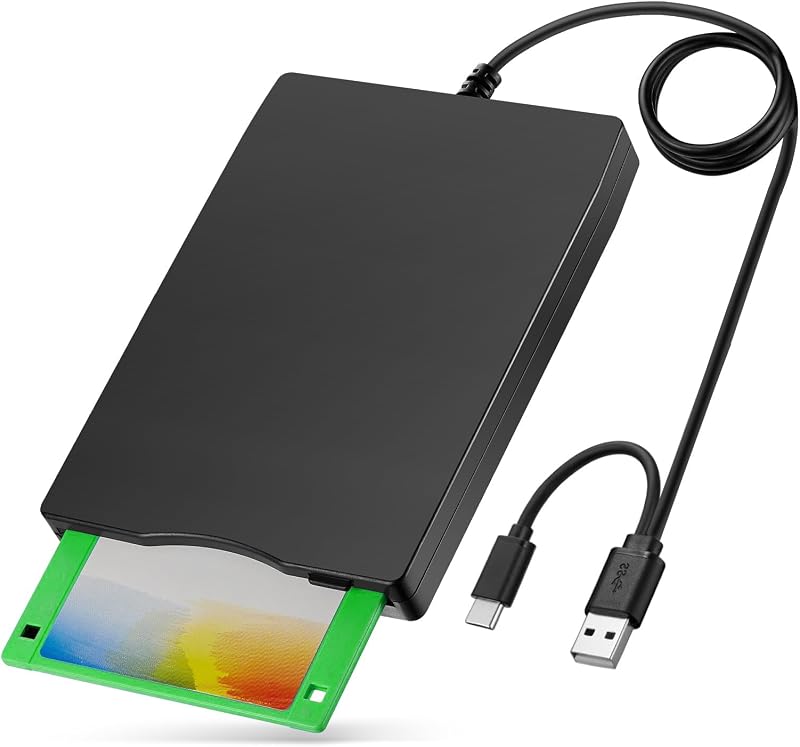
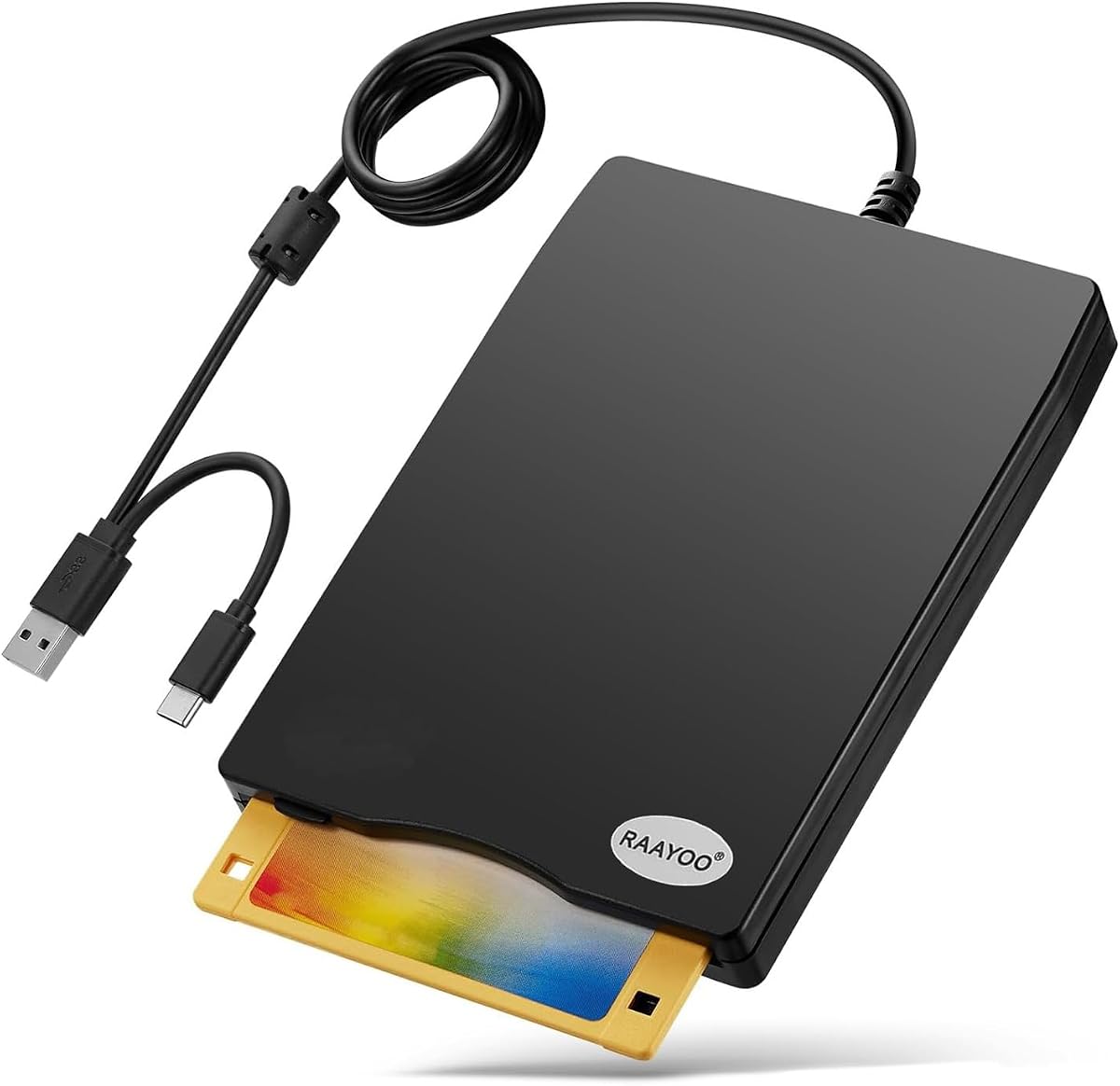
Descripción del producto El lector de disquetes RAAYOO de 3,5 pulgadas con disquetes USB tipo A y tipo C puede ser un completo desconocido para los jóvenes de hoy en día, pero para aquellos que crecieron con ellos, también tienen algunos recuerdos preciosos de sí mismos. Hay algunos de nosotros aquí que hemos estado trabajando con computadoras desde finales de los 80, los disquetes eran los dispositivos de almacenamiento habituales, por lo que tenemos un montón de disquetes archivados antiguos que almacenan archivos importantes, por ejemplo, fotos de bodas, fotos de niños, pape ✔Windows 11/10 system has a lot of show/hide options for File Explore, navigate to "Devices and Printers" by following these steps; Windows 11: Start -> Settings -> Bluetooth & devices -> Devices -> "More devices and printer settings" under "Related settings"; Windows 10: Start -> Settings -> Devices -> Bluetooth & Other devices -> "Devices and printer" under "Related settings". Right-Click on the drive icon named "TEACV0.0", hover cursor over "Browse files" and then click on "Floppy disk drive(A:)", then you will see the files in your floppy disks. ✔When you insert second diskette, it still shows the files from the 1st disksettefor, for this issue, please make sure you use the refresh button. After insert second floppy disk inside the drive, please right click the Windows Explorer and click "refresh" in order to update the contents of the device and read the data off the newly inserted floppy disk. 3.5 Inch External USB Floppy Disk Drive - Relive Your Beautiful Memories How to Locate "Floppy Disk Drive (A:)" in Windows 11/10 Windows 11: Start -> Settings -> Bluetooth & devices -> Devices -> "More devices and printer settings" under "Related settings"; Windows 10: Start -> Settings -> Devices -> Bluetooth & Other devices -> "Devices and printer" under "Related settings". Right-Click on the drive icon named "TEACV0.0", hover cursor over "Browse files" and then click on "Floppy disk drive(A:)", then you will see the files in your floppy disks. Multi-function 3.5inch External USB Floppy Disk Converter Actual Use Experiences From Some Buyers Here are some actual experiences from some buyers,sincerely hope that this item can also help you achieve beautiful memories. Alice said, “ I had a lot of pictures of my children growing up on floppy disk and now I am able to see them again and order prints.” Jame said, “I needed a floppy reader to retrieve photos off floppies that were found that were taken back in the day with a camera that used floppies as the media. Not knowing what to expect, I ordered this device , I have had an excellent experience so far.” Walker said, "I had a lot of old floppy disks with embroidery designs on them. I recently got a new machine and there was no way to use the designs without transferring them to a flash drive. The external floppy disk drive did this effortlessly." Jenny said, "I bought this to save the pictures that my mother had saved on floppy disks. She found them while down sizing and was going to throw them out....I told her please let me see whats on them first and when I showed her....her heart was full of joy! Thanks" Johnson said, "I bought this reader to play old floppy disc war games. The reader works great but the technology of the old floppy disc was too old for my computers." Michael said, "Found an old floppy disk marked "pictures". They were of my kids and family (20 years ago!). What a fun trip down memory lane. We were able to save them. The floppy drive was plug and play - it couldn't have been easier. Thanks!" Allen said, "Three years ago, I had to get a new computer, and I was no longer able to view the many floppy diskettes I had with photos of our young grandson, until I found your device on AMAZON. I am really enjoying going back down memory lane and viewing all those great shots that I thought were lost to me. I highly recommend this product." Wide Compatibility- Support Windows 11/ 10/ 8.1/ 7/ Vista/ XP/ 2000 OS Warm Tips: ✔Not all of yours disks were readable, that is a factor of age, not the drive. Some of the data had been corrupted if they are too old or they are not stored appropriately. ✔Floppy disk i
Agregás al carrito
Sumás este y otros productos que querés traer.
Cotizás el envío
Calculamos flete aéreo y aranceles a Argentina.
Confirmás y pagás
Online con tarjeta, o por transferencia, con el total final a la vista.
Lo recibís en casa
Seguimiento en tiempo real. El despacho lo hacemos nosotros.
Los mejor puntuados del mismo tipo de producto
Mismo tipo de producto y precio parecido