Cargando el producto…

Precio desde
$ 50.940
+ flete e impuestos
Color
Tamaño
Compra protegida
Puerta a puerta
Gestión aduanera
Tu compra, acompañada de principio a fin
Todo esto está en los Términos y Condiciones. Leerlos
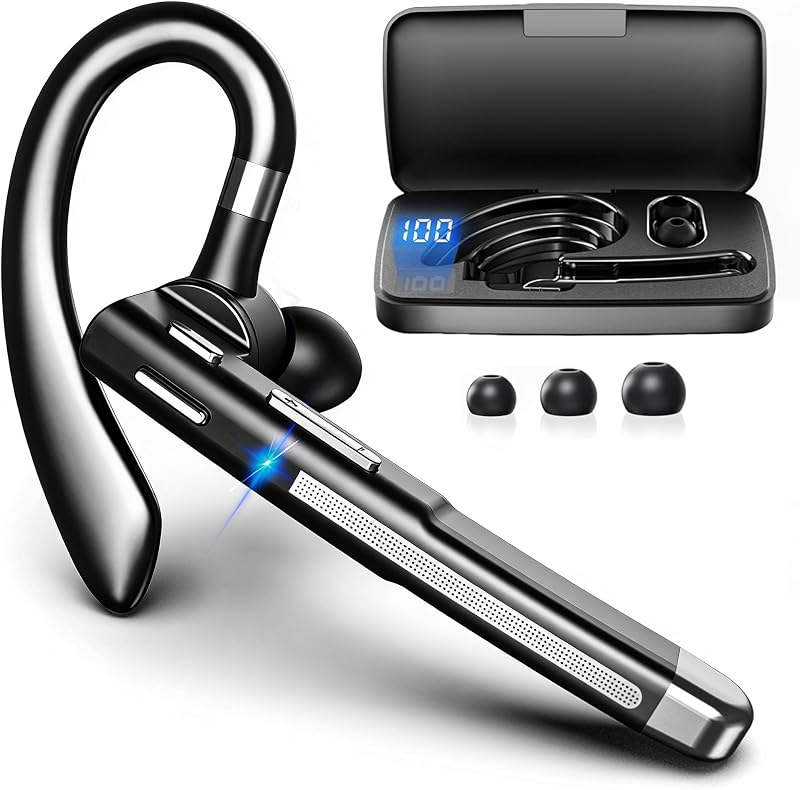
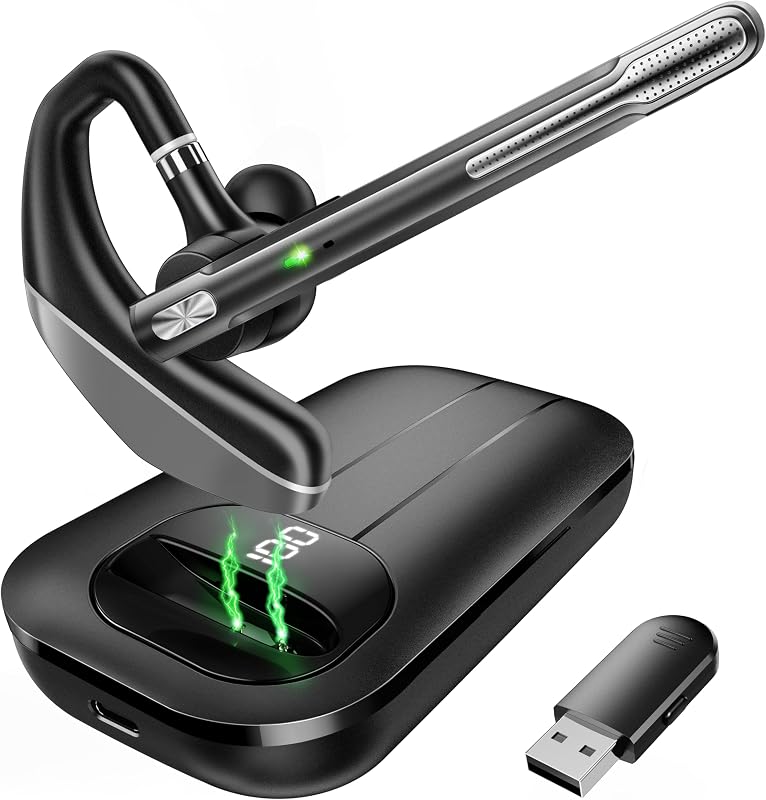
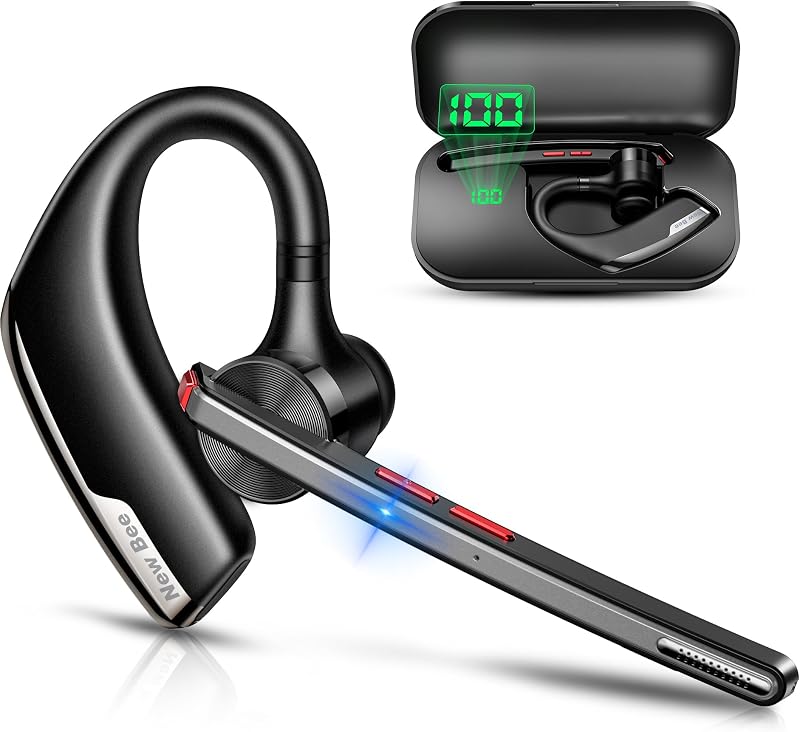
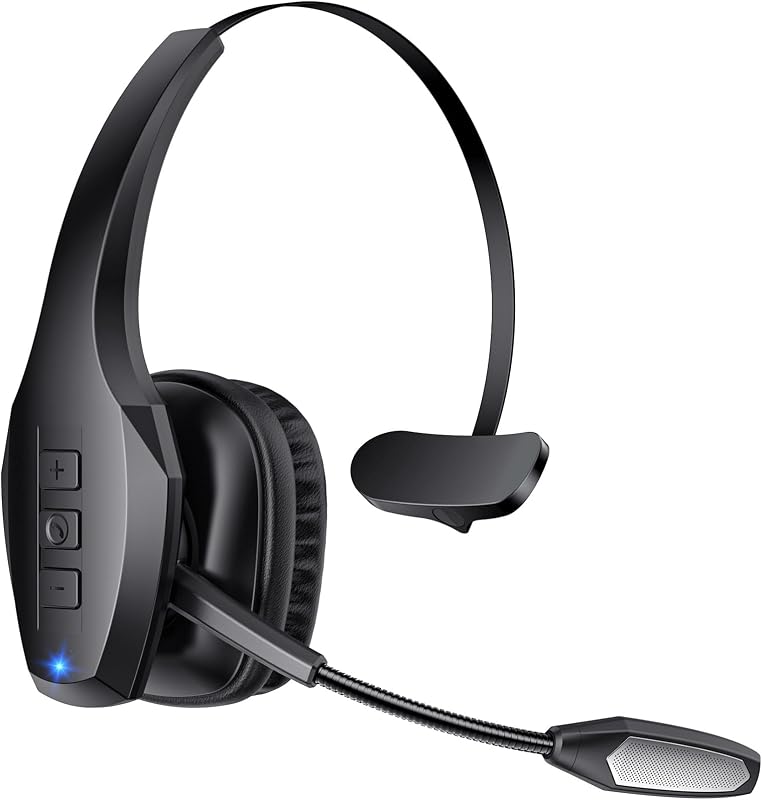
Product description New bee Bluetooth Headset V5.1 with ENC Noise Cancelling Mic for Business Call The video showcases the product in use.The video guides you through product setup.The video compares multiple products.The video shows the product being unpacked.Video Player is loading.Click to play videoPlayMuteCurrent Time 0:00/Duration 0:45Loaded: 6.67%0:00Stream Type LIVESeek to live, currently behind liveLIVERemaining Time -0:45 1xPlayback RateChaptersChaptersDescriptionsdescriptions off, selectedCaptionsCaptions off, selectedEnglish (Automated)Audio Trackdefault, selectedFullscreenThis is a modal window. New bee Bluetooth Headset M54 for Business Call Previous page Next page Previous page Next page 1 Qualified Certifications 2 Qualcomm Bluetooth 5.1 3 ENC Noise Cancellation 4 Hi-Fi Sound Previous page Next page 1 2 Charge Option with Case 2 Wide Compatibility 3 Dual Connection 4 Button Functions Previous page Next page 1 Handsfree for Driving 2 Mute for Privacy Previous page Next page 1 Left or Right Ear 2 Lightweight & Comfortable 3 3-Point Stable Design 4 Wearing Steps 5 Package Contents Could the headset be compatible with the Android computer or ipad? Could the headset support mute function? Sure. Compatible with devices that have Bluetooth functionality. But The headset does not support answering calls,mute and redial last number by computer or ipad. - Mute,answering calls and redial the last number are only supported by mobilephone. What is the biggest advantage of the New Bee M54 bluetooth headsets? They can be charged in two ways. If you forget to bring the charging case, it's no problem. The headset feature a dedicated Type-C charging port for direct charging. Alternatively, you can charge the earpiece using the charging case. Why can't I hear any sound during calls? Please try resetting the headphones. Make sure you choose the M54 for audio input/output when in a call, but not the speaker on your cellphone. How to reset the New Bee M54 bluetooth headset? In power-on state, press the multifunctional button and volume up button at the same time for 6 seconds. When hearing the voice prompt of "power on, pairing", the bluetooth headset has been restored to factory settings. How do I connect the handsfree headset to Bluetooth walkie-talkie? Step 1: Turn on the headset. Step 2: Turn on the walkie-talkie,Then Search and click for "M54" in Bluetooth settings. Step 3: Headset prompt "connected". Click the multifunctional button, the headset indicator goes out and then start to use.
Agregás al carrito
Sumás este y otros productos que querés traer.
Cotizás el envío
Calculamos flete aéreo y aranceles a Argentina.
Confirmás y pagás
Online con tarjeta, o por transferencia, con el total final a la vista.
Lo recibís en casa
Seguimiento en tiempo real. El despacho lo hacemos nosotros.
De la misma marca, empezando por lo más reseñado
Los mejor puntuados del mismo tipo de producto
Mismo tipo de producto y precio parecido