Cargando el producto…

Precio desde
$ 221.459
+ flete e impuestos
Versión
Compra protegida
Puerta a puerta
Gestión aduanera
Tu compra, acompañada de principio a fin
Todo esto está en los Términos y Condiciones. Leerlos
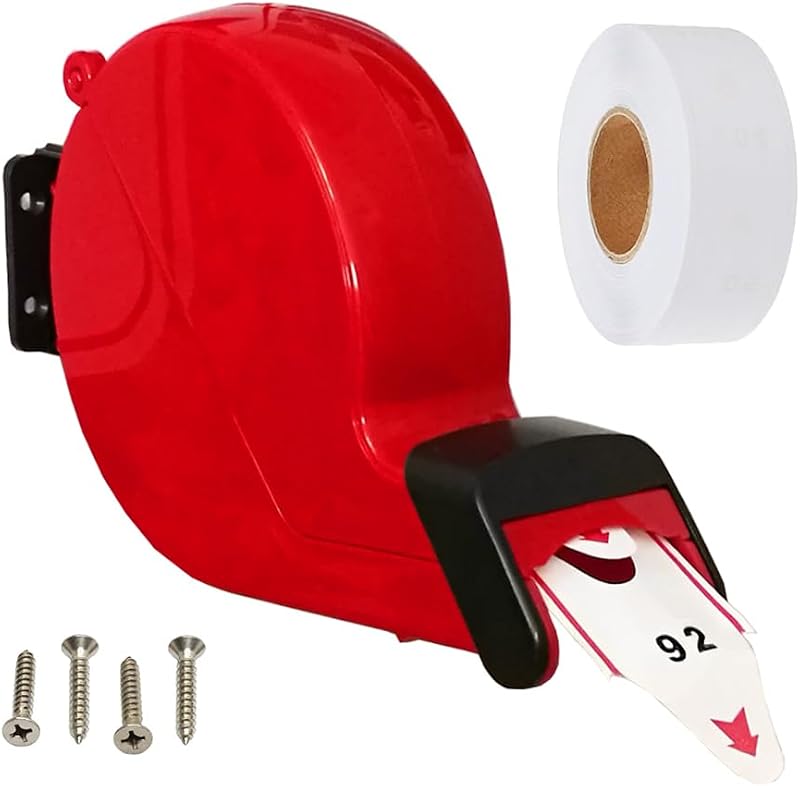
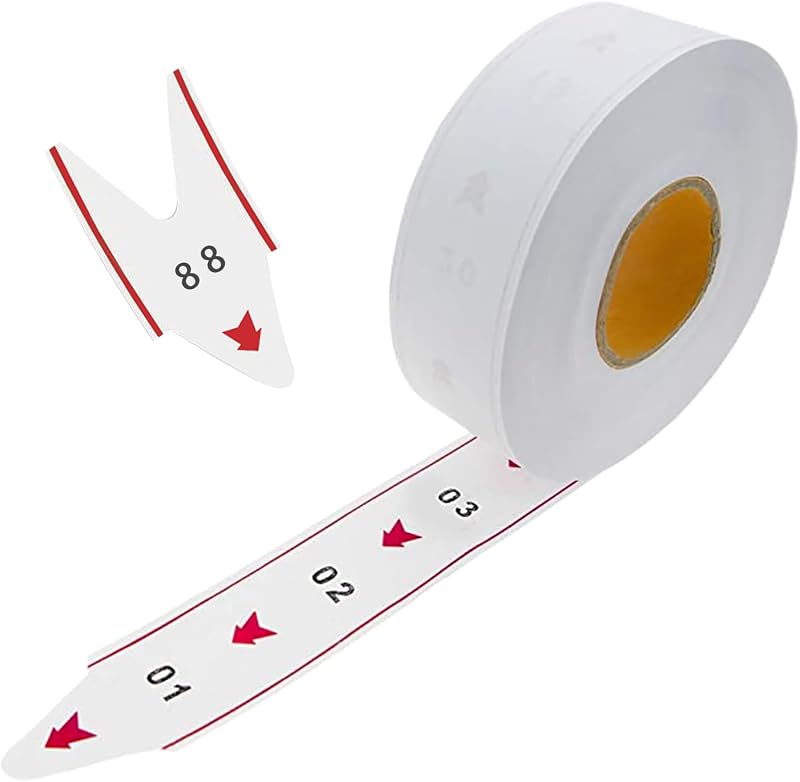
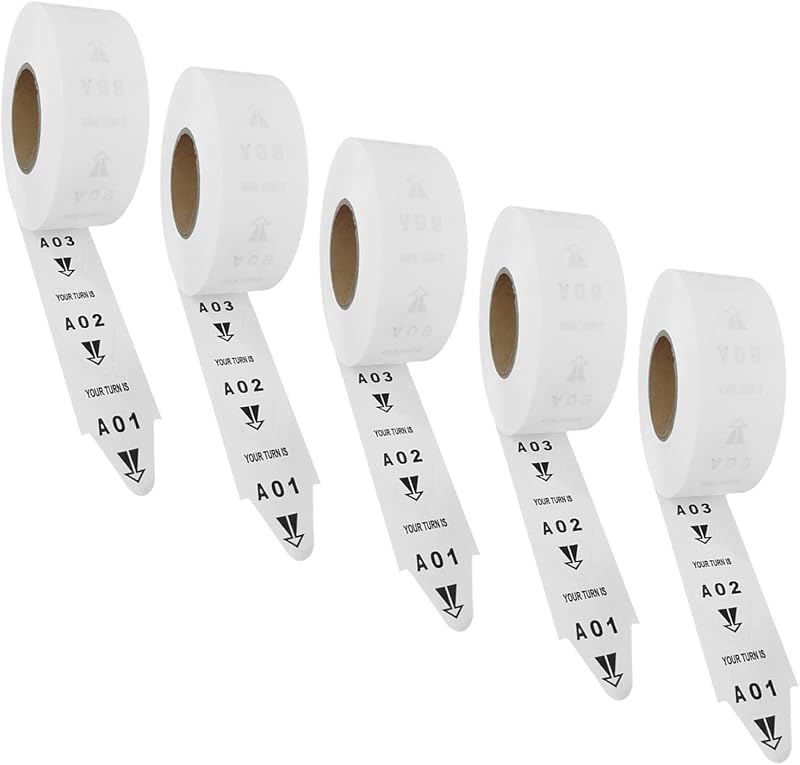
Product description Let the KOQICALL Queue Management System Make Your Waiting Experience Easy ! Restaurant, cafe, food court, deli, meat counter, bakery, food truckHospital, doctor office, pharmacy, dental clinicDMV, license office, government service counter & all walk-in queue managementBank, retail shop, salon, mall, hotel lobby, church nursery, school, post office, community center Reduce the stress of uncertain queuing Not sure how to use this queue system? Don't worry—let's look at two examples 1. Restaurant Application Example Customer orders and waits with a numbered ticket → the meal is ready → the staff presses the NEXT button to call the customer → The customer proceeds to pick up their order upon receiving the prompt. 2. Clinic Application Example Patient goes to the front desk to take a number and waits → it's a patient's turn → the doctor presses the NEXT button to call the patient → the patient goes to the doctor room after seeing or hearing their number. Remote Control is a Helper for the Number Display Quick ON/OFF Switch While the display doesn't have a one-touch ON/OFF key and can only be switched on/off by plugging and unplugging the adapter, the remote control solves this problem nicely.NOTE: When using the remote control, please aim at the sensing area on the upper right of the screen within a range of 5 meters. 3-Keys Last / Next / Recall Instead of the NEXT button, the remote control can be used to call the previous/next number, or to re-call a number for more functionality.In standby mode, any number up to 999 can be called from the remote control. Just enter the number you want to call and press ENT key, such as number 150. Two Installation Ways Open the bracket on the back of the display to easily stand it on a tabletop, such as bar counter, service window, reception desk.If you want to mount the display on the wall, remove the bracket on the back and install it with the included screws. One-to-One Correspondence The ticket dispenser has the same number range from 000 to 999 as the display, the numbers of the two are one-to-one.If you set the start number and end number of the display according to the actual need, you only need to use part of the number of the ticket roll. Two Methods for Quick Zeroing In standby, press the UP+DOWN keys on the display at the same timePress RESET/ENT key 3 times in succession and RESET will be showed on the screen Adjust Volume Easily Press the Up and Down keys when "- - -" is displayed in standby (No MUTE Support)Adjust the volume with the knob or the F6-E4 function (MUTE Support) Dual-Layer Screen Protector The outer layer is blue and the inner one is transparentTo protect the display from scratches in transit, the protective film will not be removed Queue Ticket Replacement This set includes only one roll of 2,000 tickets, consisting of two sets numbered 000 - 999If you need more pull ticket, please go to the shop to buy More KOQICALL Queue Calling System Available KOQICALL Q13+O3-N+K-T Add to Cart KOQICALL Q12+O1-N Add to Cart KOQICALL 302+O1-N+TP1 Add to Cart KOQICALL 999+Q13 Add to Cart KOQICALL 999+Q13+TP1 Add to Cart KOQICALL 999+Q23 Add to Cart KOQICALL D100+O1+TDS Add to Cart Customer Reviews 4.2 out of 5 stars 3 4.0 out of 5 stars 38 — 3.8 out of 5 stars 31 2.6 out of 5 stars 2 3.8 out of 5 stars 31 3.8 out of 5 stars 9 Price $127.99$127.99 $99.59$99.59 $222.50$222.50 $119.59$119.59 $189.99$189.99 $202.99$202.99 $149.35$149.35 Wireless ✔ ✔ ✔ ✔ ✔ ✔ ✔ Capacity 999 99 999 999 999 999 999 Material Plastic Plastic Plastic+Metal Plastic Plastic Plastic Plastic+Metal Power-off Memory Fuction ✔ ✔ ✔ ✘ ✘ ✘ ✔ Disp lay Size 11.42x6.1x1.58 in 11.42x6.1x1.58 in 12.6x5.91x1.42 in 11.42x6.1x1.58 in 11.42x6.1x1.58 in 11.42x6.1x1.58 in 15.16x7.48x1.38 in Digital Tube Size 3.94x1.65 in 3.94x1.65 in 4.33x1.89 in 3.94x1.65 in 3.94x1.65 in 1.77x0.98 in 4.3x2.8 in Does the receiver have both voice broadcast and digital display functions? Yes, by default the receiver will display the number and broadcast “Number XXX”, you can also adjust it to “Please number xxx go to counter” or just “ding-dong” tone in F6-E1 function. If the call goes to the number 50 today, can we start at 51 tomorrow? Yes, our displays have a power-off memory function, so if you call to number 50 before power-off, the number will automatically pick up from 51 when the display is switched on again. You can choose whether or not to switch this on in "SAVE" function. Can a display be used with multiple NEXT call buttons? Yes, NEXT buttons and displays can be flexibly paired one-to-many, many-to-one, or even many-to-many to meet the quantity requirements of different queuing situations. I may not need 999 numbers, can I just call numbers in the 000-150 range? Yes, You can set the start and end numbers on the display to limit the range of queue numbers to be called. In this case, the ticket roll only needs to use queue numbers in the range 0-150. Do I need to replace the battery? The NEXT button
Agregás al carrito
Sumás este y otros productos que querés traer.
Cotizás el envío
Calculamos flete aéreo y aranceles a Argentina.
Confirmás y pagás
Online con tarjeta, o por transferencia, con el total final a la vista.
Lo recibís en casa
Seguimiento en tiempo real. El despacho lo hacemos nosotros.
De la misma marca, empezando por lo más reseñado
Los mejor puntuados del mismo tipo de producto