Cargando el producto…

Precio de origen
$ 50.921
$ 83.496
+ flete e impuestos
Compra protegida
Puerta a puerta
Gestión aduanera
Tu compra, acompañada de principio a fin
Todo esto está en los Términos y Condiciones. Leerlos
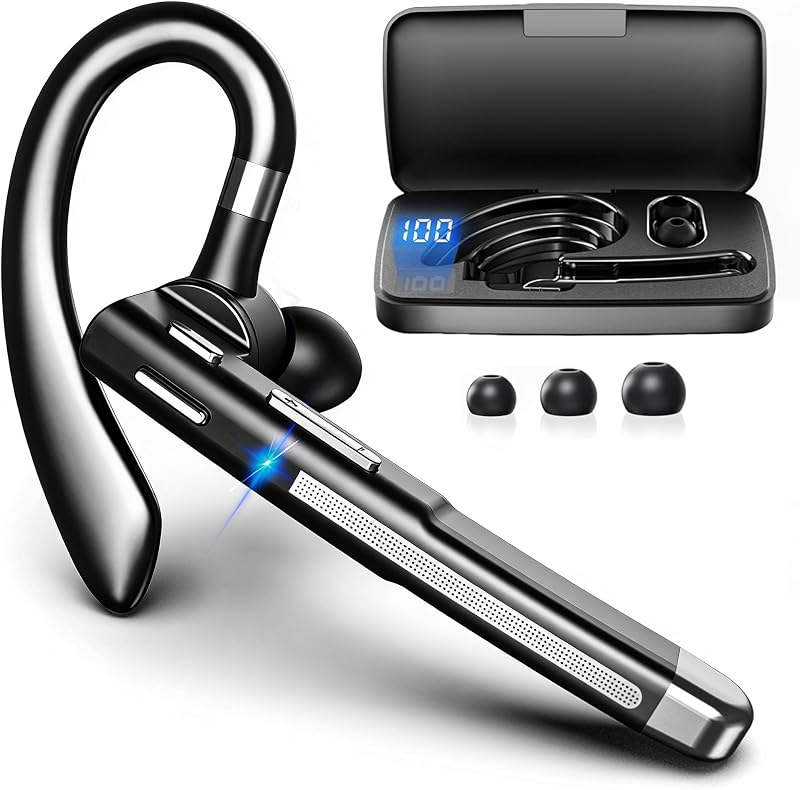
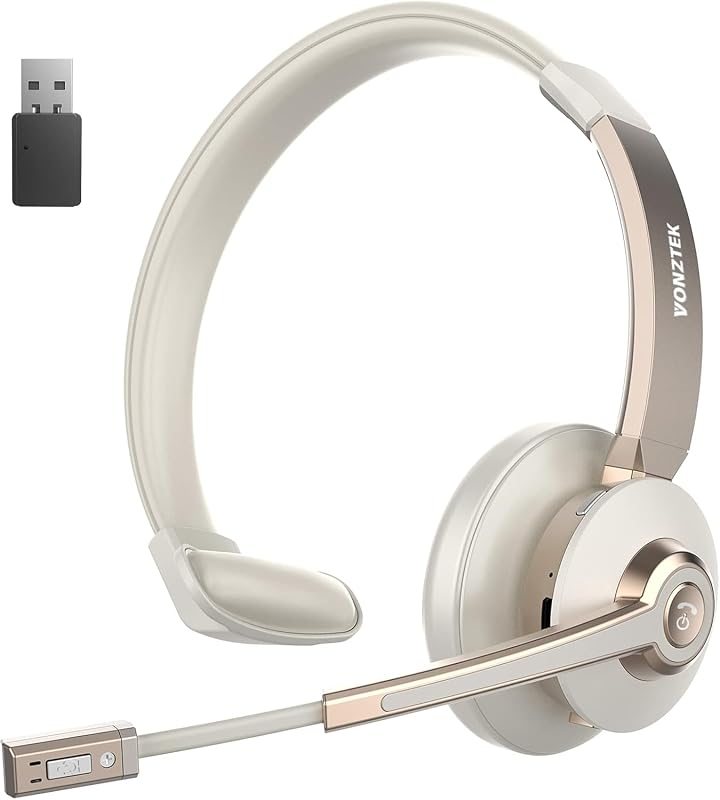
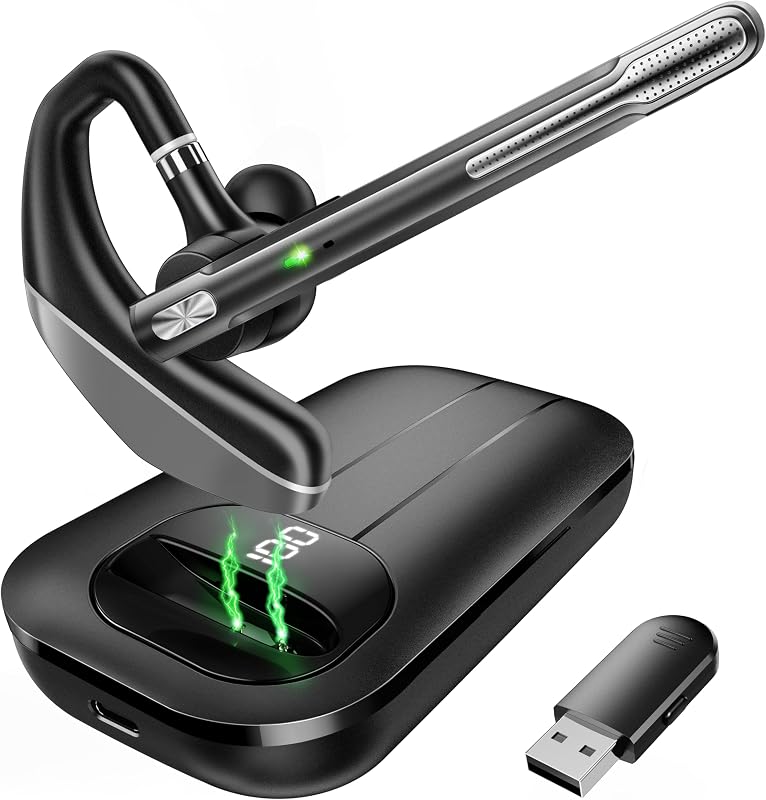
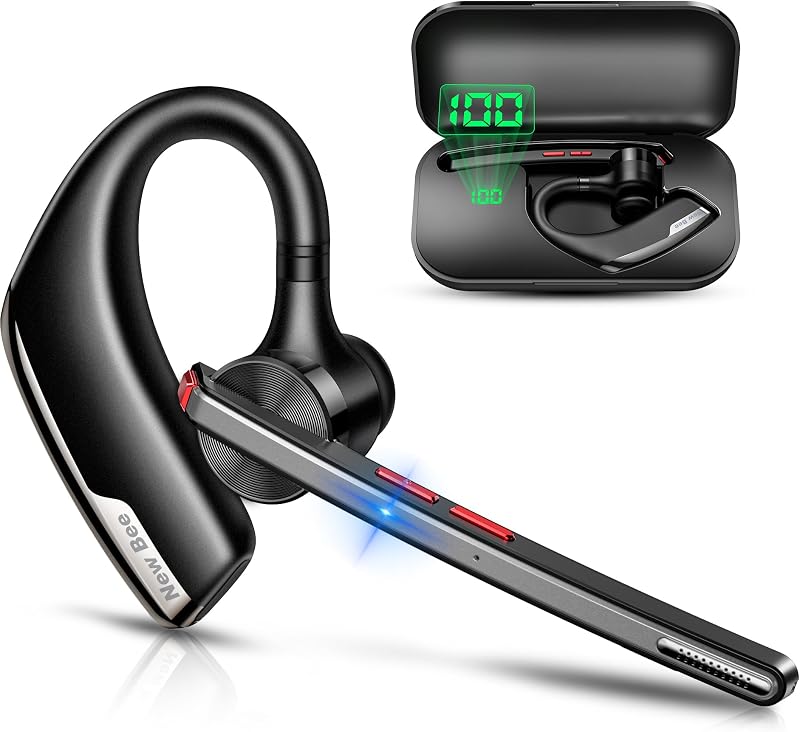
Descripción del producto Página anterior Página siguiente Página anterior Página siguiente Página anterior Página siguiente Página anterior Página siguiente Número de modelo H6 Paquete incluido 1* auricular Bluetooth, 1* dongle USB, 1* cable de carga tipo C, 1* manual de usuario QA 1 P: ¿Cómo conectarse con el auricular H6 y el dispositivo Bluetooth? R: 1) Mantenga presionado el botón de encendido durante 2 segundos para encender el auricular. 2) Active Bluetooth en su dispositivo y busque conexiones Bluetooth cercanas. 3) Busque "H6" en los resultados de la búsqueda. Toque el nombre para conectarse. Pregunta 2 P: No puedo contestar llamadas a través del auricular cuando se conecta a la computadora. R: El auricular MFB solo funciona en llamadas de teléfonos móviles, no es compatible con computadoras en llamadas de voz o aplicaciones sociales. Debe atender las llamadas en su computadora y luego hablar a través del auricular. Pregunta 3 P: ¿Qué debo hacer si no hay sonido cuando los auriculares están conectados a la computadora? R: 1) Asegúrese de que sus auriculares estén conectados a la computadora mediante Dongle o Bluetooth. 2) Verifique la configuración de sonido tanto de la computadora como del software para asegurarse de que [H6] esté seleccionado como dispositivo de entrada y salida predeterminado. Pregunta 4 P: ¿Cómo uso la función de silencio del auricular durante una llamada o reunión en línea? R: La función de silencio solo funciona durante las llamadas. Durante una llamada o reunión en línea. Presione el botón de silencio para silenciar el micrófono del auricular. Presione nuevamente para reactivar el sonido. Nota: Es posible que la función de silencio no esté disponible para llamadas telefónicas en la computadora o ciertas aplicaciones. Pregunta 5 P: ¿Pueden los auriculares conectar varios dispositivos al mismo tiempo? R: Los auriculares se pueden conectar a dos dispositivos al mismo tiempo. Pero sólo un dispositivo puede reproducir música a la vez. Para reproducir música desde un dispositivo, debe pausar o apagar la música desde otro dispositivo. Pregunta 6 P: ¿Por qué no puedo escuchar la voz de la persona que llama cuando hago una llamada con los auriculares conectados y les resulta difícil escucharme? R: Debido a que el audio de algunos teléfonos móviles se selecciona de forma predeterminada durante una llamada, confirme la selección de Audio [H6] en la interfaz de llamada después de responder la llamada. Pregunta 7 P: ¿Cómo volver a conectarme y qué hacer si falla la reconexión? R: Cuando el H6 se conecta exitosamente a su teléfono por primera vez, buscará y volverá a conectar automáticamente el dispositivo emparejado después de encenderlo. Si falla, vuelva a emparejar y conectar. H6 puede volver a conectarse en 10 minutos, si se apaga durante más de 10 minutos. Pregunta 8 P: Si hay un problema de conexión u otros problemas, ¿qué debo hacer? R: Intente presionar y mantener presionado el botón "MFB" durante aproximadamente 10 segundos y el auricular se restablecerá y reiniciará. Pregunta 9 P: ¿Cómo puedo buscar ayuda con problemas posventa de productos? R: Weihele admite un reemplazo de 12 meses. Cuéntanos tu problema directamente en la plataforma de Amazon a través del número de pedido.
Agregás al carrito
Sumás este y otros productos que querés traer.
Cotizás el envío
Calculamos flete aéreo y aranceles a Argentina.
Confirmás y pagás
Online con tarjeta, o por transferencia, con el total final a la vista.
Lo recibís en casa
Seguimiento en tiempo real. El despacho lo hacemos nosotros.
Lo que suele llevarse para tu celular · un solo envío para todo
Los mejor puntuados del mismo tipo de producto
Mismo tipo de producto y precio parecido

![AINOPE Cable tipo C [paquete de 2, 6.6 pies] Cargador tipo C 3.1A Carga rápida en ángulo recto, cargador S9 trenzado de nailon resistente compatible con Galaxy S10 S9 Plus S21, Note 10 9 LG, cable USB C](https://m.media-amazon.com/images/I/81OQft0vzkL._AC_SL800_.jpg)

![Syncwire Soporte de anillo para teléfono celular [paquete de 2], soporte de anillo de dedo con rotación de 360 grados con agarre de metal pulido para soporte magnético para automóvil compatible con iPhone, Samsung, LG, Sony, HTC | Rotación de 360°, tamaño mini, totalmente metálico, adhesivo fuerte, soporte para anillo de dedo, para teléfonos inteligentes](https://m.media-amazon.com/images/I/61rzsM-OVbL._AC_SL800_.jpg)