Cargando el producto…

Precio de origen
$ 72.500
+ flete e impuestos
Compra protegida
Puerta a puerta
Gestión aduanera
Tu compra, acompañada de principio a fin
Todo esto está en los Términos y Condiciones. Leerlos
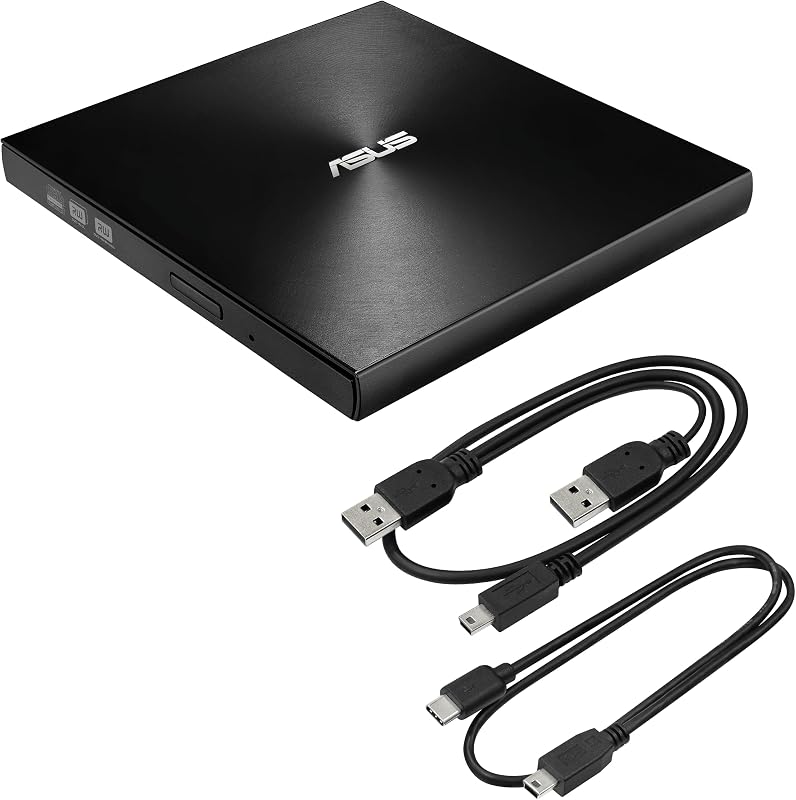
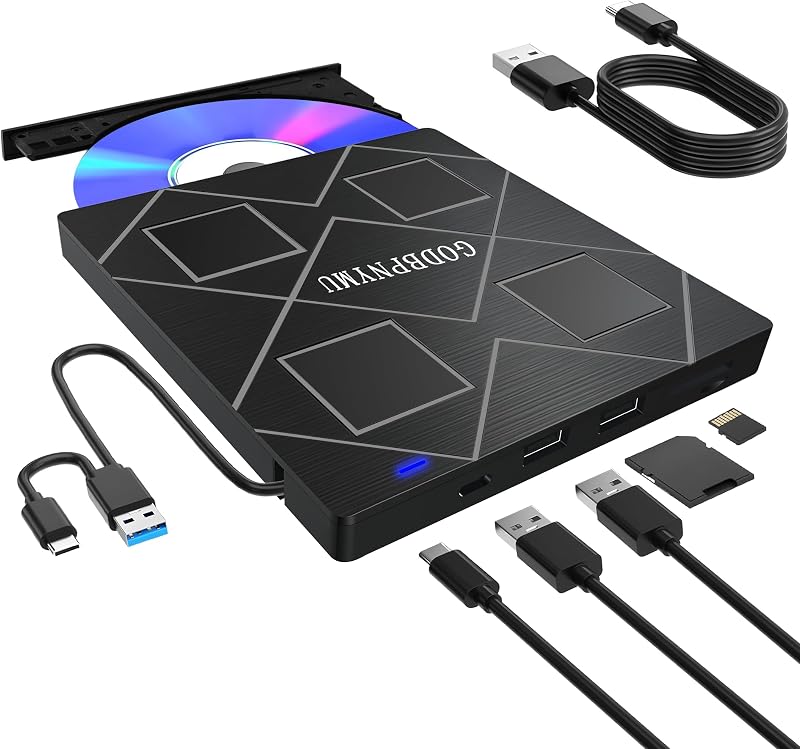
Descripción del producto USB C USB 3.0 Tipo C Unidad portátil DVD CD VCD Unidad externa para MacBook Air MacBook Pro iMac Ultrabook Netbook PC SuperDrive Con unidad de dvd cd externa portátil VikTck, grabadora, grabadora, puede disfrutar de películas, música, discos de grabación y más. La nueva unidad de DVD 100% de alta calidad tiene un rendimiento de trabajo de mesa y una larga vida útil Características: Unidad de CD DVD externa portátil delgada/grabadora/grabadora/reescritora/reproductor Hermoso cuerpo de aleación de aluminio, interfaz USB-C plateada 2. Enchufe el adaptador USB C o USB A en el puerto USB de su Mac.(Nota: No se puede conectar al ordenador a través de un concentrador USB o un cable de extensión.) 3. Inserte el disco cd/dvd que desea leer en el producto y espere unos 5 a 10 segundos para el almacenamiento en caché.(Debido a la cuestión de si el ordenador es viejo o nuevo y el tamaño del contenido del disco, el tiempo de caché de lectura se extenderá hasta cierto punto). Su MAC reconocerá la unidad, el icono del disco se mostrará en su 6. Para expulsar el disco del sistema operativo Mac, debido a las limitaciones del sistema Mac, los botones en la parte frontal del producto no están disponibles. El disco debe expulsarse a través de los comandos del sistema Mac. Haga clic con el botón derecho en el icono del CD-ROM en el escritorio y seleccione Pop, o haga clic en el icono del Triángulo en la esquina superior derecha del escritorio para hacer pop. Nota: Si el contenido del CD no se puede leer en un ordenador MAC, no se puede expulsar a través de la operación del sistema de escritorio. La unidad -- Cómo usarlo en el sistema operativo Windows: por ejemplo:se usa para portátiles con Windows, ASUS, Lenovo, HP, LG, Thinkpad y PC de escritorio, etc. ** Lectura y reproducción de CD/DVD: 1. Enchufe el adaptador USB C o USB A en el puerto USB de su portátil (Nota: no se puede conectar al ordenador a través de un concentrador USB o un cable de extensión). Conecte la unidad con el puerto USB detrás del host del ordenador si utiliza un ordenador de sobremesa. 2. Su ordenador reconocerá la unidad. Puede ver el icono "Unidad de DVD RW" en "Mi PC" en
Agregás al carrito
Sumás este y otros productos que querés traer.
Cotizás el envío
Calculamos flete aéreo y aranceles a Argentina.
Confirmás y pagás
Online con tarjeta, o por transferencia, con el total final a la vista.
Lo recibís en casa
Seguimiento en tiempo real. El despacho lo hacemos nosotros.
Lo que suele llevarse para tu notebook · un solo envío para todo
Los mejor puntuados del mismo tipo de producto