
Cargando el producto…

Precio de origen
$ 74.440
$ 84.260
+ flete e impuestos
Compra protegida
Puerta a puerta
Gestión aduanera
Tu compra, acompañada de principio a fin
Todo esto está en los Términos y Condiciones. Leerlos
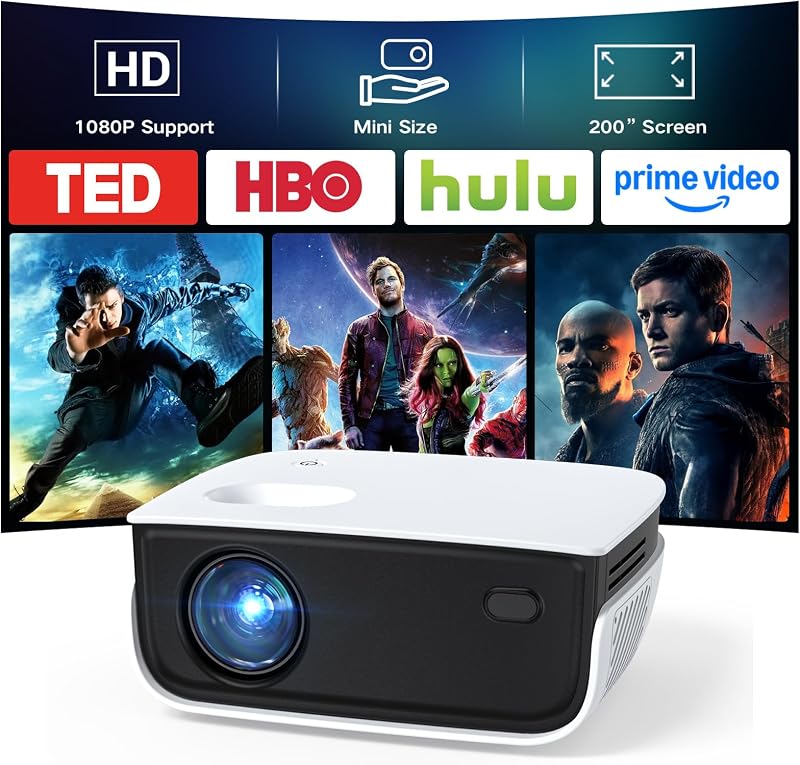
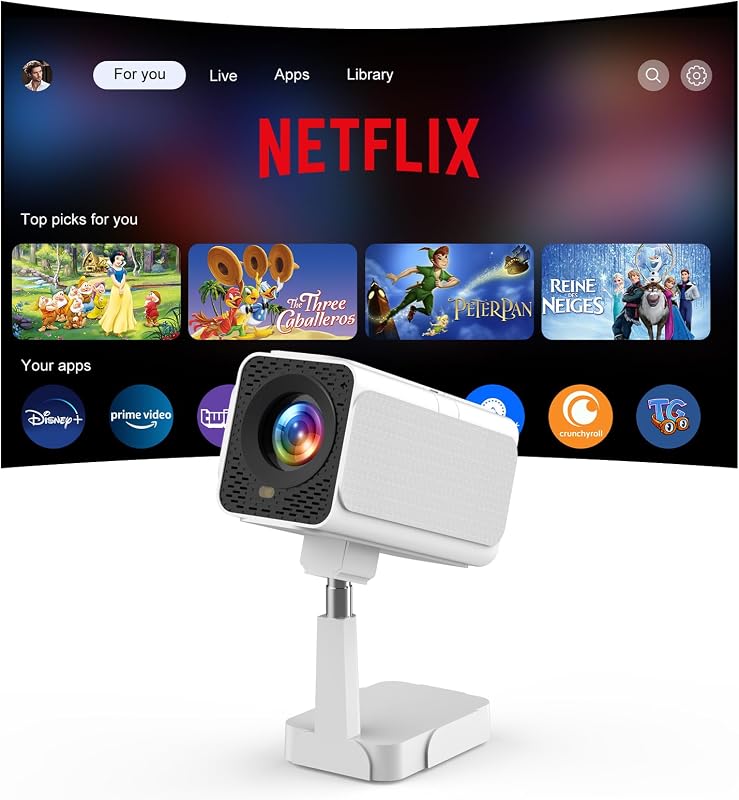
Descripción del producto Diversión en pantalla grande en tamaño mini El mini proyector Yoton Y3 mide solo 5,11" × 4,13" × 1,96", compacto como un teléfono inteligente y fácil de transportar. Ideal para dormitorios, dormitorios, campamentos, viajes en vehículos recreativos y películas para niños. *Nota: Se utiliza mejor en una habitación oscura con una pared o pantalla blanca. ¿Necesita una pantalla? Comuníquese con el soporte técnico de Yoton. Página anterior Página siguiente 1 Rotación de 360° 2 Pantalla de 100" 3 Ajuste de imagen sencillo Fácil Configuración por cable para usuarios de iPhone Utilice este mini proyector para iPhone con un solo cable para una fácil visualización en pantalla grande. *Asegúrese de que su cable admita la transferencia de datos para duplicar la pantalla. Los cables de solo carga pueden mostrar "Cargando", pero no pueden admitir proyección o conexión de video. Compatible con dispositivos Android compatibles mediante conexión por cable o inalámbrica. Debido a los diferentes modelos de Android, los métodos de conexión pueden variar. Confirme que su dispositivo admite la duplicación de pantalla. Si necesita ayuda, no dude en ponerse en contacto con el equipo de soporte de Yoton. Página anterior Página siguiente 1 Conéctese a dispositivos de TV 2 Compatibilidad 3 Versatilidad Yoton: creación de su cine en casa móvil Yoton se dedica al entretenimiento en el hogar asequible. El mini proyector Y3, mejorado mediante el uso en el mundo real, le ayuda a crear fácilmente un mini cine en casa para películas, series y disfrute familiar, a un nivel económico. Consejos útiles antes de comenzar ¿Puedo usarlo durante el día? El mini proyector Y3 funciona mejor en ambientes oscuros o con poca luz. Para obtener imágenes más claras, utilícelas en condiciones de poca luz. ¿Cómo puedo obtener un mejor audio? Conecte altavoces o auriculares externos mediante un cable de audio de 3,5 mm. (*Bluetooth no es compatible) ¿Por qué el teléfono no transmite aplicaciones? Debido a las restricciones de derechos de autor de HDCP, algunas aplicaciones de transmisión no se pueden reflejar desde su teléfono. Para la reproducción en streaming, conecte un dispositivo de TV o una computadora. Las aplicaciones sin límites HDCP, como YouTube, aún pueden reproducirse normalmente. ¿Cómo conseguir la mejor imagen? 1. Utilice la distancia de proyección adecuada (se recomienda entre 24 y 118 pulgadas; una distancia más corta proporciona una imagen más clara). 2. Ajuste la rueda de enfoque manualmente. ¿Por qué no funciona el cable del iPhone? Sólo se pueden proyectar cables con función de transferencia de datos. Los cables de solo carga mostrarán "Cargando" pero no se conectarán. ¿Por qué no se conecta Android? Si utiliza un adaptador HDMI, asegúrese de que su teléfono Android admita salida HDMI. (*Los modelos incompatibles conocidos incluyen algunas series Samsung Flip/A/J/M, Huawei, Xiaomi, Redmi, OnePlus, Google, etc.) Para estos dispositivos Android incompatibles, utilice un adaptador inalámbrico adicional.
Agregás al carrito
Sumás este y otros productos que querés traer.
Cotizás el envío
Calculamos flete aéreo y aranceles a Argentina.
Confirmás y pagás
Online con tarjeta, o por transferencia, con el total final a la vista.
Lo recibís en casa
Seguimiento en tiempo real. El despacho lo hacemos nosotros.
Lo que suele llevarse para tu celular · un solo envío para todo
Los mejor puntuados del mismo tipo de producto
Mismo tipo de producto y precio parecido












![[Aplicación incorporada y actualizada a 2026] Mini proyector con WiFi 6 y Bluetooth 5.4 | Soporte 4K 1080P Auto Keystone Proyector giratorio de 180° portátil Compatible con HDMI/TV Stick/Memory Stick/Laptop, Negro](https://m.media-amazon.com/images/I/71u7lkO6k+L._AC_SL800_.jpg)

![Mini Proyector, Proyector Inteligente portátil 4K WiFi 6 BT 5.4 [Aplicación Incorporada] | Keystone automático, proyector de películas compatible con HDMI/USB/TV Stick/Smartphone/Laptop/PS5 Home Theatre Rotación de 180° Blanco](https://m.media-amazon.com/images/I/71U0ezDt70L._AC_SL800_.jpg)
